• Which the release of FS2020 we see an explosition of activity on the forun and of course we are very happy to see this. But having all questions about FS2020 in one forum becomes a bit messy. So therefore we would like to ask you all to use the following guidelines when posting your questions:

    • Tag FS2020 specific questions with the MSFS2020 tag.
    • Questions about making 3D assets can be posted in the 3D asset design forum. Either post them in the subforum of the modelling tool you use or in the general forum if they are general.
    • Questions about aircraft design can be posted in the Aircraft design forum
    • Questions about airport design can be posted in the FS2020 airport design forum. Once airport development tools have been updated for FS2020 you can post tool speciifc questions in the subforums of those tools as well of course.
    • Questions about terrain design can be posted in the FS2020 terrain design forum.
    • Questions about SimConnect can be posted in the SimConnect forum.

    Any other question that is not specific to an aspect of development or tool can be posted in the General chat forum.

    By following these guidelines we make sure that the forums remain easy to read for everybody and also that the right people can find your post to answer it.

Alpha images in sbuilderx

Messages
226
Country
indonesia
I want to create a background images from sbuilderx using an alpha images masking but got problem, here's my images from sbuilderx:

alpha_error_1.jpg


then I create an alpha blend masking to remove a water texture and I use #000000 for black and #FFFFFF for white.
alpha_error_2.jpg


save and recompile from sbuilderx, got this results:
alpha_error_3.jpg


how to make a black alpha masking to be transparant? or maybe I am in wrong technique?

Thanks,
Budi
 
Last edited:
Hello Budi,

Please forgive me for being so vague but I am sure that it is possible to make what you are after with SBuilderX. Therefore, double check your design process. I wonder if you got Luis Feliz Tirado tutorial about making photo real scenery with SBuilderX. A critical point is the name (and the format) of the alpah mask file. If it is not what SBuilderX expects, it will not be recognized as such (as it seems to be the case in your situation).

By the way, if you filter your "ON/OFF" mask to have a gradient between black and white, you could make a smoother transition between your photo and the default landclass.

Please tell us if you are able to solve the problem,

Kind Regards,

Luis
 
Ok thanks guys, problem solved.
it should be TIF format, not BMP :(

alpha_error_4.jpg


but, how to remove an original/ default terrain? can I add hydro ocean from sbuilderx.

alpha_error_5.jpg
 
I don't know about a "huge" wave, but you can add waves using Lines and Wave Effect - No Texture, #387. I don't recall the direction that the line needs to be drawn, so that the wave heads towards land. But a little trial and error can clear that up for you.
 
The old terrain.cfg fix has Texture #387:

http://www.fsdeveloper.com/forum/showthread.php?t=3290&highlight=terrain.cfg

Note using this can affect other addons, so read the manuals, and backup your current terrain.cfg file by renaming terrain.last, or somer other name.

You may already have this installed... just open the terrain.cfg in a text editor and read it:

Code:
//------------------------------------------------------------------------
//This modified FS X terrain.cfg is the result of discussions among
// various scenery designers during testing of Flight Simulator X.
// The modifications are the work of
// Richard Ludowise and Luis Féliz-Tirado.
// November 2006
//------------------------------------------------------------------------
// Modifications include the following:

...is how it starts.

Dick
 
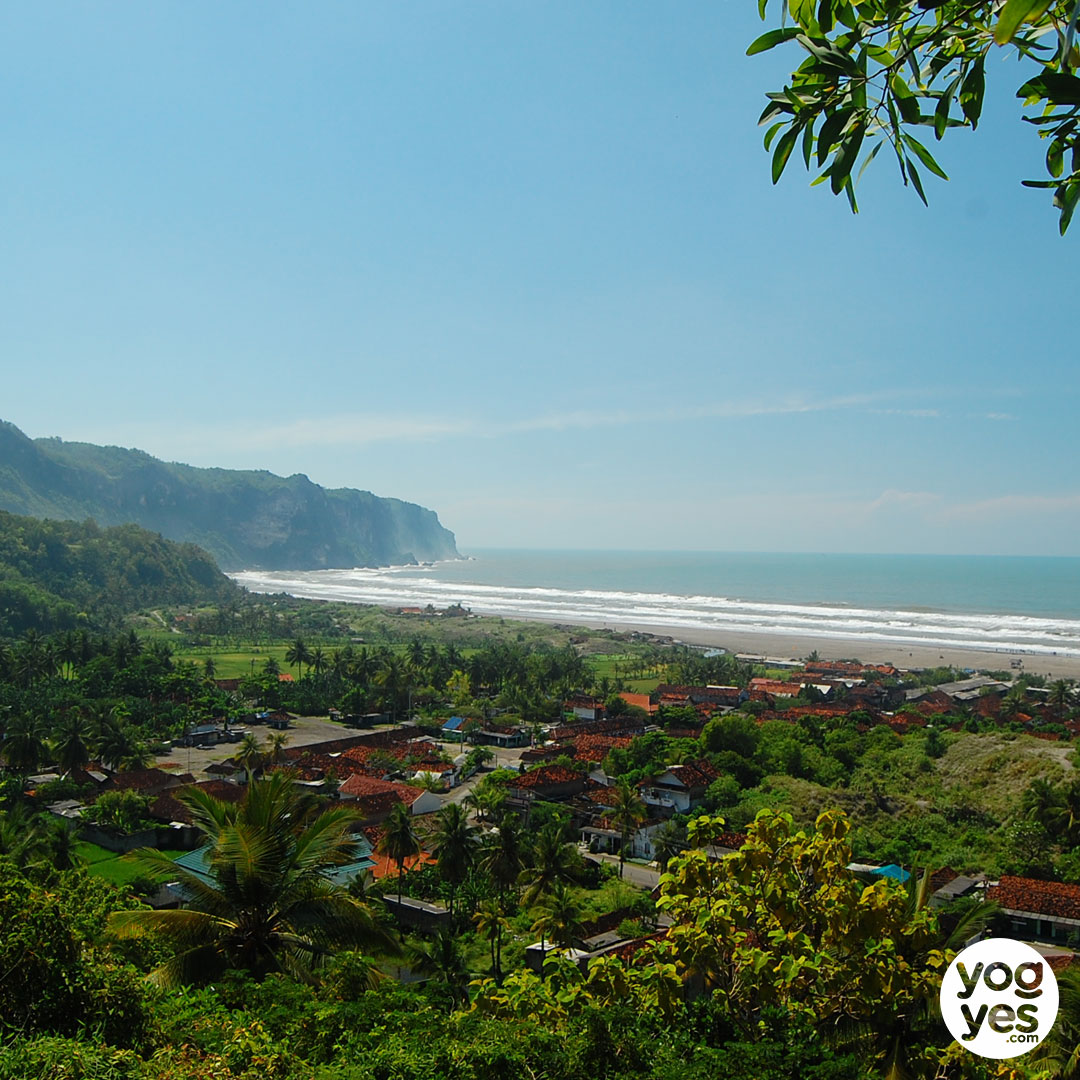
yup, wave like a tsunami... but, a littlebit than tsunami, I want to set far a way from beach.

parangtritis-04.jpg


and something like this, a lot of wave...

Parangtritis-3.jpg
 
Back
Top