

- Messages
- 1,823
- Country

I am trying to use texture images in MSFS Standard material in Blender for MSFS2020.
I 'apply' relevant image files for Color, Roughness and Normal but the overall color shown in MSFS2020 is far too light for my preference.
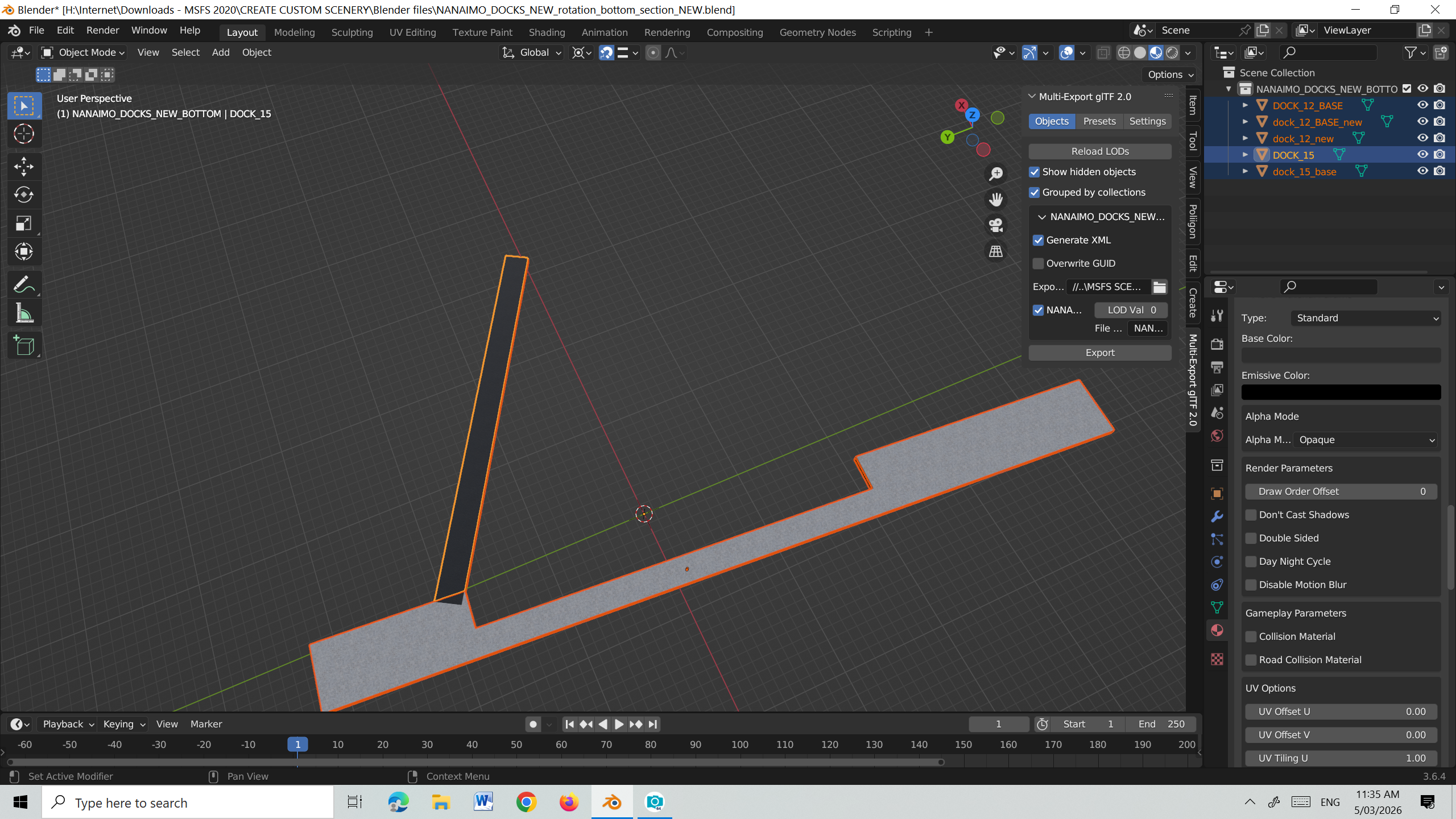
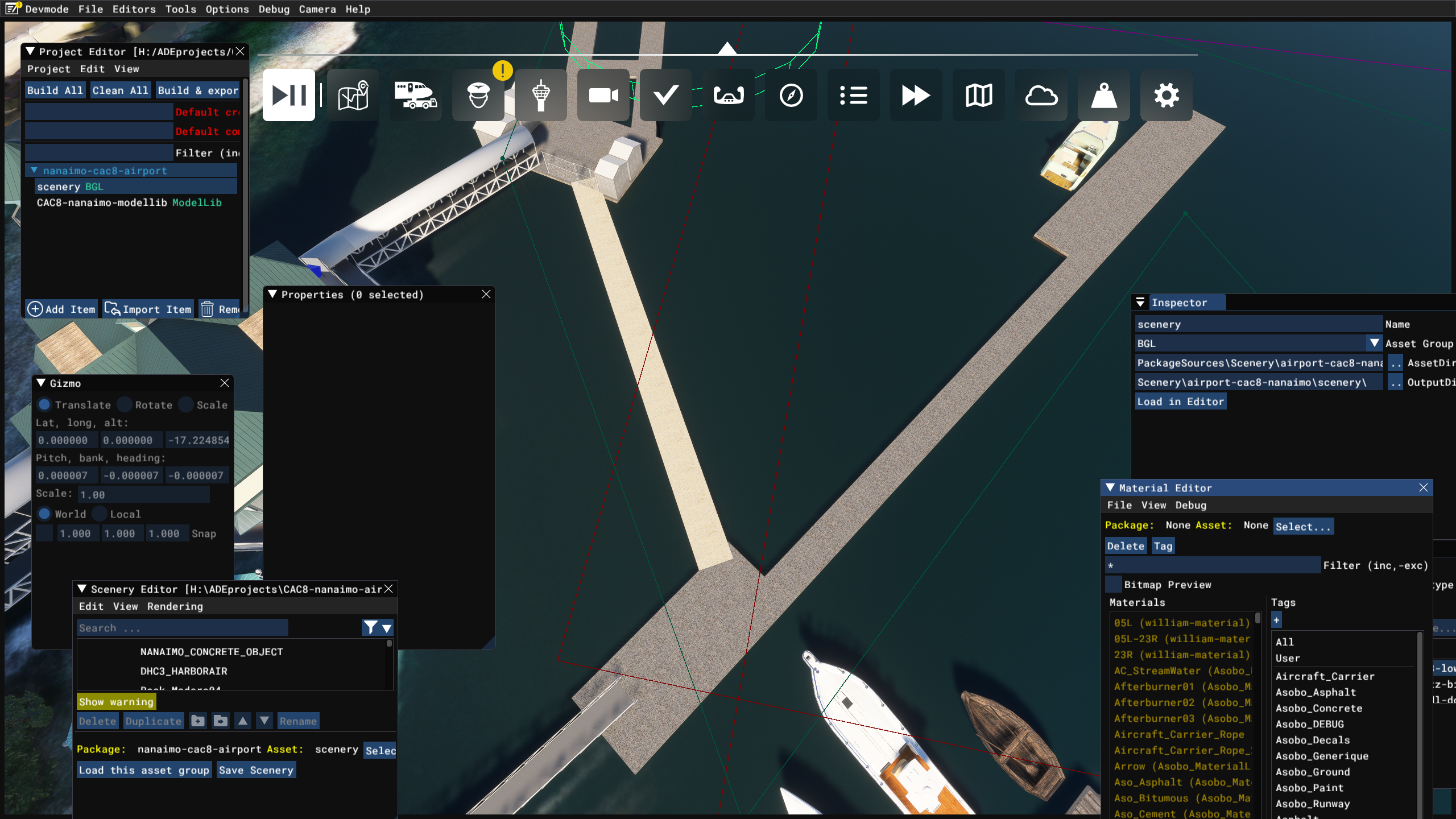
I then use the Base Color slider in an attempt to darken the result in MSFS2020 but it doesn't seem to have any effect - see images below of Blender and result in MSFS2020. Is there another 'setting' in Blender I should be using?
I 'apply' relevant image files for Color, Roughness and Normal but the overall color shown in MSFS2020 is far too light for my preference.
I then use the Base Color slider in an attempt to darken the result in MSFS2020 but it doesn't seem to have any effect - see images below of Blender and result in MSFS2020. Is there another 'setting' in Blender I should be using?