• Which the release of FS2020 we see an explosition of activity on the forun and of course we are very happy to see this. But having all questions about FS2020 in one forum becomes a bit messy. So therefore we would like to ask you all to use the following guidelines when posting your questions:

    • Tag FS2020 specific questions with the MSFS2020 tag.
    • Questions about making 3D assets can be posted in the 3D asset design forum. Either post them in the subforum of the modelling tool you use or in the general forum if they are general.
    • Questions about aircraft design can be posted in the Aircraft design forum
    • Questions about airport design can be posted in the FS2020 airport design forum. Once airport development tools have been updated for FS2020 you can post tool speciifc questions in the subforums of those tools as well of course.
    • Questions about terrain design can be posted in the FS2020 terrain design forum.
    • Questions about SimConnect can be posted in the SimConnect forum.

    Any other question that is not specific to an aspect of development or tool can be posted in the General chat forum.

    By following these guidelines we make sure that the forums remain easy to read for everybody and also that the right people can find your post to answer it.

MSFS20 Detail Color Map refuses to align...

Messages
1,040
Country
ca-ontario
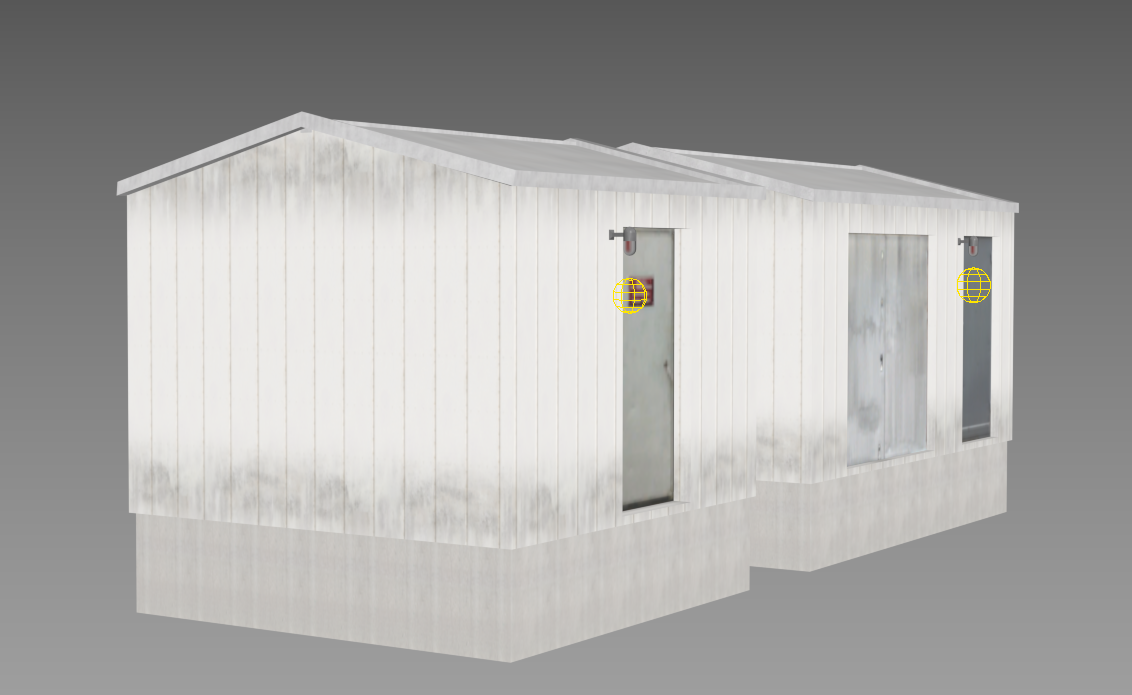
This has been driving me nuts! I am using 3DS MAX to model some simple buildings , and using PBR textures. Sometimes (and I emphasize that), a detail color texture I use for dirt smudges at the bottom of building siding simply refuse to place correctly in the sim. They look correct in 3DS MAX, and I am just adjusting parameters as given in the MSFS2020 material editor, not using anything weird.

Here is what it looks like inside 3DS MAX:
1729462271389.png


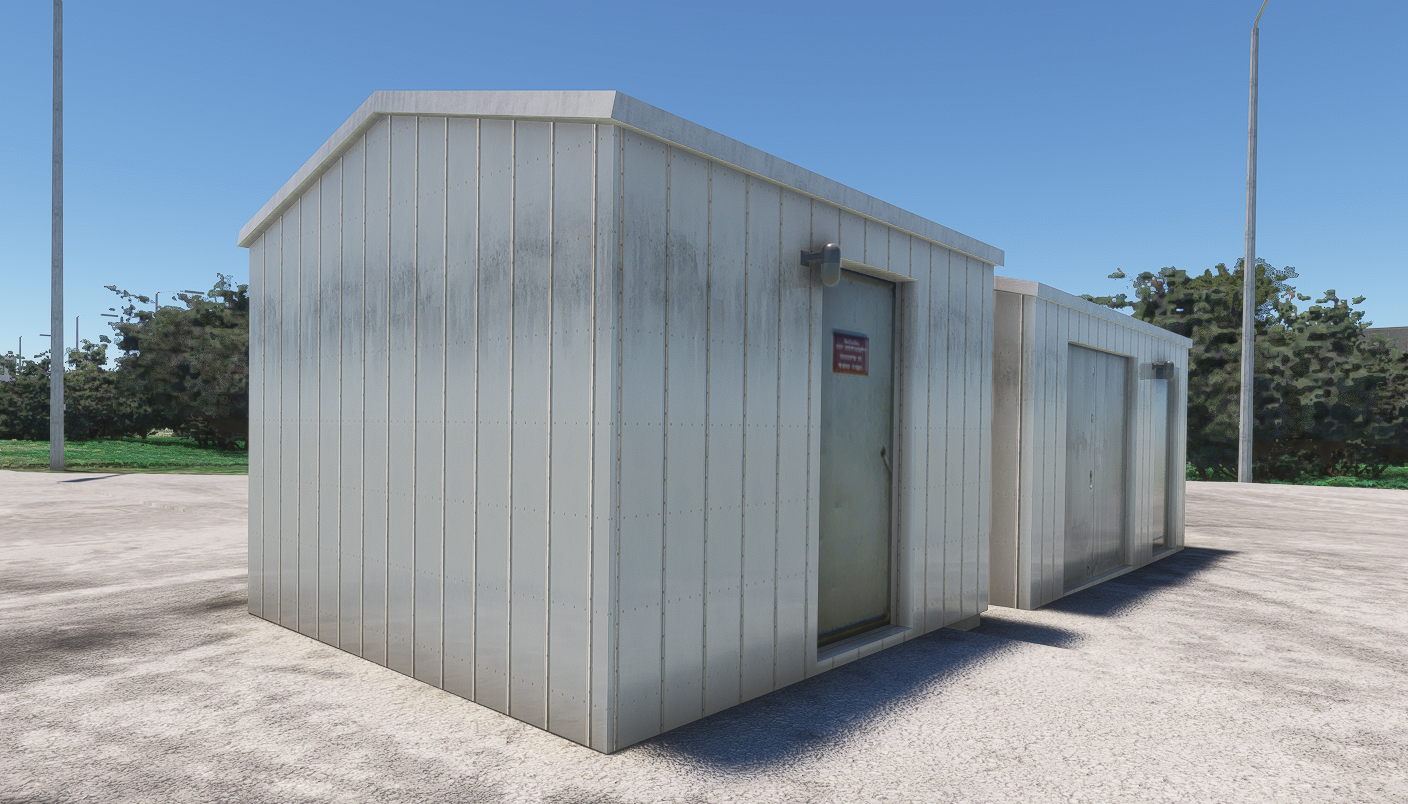
And this is what I get in the sim:

1729462331076.png


You can see how the dirt smudge that I want at the bottom of the siding is 2/3rds up the wall.

I checked, I have no scaling, I re-set transform, all s very very simple... it is just that I cannot get this going, for whatever reason. Any ideas?
 
It would probably be better to duplicate the mesh and use a Decal texture. That mesh would have it's own UV,
 
It would probably be better to duplicate the mesh and use a Decal texture. That mesh would have it's own UV,
Thanks - I tried working with decal geometry and that has its own bag of problems. I simply cannot get it to stop z-fighting with underlying mesh, and I checked and double checked everything (z-index ordering and stuff). I resorted to giving it a small offset from the underlying mesh, and use it sparingly.
 
It's possible you've moved your texture outside the 1,1 UV range, Asobo has a much stricter tolerance for UV space multiplication than does 3ds Max.

0,0.png
UV higher.png
 
Yes, with Decals, you need to duplicate the mesh to be decaled, and offset it a bit, Asobo and Microsoft do it this way as well.
 
Solved!

After a bit of looking into it, it turns out that the U offset on the detail map must not be 0. There is probably some internal calculation that does not take into account the zero condition. Ah, those lazy devs :)

1729605660278.png


that would explain the randomness of the occurrence, where sometimes I would move U offsets, and it would work.

Thanks everyone for chiming in, I'm glad it was something so simple!
 
Last edited:
I wonder if that problem is the exporter, or if the sim misreads the gltf.
 
Back
Top