• Which the release of FS2020 we see an explosition of activity on the forun and of course we are very happy to see this. But having all questions about FS2020 in one forum becomes a bit messy. So therefore we would like to ask you all to use the following guidelines when posting your questions:

    • Tag FS2020 specific questions with the MSFS2020 tag.
    • Questions about making 3D assets can be posted in the 3D asset design forum. Either post them in the subforum of the modelling tool you use or in the general forum if they are general.
    • Questions about aircraft design can be posted in the Aircraft design forum
    • Questions about airport design can be posted in the FS2020 airport design forum. Once airport development tools have been updated for FS2020 you can post tool speciifc questions in the subforums of those tools as well of course.
    • Questions about terrain design can be posted in the FS2020 terrain design forum.
    • Questions about SimConnect can be posted in the SimConnect forum.

    Any other question that is not specific to an aspect of development or tool can be posted in the General chat forum.

    By following these guidelines we make sure that the forums remain easy to read for everybody and also that the right people can find your post to answer it.

GMAX OpenGL rendering issues

Messages
12
Country
unitedstates
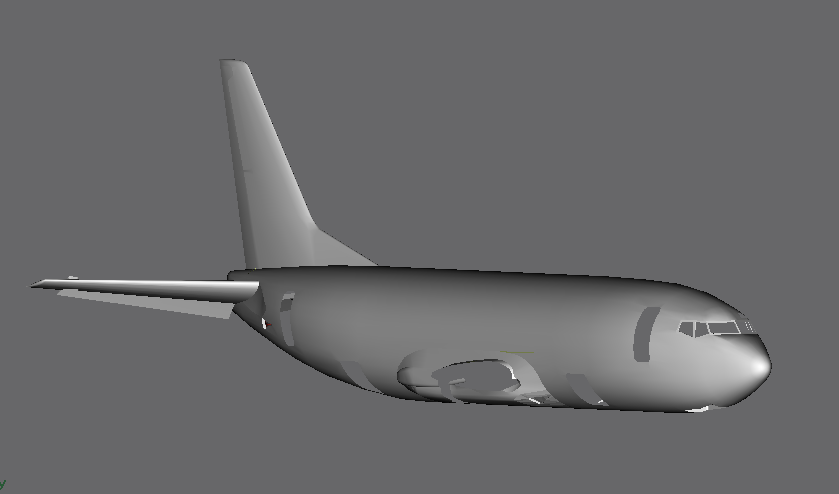
I have an issue with GMax refusing to render the textures onto a model. All that displays is a white that is similar to a model with 24-bit textures in FS. I have tried the HEIDI and DirectX drivers already and while they solve the textures issue, they have other abnormalities that make using them less than desireable. Any help will be appreciated.

GMax with OpenGL
gmax-1.png
 
I'll bet the standard gotcha has something to do with it - is the little checkered blue and white box in the Material Editor pushed in? The one that gives the tooltip Show Map in Viewport when the mouse hovers over it?

We've all been driven daft with that one at some time...
 
I'll bet the standard gotcha has something to do with it - is the little checkered blue and white box in the Material Editor pushed in? The one that gives the tooltip Show Map in Viewport when the mouse hovers over it?

We've all been driven daft with that one at some time...

yup, they are all pressed in and if i load the exact same scene in DirectX or HEIDI would display texture without changing anything
 
How big are your textures? I wonder if you have run out of RAM memory. Having huge PSD files in tons of layers, or Bitmaps, especially background bitmaps will pull down your memory. Too much and you begin having problems. I once had to start making JPG's of my giant PSD files to get Gmax to run smoothly.

For a test, try burning a few JPG's from your textures and switch them over in Gmax to the JPG's and see if they show up then.


Bill
 
And check the OpenGL driver settings. These work for me on a 9800GT:-

snap132.jpg
 
Those didnt settings unfortunatly, RAM isn't an issue as models with 2-3 1024x1024 bitmaps for the whole scene still dont work.

My computer specs
AMD Athlon II X2 P320 Processor @ 2.1 GHz
4GB DDR3 RAM
ATI Mobility Radeon HD4250 w/ 256MB Dedicated memory
 
How about this. Rename the 'gmax' folder something like gmaxBACKUP. Then install Gmax again, fresh and pure, carry over your FS9 gamepack folder, load up the gmax file and see if it fires up properly.

With FS9, you would lose the FS9 config file and it auto-resets. Gmax does have a config file of sorts, I think an INI file (I have forgotten), but for now, you could do a fresh reload of Gmax and try that and it may get you back to work instead of possibly spending another week or two trying to figure this out.

Again, just some humble advice...


Bill
 
Thank you , that worked. Just need transfer the plugins to the new installation and will be set.
 
Nevermind, I just had a case of fix one problem, get a new one. now the screen refuses to update until a change something with the viewport itself (IE adjust pan, position, zoom ect..) Any ideas:confused:
 
Your chips might be overheating. Check the box and see if you have excessive dust build up. The fans might be filled with dust.

I once checked mine and thought it was clean. I released the fan assembly from the aluminum fins block just to make sure and it was packed full of dust, like particle board. Blew it all out, was back to normal.

Fan blades with dust on their surfaces ruins their performance dramatically. Hot chips run very very slow. Make sure the fans are spotless. I use an old toothbrush on mine as the canned air does 'scrappie' for getting it off.


Bill
 
I try that when I get home but I am doubtful that it is it because this laptop is only a month old.
 
This isn't the old Windows Aero Desktop Composition compatibility problem is it?

DirectX renders much more accurately than OpenGL, but neither DirectX or OpenGl are compatible with Desktop Composition. Disable it on your FSX shortcut if you have not already.
 
Back
Top