

- Messages
- 35
- Country

So i manged to compile this from MCX as P3Dv4.4 bgl even though i'm in v4.5 and i have a polygon covering my whole airport with a land texture, it doesn't show in my sim..
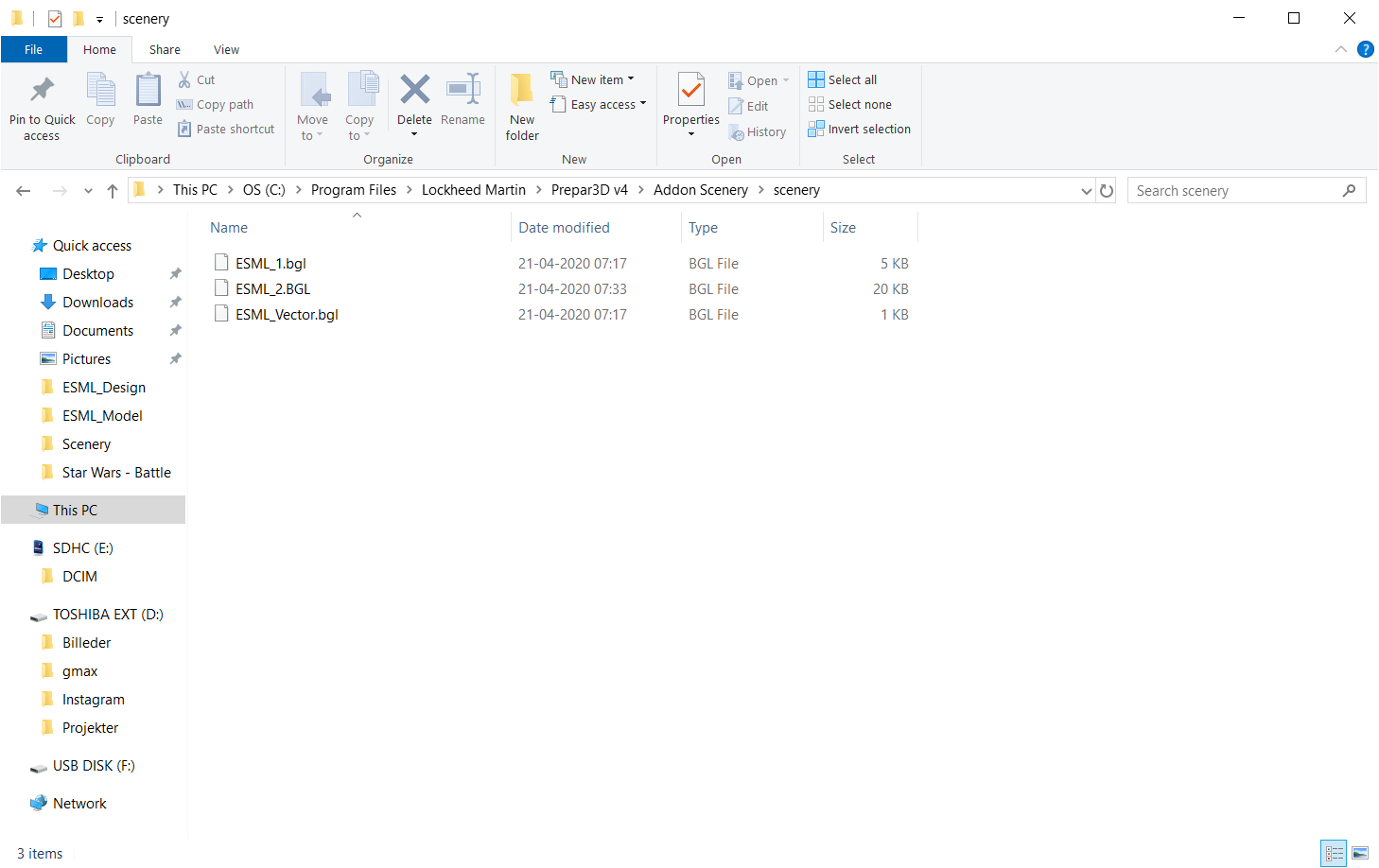
C:\Program Files\Lockheed Martin\Prepar3D v4\Addon Scenery\scenery
ESML_1.bgl // Is an ADE file/airport i made with parkings and runway etc.
ESML_2.bgl is the polygon with the texture (I'll show the polygon in the bottom of this topic)
ESML_Vector.bgl is the Exclusionzone i made in ADE as a flatten polygon,
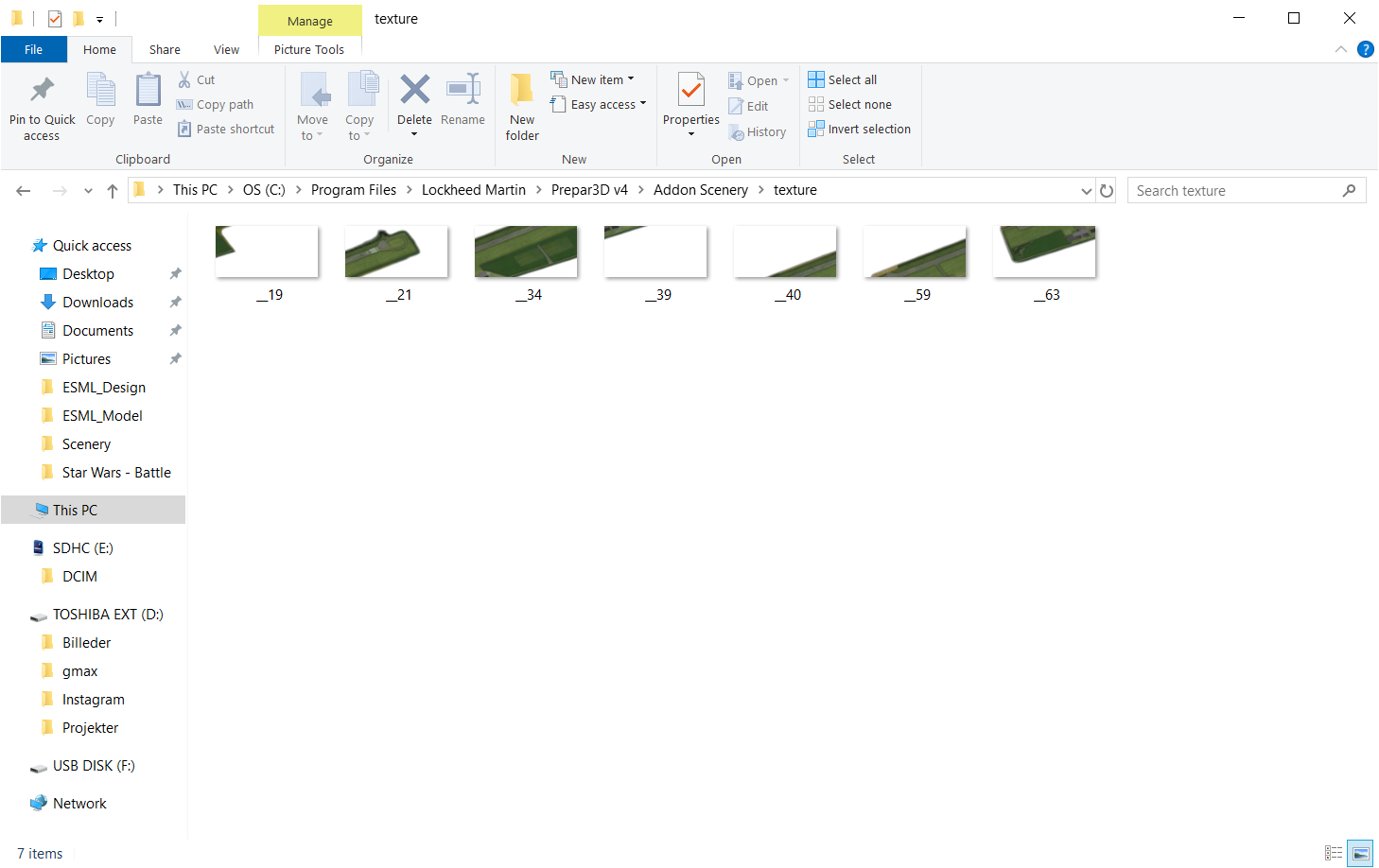
C:\Program Files\Lockheed Martin\Prepar3D v4\Addon Scenery\texture
I have every texture files here the Polygon wizard in MCX gave me, and they are .dds
C:\Program Files\Lockheed Martin\Prepar3D v4\Addon Scenery\texture
I have every texture files here the Polygon wizard in MCX gave me, and they are .dds
I basically only get the ESML_1.bgl witch is the ADE airport visible in the sim...
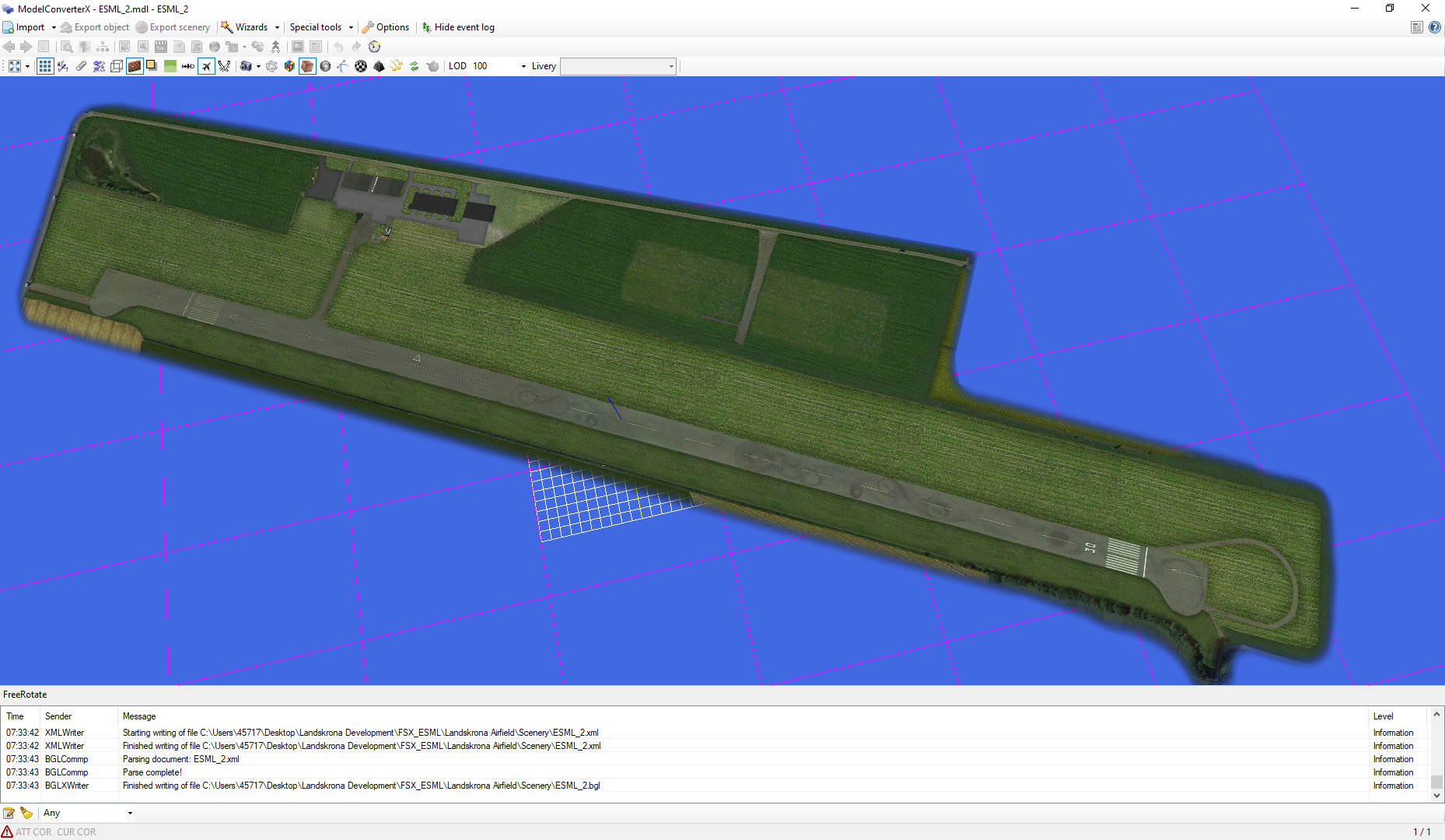
This is the Polygon, i Simply made it a MDL and converted into a BGL
C:\Program Files\Lockheed Martin\Prepar3D v4\Addon Scenery\scenery
ESML_1.bgl // Is an ADE file/airport i made with parkings and runway etc.
ESML_2.bgl is the polygon with the texture (I'll show the polygon in the bottom of this topic)
ESML_Vector.bgl is the Exclusionzone i made in ADE as a flatten polygon,
C:\Program Files\Lockheed Martin\Prepar3D v4\Addon Scenery\texture
I have every texture files here the Polygon wizard in MCX gave me, and they are .dds
C:\Program Files\Lockheed Martin\Prepar3D v4\Addon Scenery\texture
I have every texture files here the Polygon wizard in MCX gave me, and they are .dds
I basically only get the ESML_1.bgl witch is the ADE airport visible in the sim...
This is the Polygon, i Simply made it a MDL and converted into a BGL
