- Messages
- 13
- Country

When i UV unwrap my texture to my object it Shows up like this:
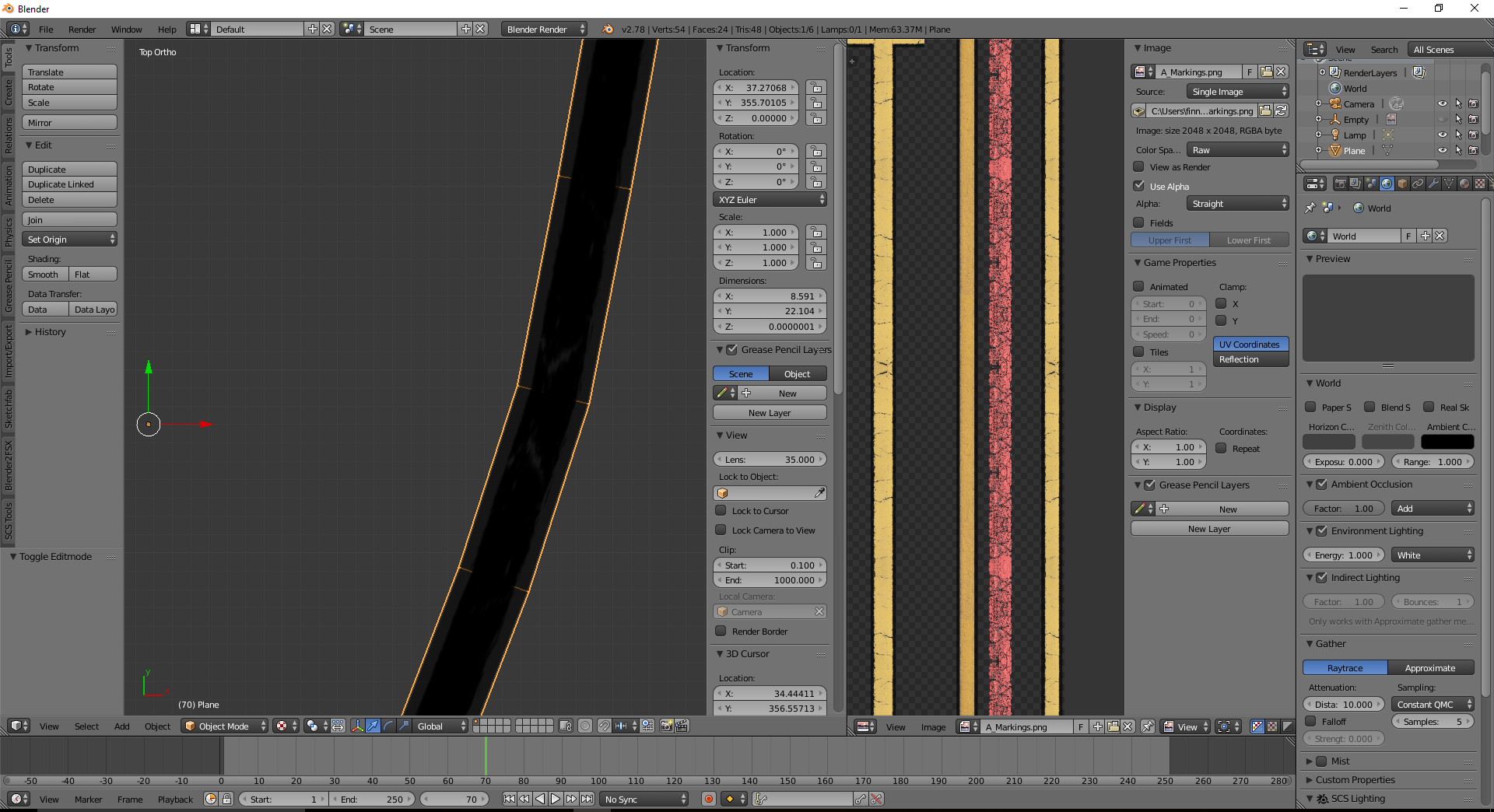
Can anyone help me?
Can anyone help me?

Any other question that is not specific to an aspect of development or tool can be posted in the General chat forum.
By following these guidelines we make sure that the forums remain easy to read for everybody and also that the right people can find your post to answer it.

Thx for your help but i already solved it: My light source was too far away...It looks correct despite you should scale it a bit so it matches the proportions but that's not related to your issue.
could you show us the texture tab in the properties panel so we can see how blender is instructed to use the texture?


Thx for your help but i already solved it: My light source was too far away...
Why do you have a light source in the scene anyway? Why don't you just use the textured solid option to inspect your mesh?

How does that work for you? It never worked for me
I see, so it displays textures in solid mode?I don't know, never had issues with it. No light source and texture within the UV editor (this seems to be linked, maybe that causes isssues?)
View attachment 37785
I see, so it displays textures in solid mode?
I usually use textured mode and add a hemi lamp. The advantage is the location does not matter and you see if the shading is the way you want.