

- Messages
- 6,568
- Country

2020 is a bit different in how AO can be shown. Tiled textures usually have an AO channel (red) in the COMP texture. But this is for the texture only, not for the whole object. To get an AO in Blender, we need to Bake the AO texture in the Cycles rendering. And lets say you've done just that. You have a tiled albedo, comp and normal textures, and this new AO texture. But how to get this object AO into the sim via Blender in 2020?
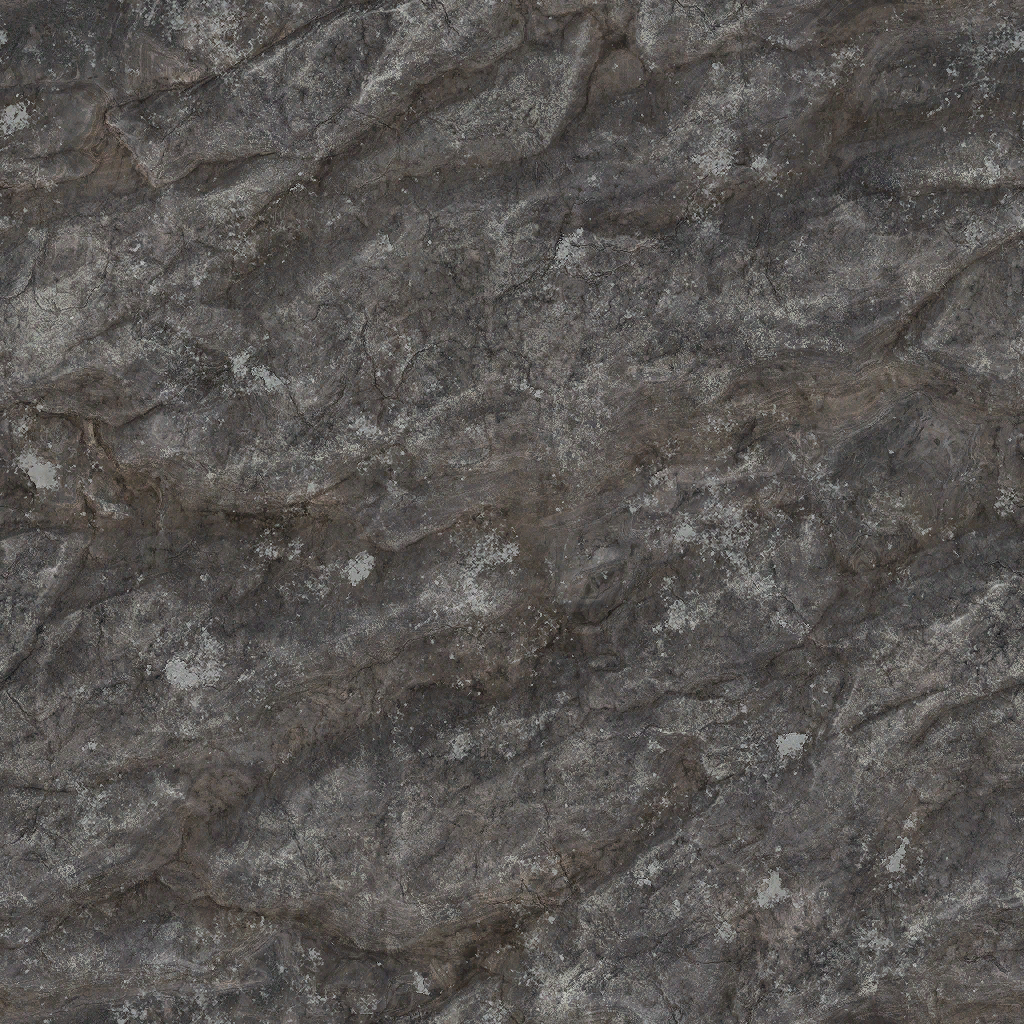
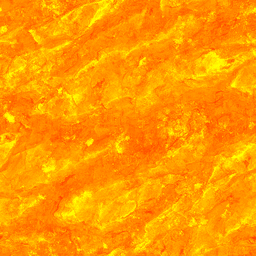
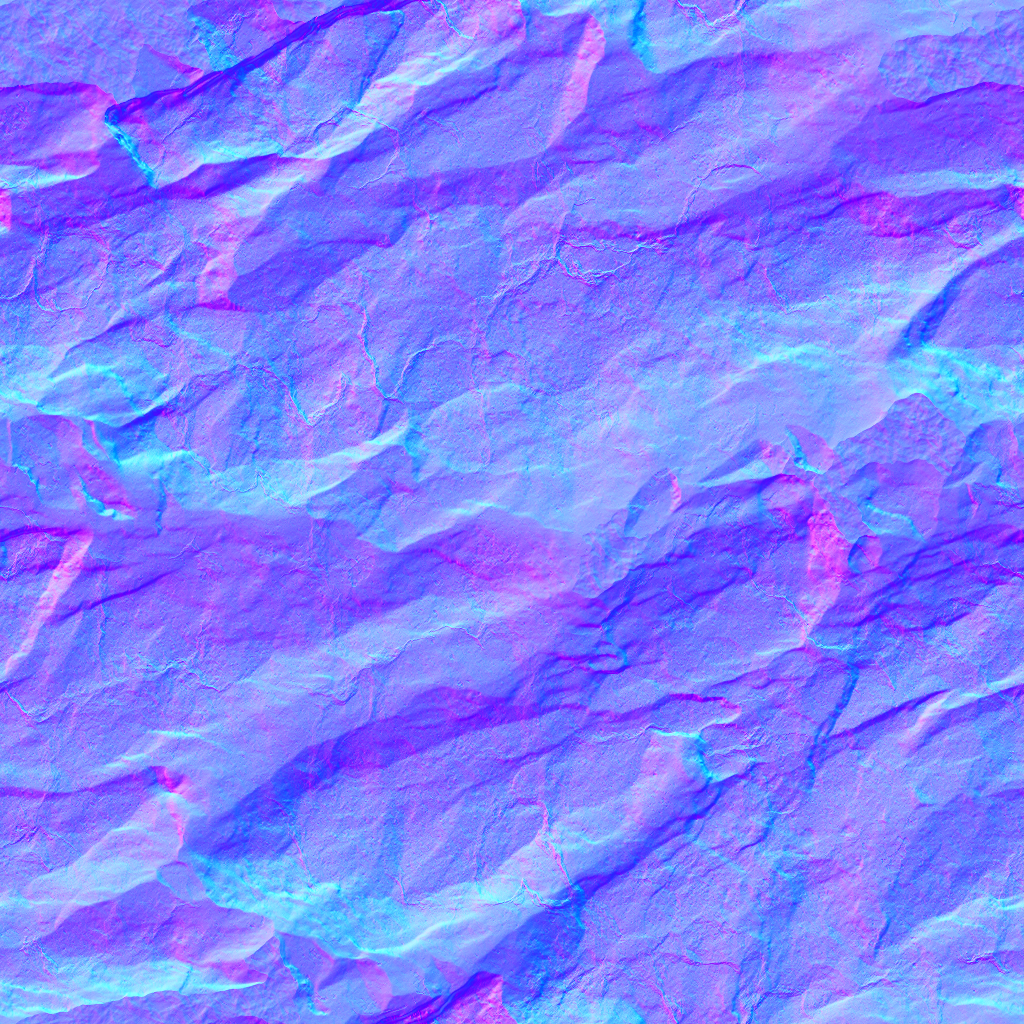
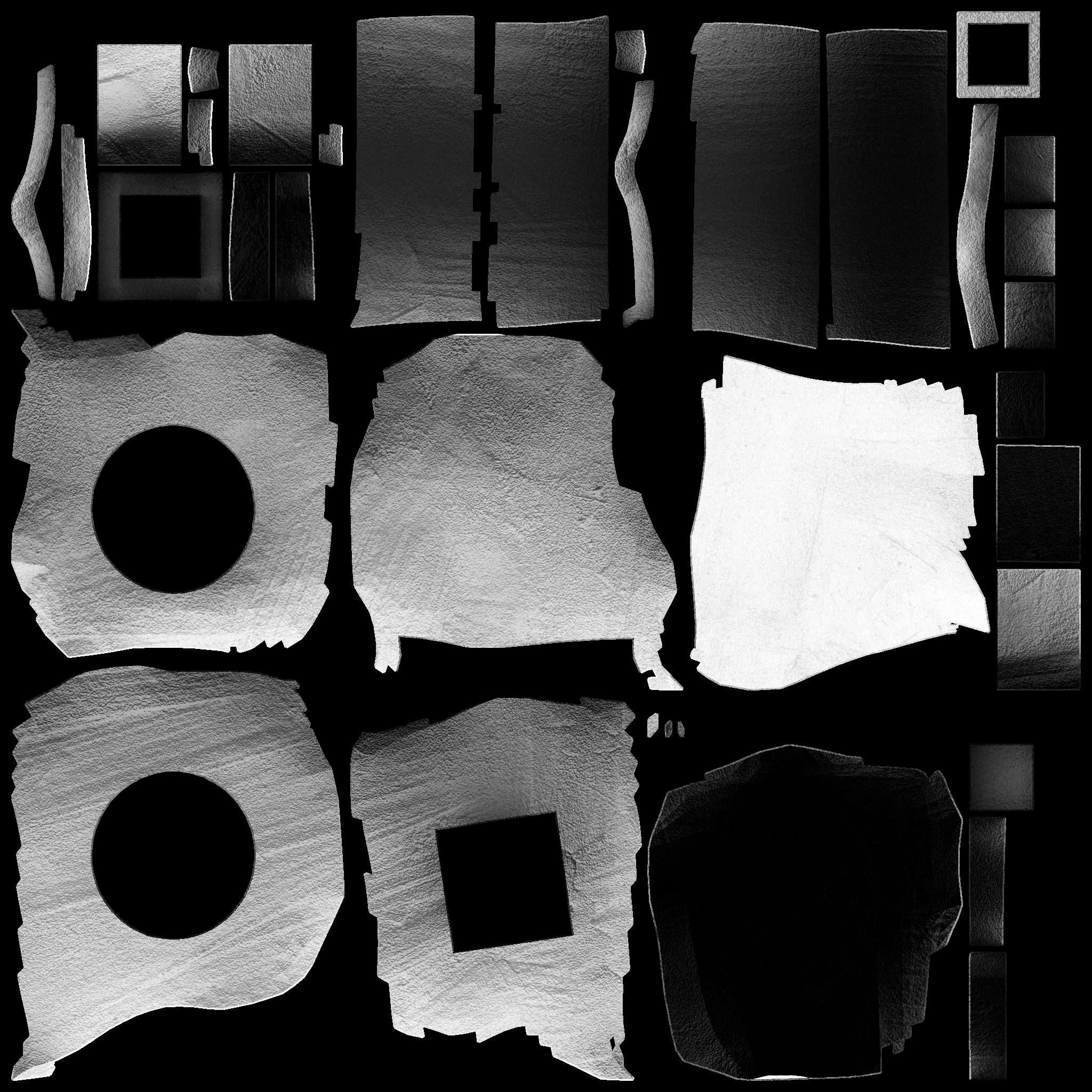 I made a program to combine the COMP and the new object AO. The baked AO red channel is averaged with the tiled comp red channel, to make a combined_ao.png. The size of that texture is the greater of the comp texture or combined_ao.png Just replace the comp with the combined_ao in the comp texture slot.
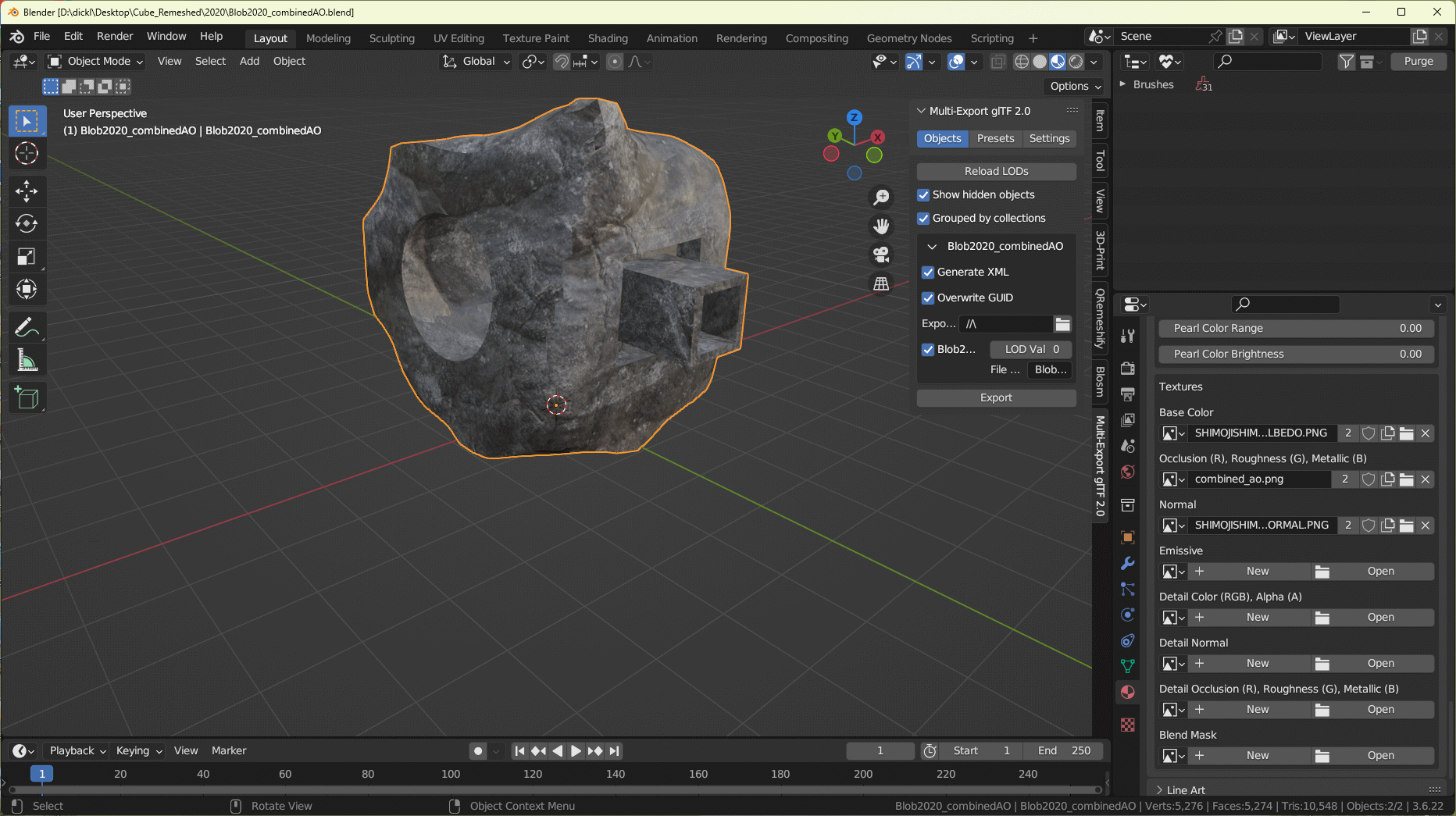
To use the program, left-click to select the baked AO texture, then ctrl-left-click to add the original tiled comp, and drag'n'drop those textures onto CombineAO.exe Rename the resulting combined_ao.png as any unique texture name and use as your comp texture. Save your blend file and then export the glTF with the textures.
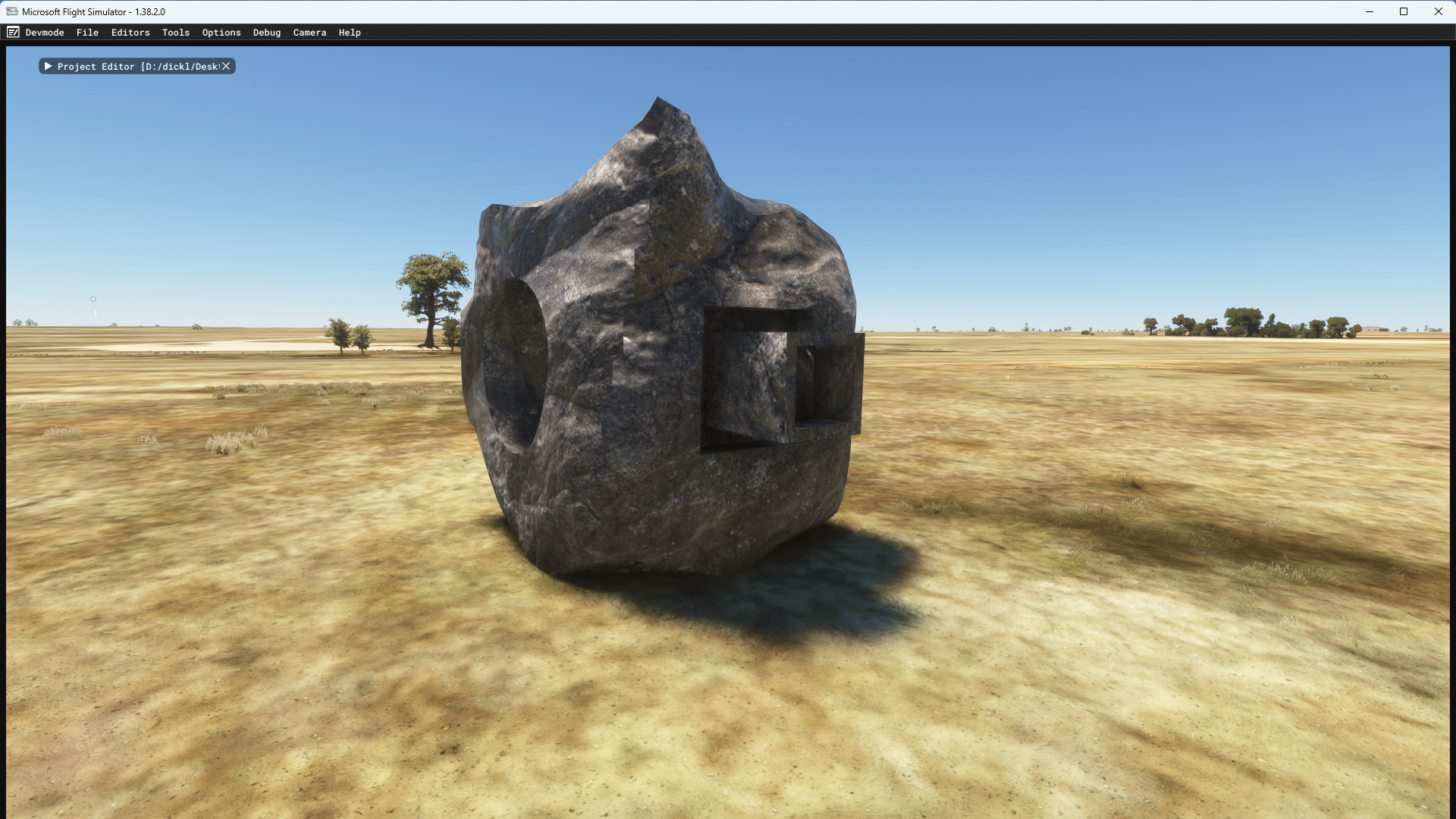
To use the program, left-click to select the baked AO texture, then ctrl-left-click to add the original tiled comp, and drag'n'drop those textures onto CombineAO.exe Rename the resulting combined_ao.png as any unique texture name and use as your comp texture. Save your blend file and then export the glTF with the textures.