• Which the release of FS2020 we see an explosition of activity on the forun and of course we are very happy to see this. But having all questions about FS2020 in one forum becomes a bit messy. So therefore we would like to ask you all to use the following guidelines when posting your questions:

    • Tag FS2020 specific questions with the MSFS2020 tag.
    • Questions about making 3D assets can be posted in the 3D asset design forum. Either post them in the subforum of the modelling tool you use or in the general forum if they are general.
    • Questions about aircraft design can be posted in the Aircraft design forum
    • Questions about airport design can be posted in the FS2020 airport design forum. Once airport development tools have been updated for FS2020 you can post tool speciifc questions in the subforums of those tools as well of course.
    • Questions about terrain design can be posted in the FS2020 terrain design forum.
    • Questions about SimConnect can be posted in the SimConnect forum.

    Any other question that is not specific to an aspect of development or tool can be posted in the General chat forum.

    By following these guidelines we make sure that the forums remain easy to read for everybody and also that the right people can find your post to answer it.

Blender - MSFS Material Params Standard - Base Color not working for changing texture color??

Messages
10
Country
canada
Hi there!!

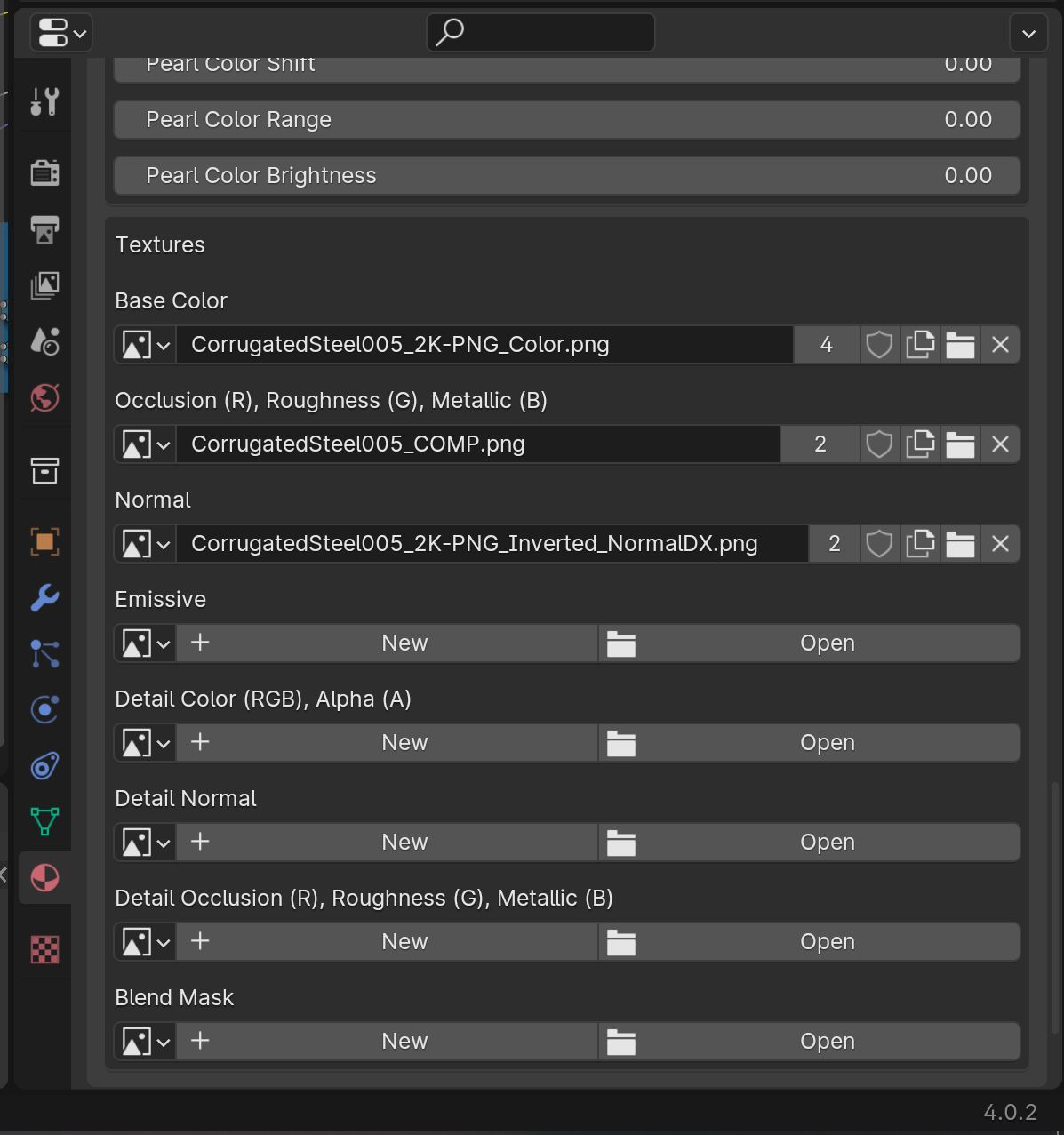
I am a beginner in making MSFS airport, and the Base Color for changing PBR texture color does not seem to work on my Blender setup? I am trying to change the color of this corrugated wall, from gray to light green. The mesh in Blender does change color, but when importing into MSFS, the color remains unchange.

Is this normal? If I want to change the color of PBR texture, should I use graphics processing software (like GIMP) to change the color of the Albedo texture? Maybe there is something incorrect about the way that the shader nodes are connected?

Thanks in advance!! Really appreciate your help and comments.

base color1.JPG
base color2.JPG
not chaging color.JPG
shader node.JPG
texture.JPG
 
What version of Blender are you using, and what version of the Asobo exporter? Also, you could pack the resources of the .blend file, zip it, and store it in the cloud so we could have a link to the model and it's textures. The Base Color works in Blender 3.6x with the most recent Asobo exporter.
 
Blender v4 isn't supported by the official exporter, if that is what you are using for an exporter. As Dick mentioned, it's only up to 3.6.x at the moment. That could be part of the problem.
I would grab an install of that, copy your model in, redo the materials and see if it makes any difference.

Color tinting should work. You can also use vertex color if you plan to have multiple color variations of the same material. That will save you from needing to make additional duplicate materials. Just convert the attribute to Face Corner > Color if you end up merging multiple parts. Only downside is that the color mix can't be easily viewed in Blender, but it does work in sim.
 
What version of Blender are you using, and what version of the Asobo exporter? Also, you could pack the resources of the .blend file, zip it, and store it in the cloud so we could have a link to the model and it's textures. The Base Color works in Blender 3.6x with the most recent Asobo exporter.
Thank you very much for your comment. I was preivously using blender 4.0. Now I switch over to Blender 3.6 and the base color now works perfectly!! Thank you!
 
Blender v4 isn't supported by the official exporter, if that is what you are using for an exporter. As Dick mentioned, it's only up to 3.6.x at the moment. That could be part of the problem.
I would grab an install of that, copy your model in, redo the materials and see if it makes any difference.

Color tinting should work. You can also use vertex color if you plan to have multiple color variations of the same material. That will save you from needing to make additional duplicate materials. Just convert the attribute to Face Corner > Color if you end up merging multiple parts. Only downside is that the color mix can't be easily viewed in Blender, but it does work in sim.
Thank you very much for your advice!! In Blender 3.6 base color for PBR texture does work. Appreciate your help!!
 
Back
Top