• Which the release of FS2020 we see an explosition of activity on the forun and of course we are very happy to see this. But having all questions about FS2020 in one forum becomes a bit messy. So therefore we would like to ask you all to use the following guidelines when posting your questions:

    • Tag FS2020 specific questions with the MSFS2020 tag.
    • Questions about making 3D assets can be posted in the 3D asset design forum. Either post them in the subforum of the modelling tool you use or in the general forum if they are general.
    • Questions about aircraft design can be posted in the Aircraft design forum
    • Questions about airport design can be posted in the FS2020 airport design forum. Once airport development tools have been updated for FS2020 you can post tool speciifc questions in the subforums of those tools as well of course.
    • Questions about terrain design can be posted in the FS2020 terrain design forum.
    • Questions about SimConnect can be posted in the SimConnect forum.

    Any other question that is not specific to an aspect of development or tool can be posted in the General chat forum.

    By following these guidelines we make sure that the forums remain easy to read for everybody and also that the right people can find your post to answer it.

Create Spotlights with MCX

Messages
63
Country
germany
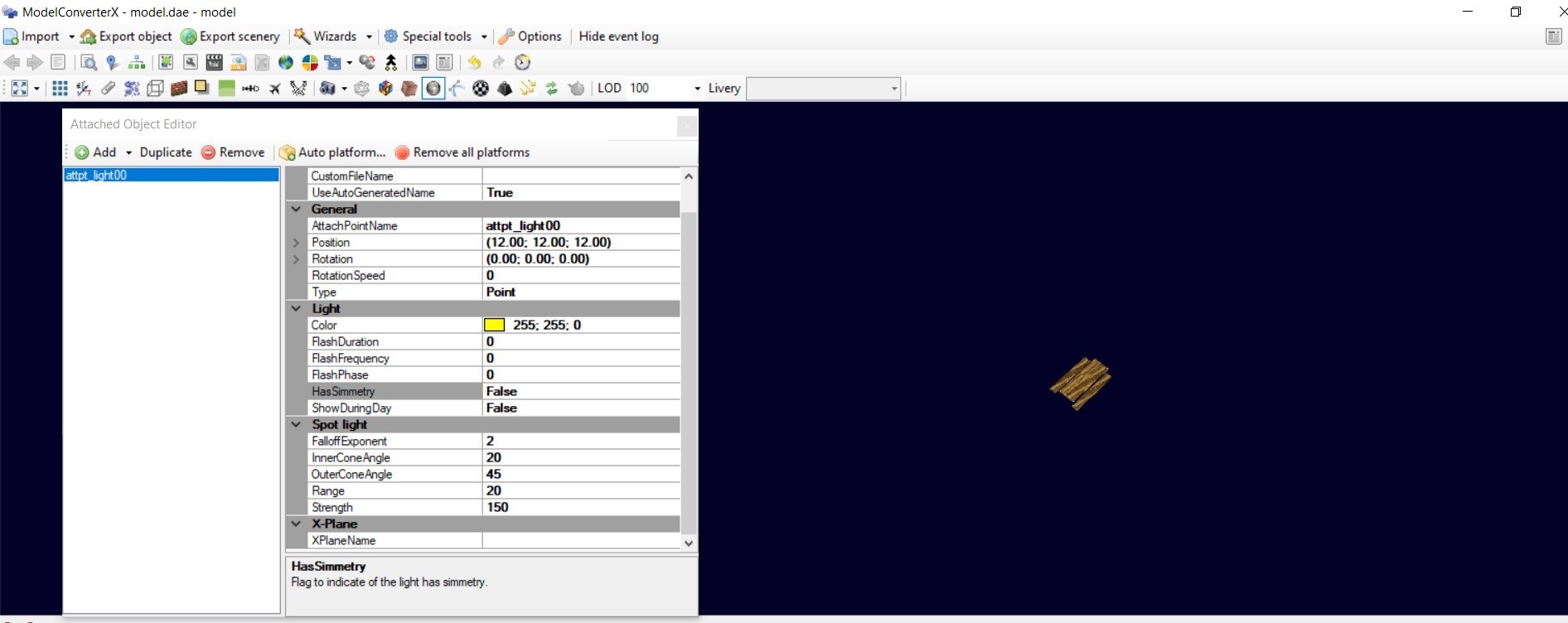
I can't get any further with the spotlights. If I haven't made a mistake, the parameters in the model converter are set correctly. And still I don't get any spotlights. Can it possibly be that the model is not "suitable" for this. I create this with freeware version of Sketchup 2017 and save the object as .dae. I am not aware of the freeware version that I can or must specify light sources there.
sportlight2.jpg
sportlight1.jpg
sportlight3.jpg
 
To which sim are you exporting? Or do you save the model back to dae again? Spotlights are only exported to P3D v4 and above and MSFS.
 
Hi Arno, I just want export to P3D V4. Create the Object in Sketchup, export as .dae, open in MCX Version 1.5.0.0. ( should be the newest one i think) and save it as .bgl
 
That sounds ok, version 1.5 should also work. Did you copy the FX file that was made to the effects folder?
 
copy in this folder: lockhead martin/Prepar3D/Effects
also if i create a own folder in the Airport Folder (Scenery and Texture and Effects ), so that i have 3 Folders (Scenery and Texture and Effects) inside the Airport Folder not works
 
And you are exporting as P3D v4 BGL file? If you export as e.g. FSX BGL file the spotlight is not created.
 
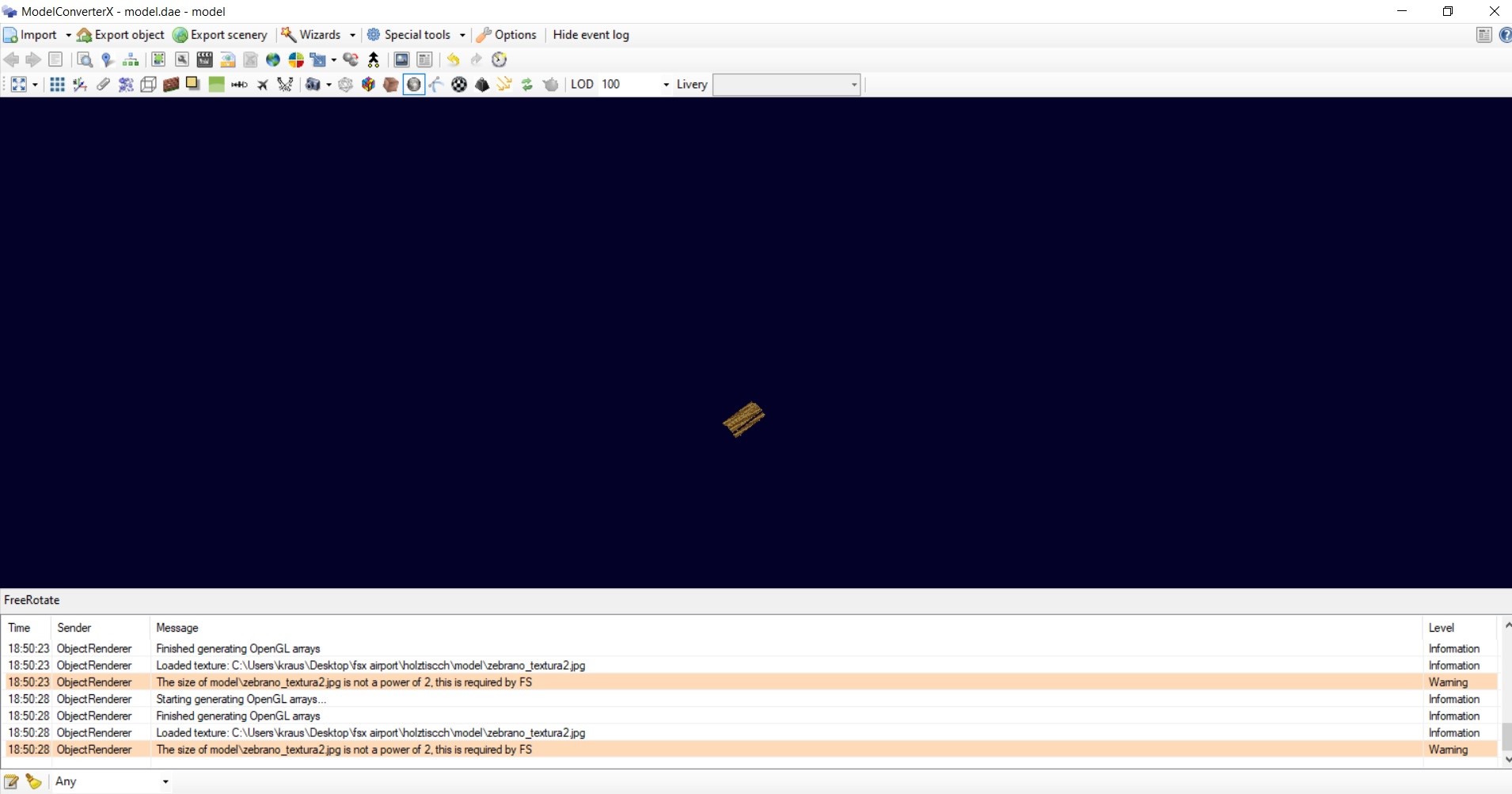
Its possible that i have a very big Mistake what i think how does it works?? After "hours of trying i got a "Spotlight" like in the Attachment. Possition and Design it equal right now.
I create a Spotlight like You should do it, save as . bgl . The P3D doesnt shows something. But now i open the . bgl again in the MCX and got the Info a .fx File cant import. Ok- I just take a File, renamed it. And now the MCX shows something. Must i design a "Spotlight"-File and load it to the MCX to give them a Position?
 

Attachments

  • spotlight.jpg
    spotlight.jpg
    195.6 KB · Views: 155
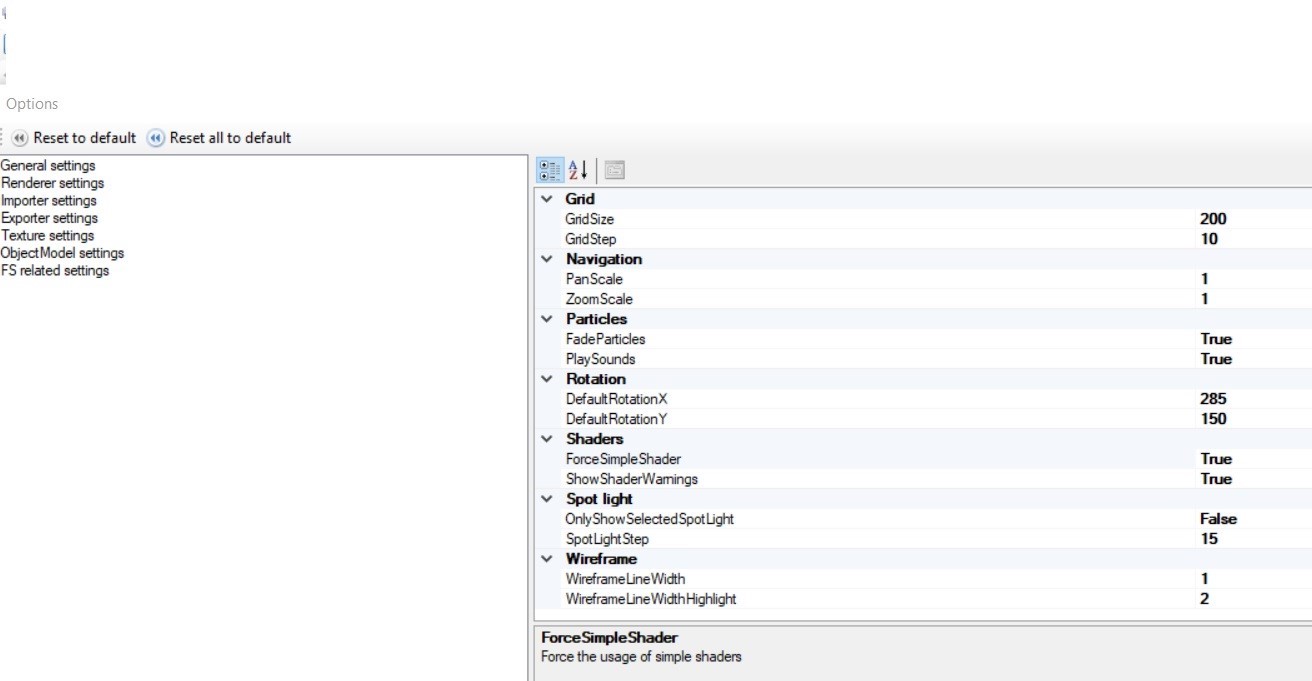
MCX will make the effect files when you export your model. On import it should read them again, did you move the effects to the effects file folder? In that case you need to make sure that the P3D path is set correctly in the options and that the preferred FS version is set correctly.
 
Thats the Settings which i use. Effects are copied in the Effect Folder. In the SDk i can change some settings there maybe?
 

Attachments

  • spotline 1.jpg
    spotline 1.jpg
    206.3 KB · Views: 157
  • spotline 3.jpg
    spotline 3.jpg
    212.4 KB · Views: 152
  • spotline 5.jpg
    spotline 5.jpg
    310.7 KB · Views: 159
Last edited:
sorry, that was the wrong Screenshot. But the Result is the same. What i want know is: In Bleder i can create a Light Pole on the Model, thats what i never saw or read that i can do it in a older not Payware Sketchup Version. Is this Lightpole important or its independent MCX and the created Model? If its important than i know why nothing works.
 
Back
Top