

- Messages
- 17
- Country

Hi. Just started working with the PBR materials in the Prepar3D 4.4.
I created simple rectangle (in 3DS Max) and simple PBR texture (using Substance Designer).
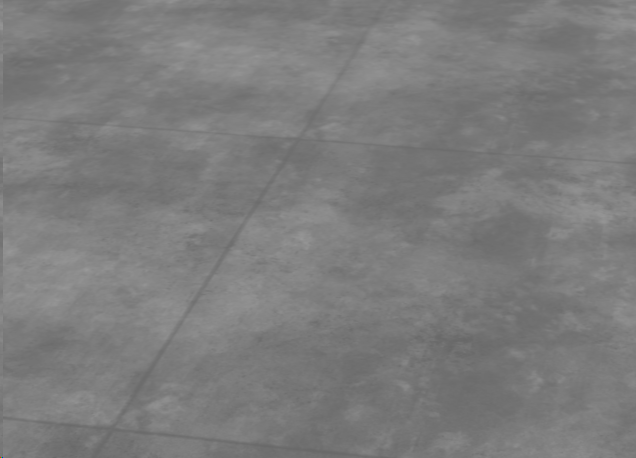
Texture looks like this (preview in 3DS using Prepar3D PBR material type):
I converted all maps to DXT5 using ImagetTool and then I placed this object using ModelConverterX.
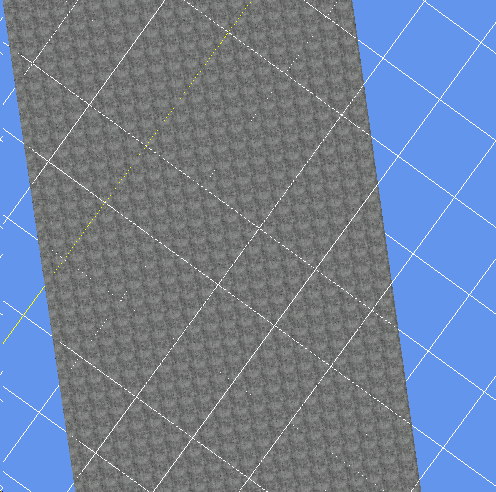
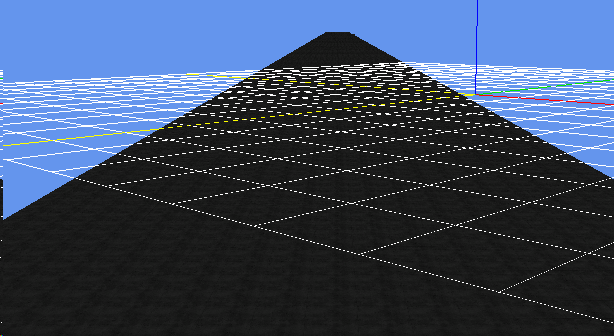
In the ModelConverterX I used Ground Poly Wizard and it looks like this (Preview from ModelConverterX):
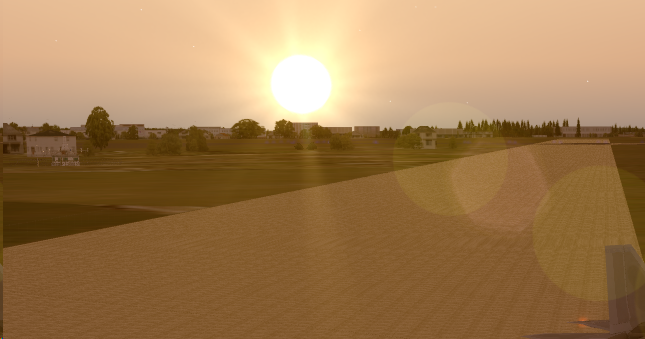
Strange thing is that in the midday (12AM-2PM) texture seems darker, that it's at 6 PM (Preview from P3D):
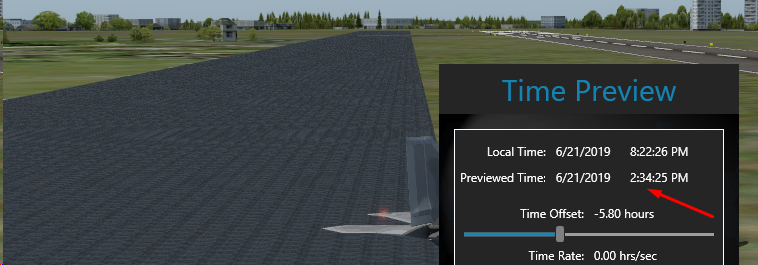
I double-checked normals in the model, and they are faced up. I'm doing something wrong, could you help me to determine what is wrong? Will provide any information that can support to solve this problem
I created simple rectangle (in 3DS Max) and simple PBR texture (using Substance Designer).
Texture looks like this (preview in 3DS using Prepar3D PBR material type):
I converted all maps to DXT5 using ImagetTool and then I placed this object using ModelConverterX.
In the ModelConverterX I used Ground Poly Wizard and it looks like this (Preview from ModelConverterX):
Strange thing is that in the midday (12AM-2PM) texture seems darker, that it's at 6 PM (Preview from P3D):
I double-checked normals in the model, and they are faced up. I'm doing something wrong, could you help me to determine what is wrong? Will provide any information that can support to solve this problem



 Recheck your normals format. Also layer must be positive in the MCX
