

- Messages
- 129
- Country

I have two sceneries where I have added VOR (TACAN) - Bitburg and Bentwaters.
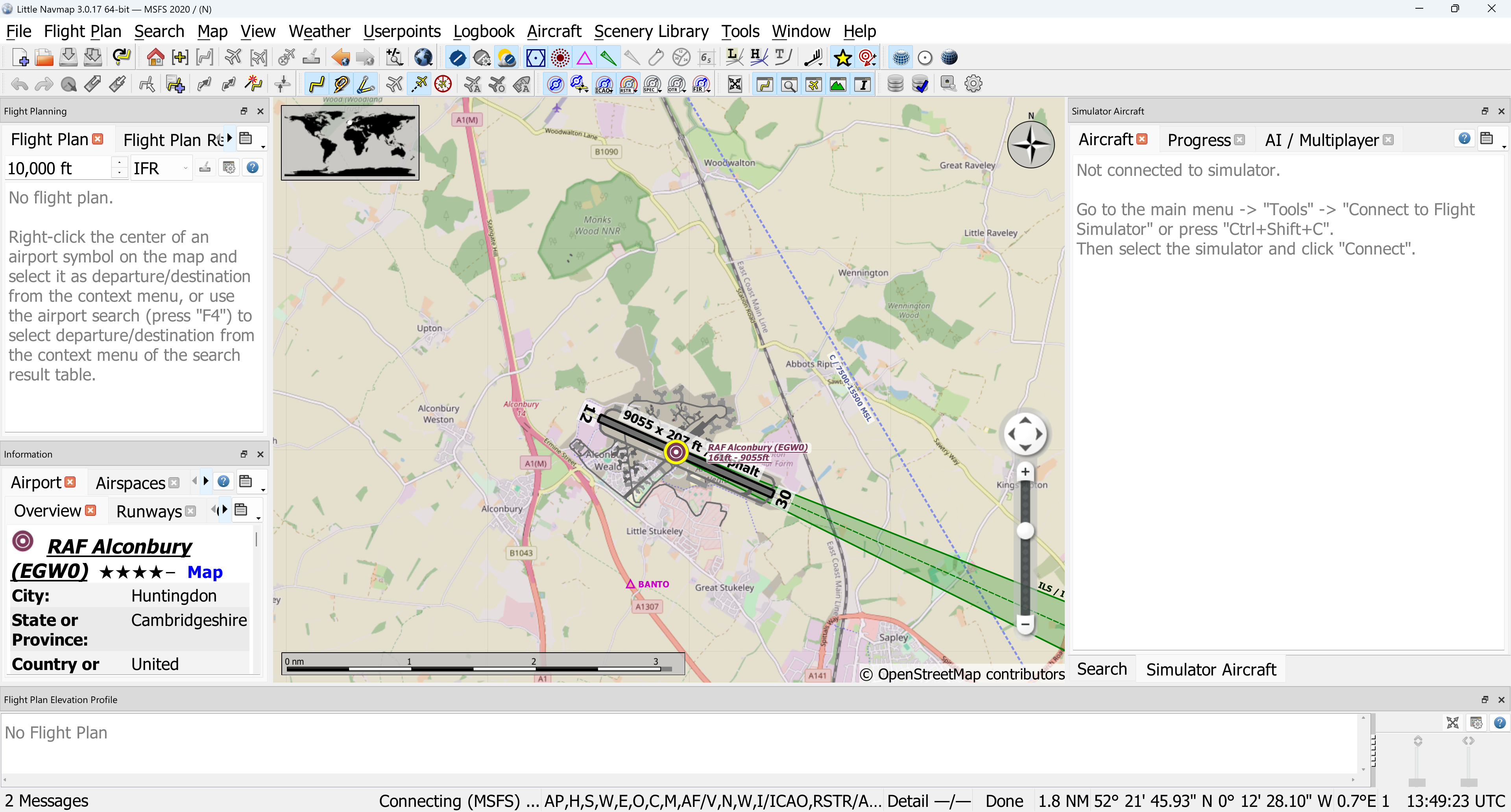
I am now beginning to work on Alconbury and cannot get the VOR (TACAN) to appear. Screenshot below shows no VOR (TACAN)
Can anybody see what my error is with this code please?
< Vor lat="52.377778" lon="-00.226667" alt=“49.38” type=“LOW” frequency=“109.00” magvar"4.50" range=“150000.0M” region=“eg” ident=“ALC” name=“ALCONBURY” nav="TRUE" dmeOnly=“FALSE” dme=“TRUE” >
< Dme lat="52.377778" lon="0.226667" alt=“49.38” range=“150000.0M” />
< /Vor>
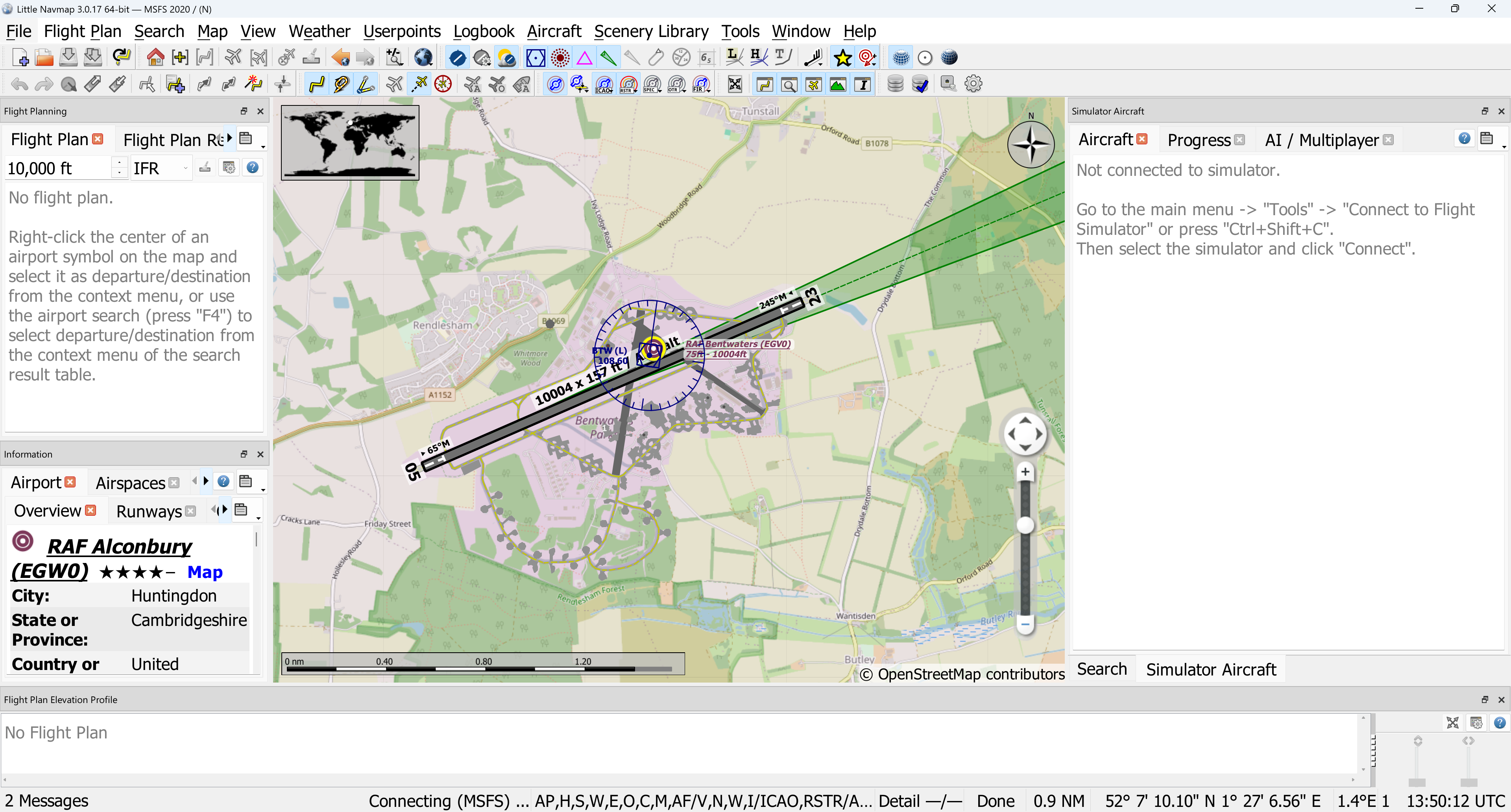
For comparison, here is the Bentwaters code which works fine, with a screenshot showing the VOR (TACAN) appears as expected.
<Vor lat="52.128056" lon="1.435278" alt="26.0" type="LOW" frequency="108.600" magvar="352" range="200000.0M" region="eg" ident="BTW" name="BENTWATERS" nav="TRUE" dmeOnly="FALSE" dme="TRUE">
<Dme lat="52.128056" lon="1.435278" alt="26.0" range="180000.0M"/>
</Vor>
I am now beginning to work on Alconbury and cannot get the VOR (TACAN) to appear. Screenshot below shows no VOR (TACAN)
Can anybody see what my error is with this code please?
< Vor lat="52.377778" lon="-00.226667" alt=“49.38” type=“LOW” frequency=“109.00” magvar"4.50" range=“150000.0M” region=“eg” ident=“ALC” name=“ALCONBURY” nav="TRUE" dmeOnly=“FALSE” dme=“TRUE” >
< Dme lat="52.377778" lon="0.226667" alt=“49.38” range=“150000.0M” />
< /Vor>
For comparison, here is the Bentwaters code which works fine, with a screenshot showing the VOR (TACAN) appears as expected.
<Vor lat="52.128056" lon="1.435278" alt="26.0" type="LOW" frequency="108.600" magvar="352" range="200000.0M" region="eg" ident="BTW" name="BENTWATERS" nav="TRUE" dmeOnly="FALSE" dme="TRUE">
<Dme lat="52.128056" lon="1.435278" alt="26.0" range="180000.0M"/>
</Vor>