Hey folks. Hope you are all well and enjoying an Easter break if that's your thing.
Long time lurker and first time poster here from New Zealand. Have been super grateful of this site as a resource, it's a gold-mine of info and experts. Great stuff.
I'm a noob when it comes to scenery editing but have been working on a few photo-real BGL sets lately for various airports in P3D v5.3 where existing ground detail is poor (e.g. Default) or where add-ons (e.g. Orbx and FCScenery variously) could do with a little more detail.
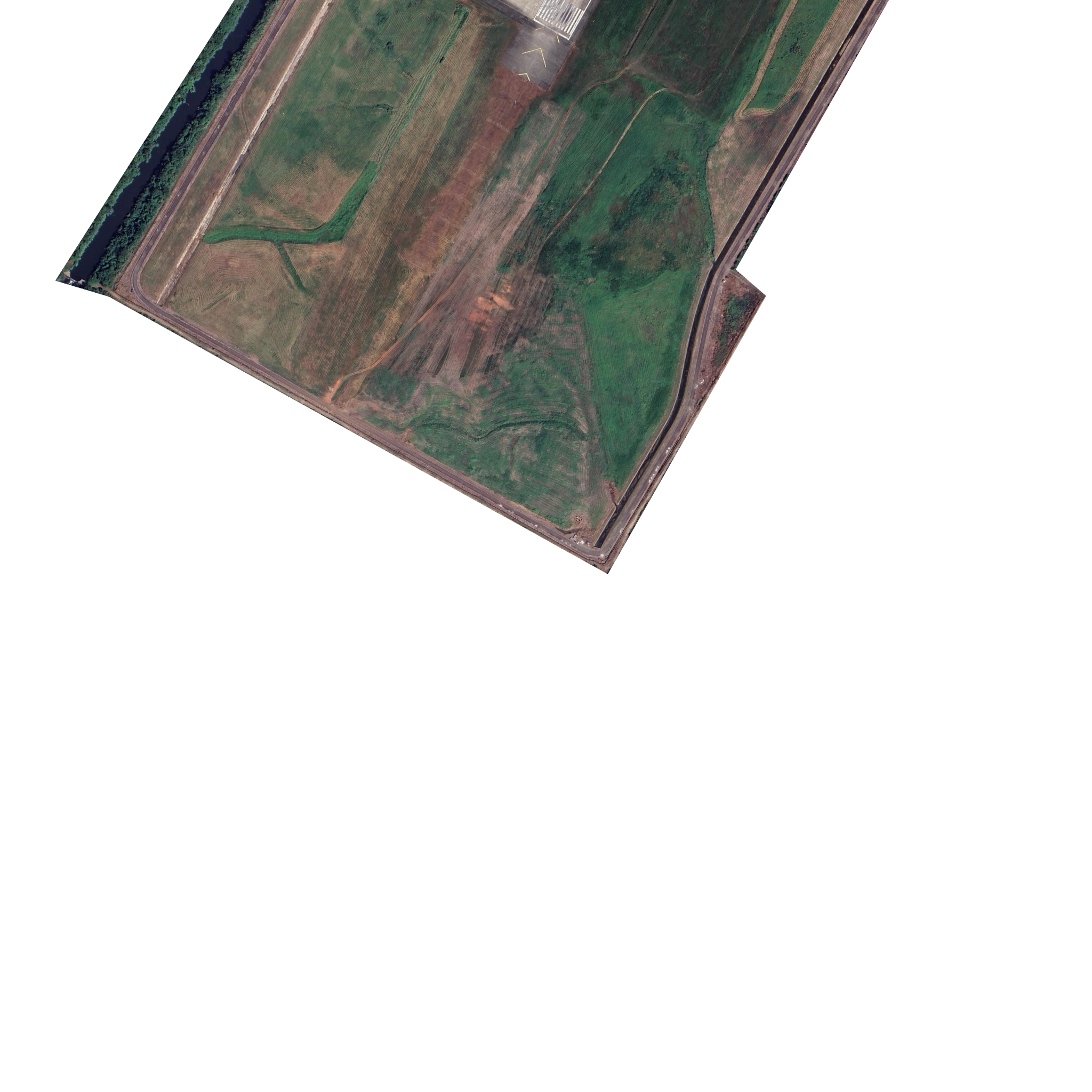
Have been using the excellent Ortho4XP v1.30 to capture tiles at zoom-level 19 for airports and any adjacent area and trimming the boundaries of edge tile in Gimp with a white background, saving to BMP again and re-running 'resample.exe' for any edited BMPs with an INF file based on the one that was spat out by Ortho4XP (which also uses scenproc/sbuilder I believe???)
The INF specifically has the NullValue colour set to 255,255,255 to match the white trimmed background.
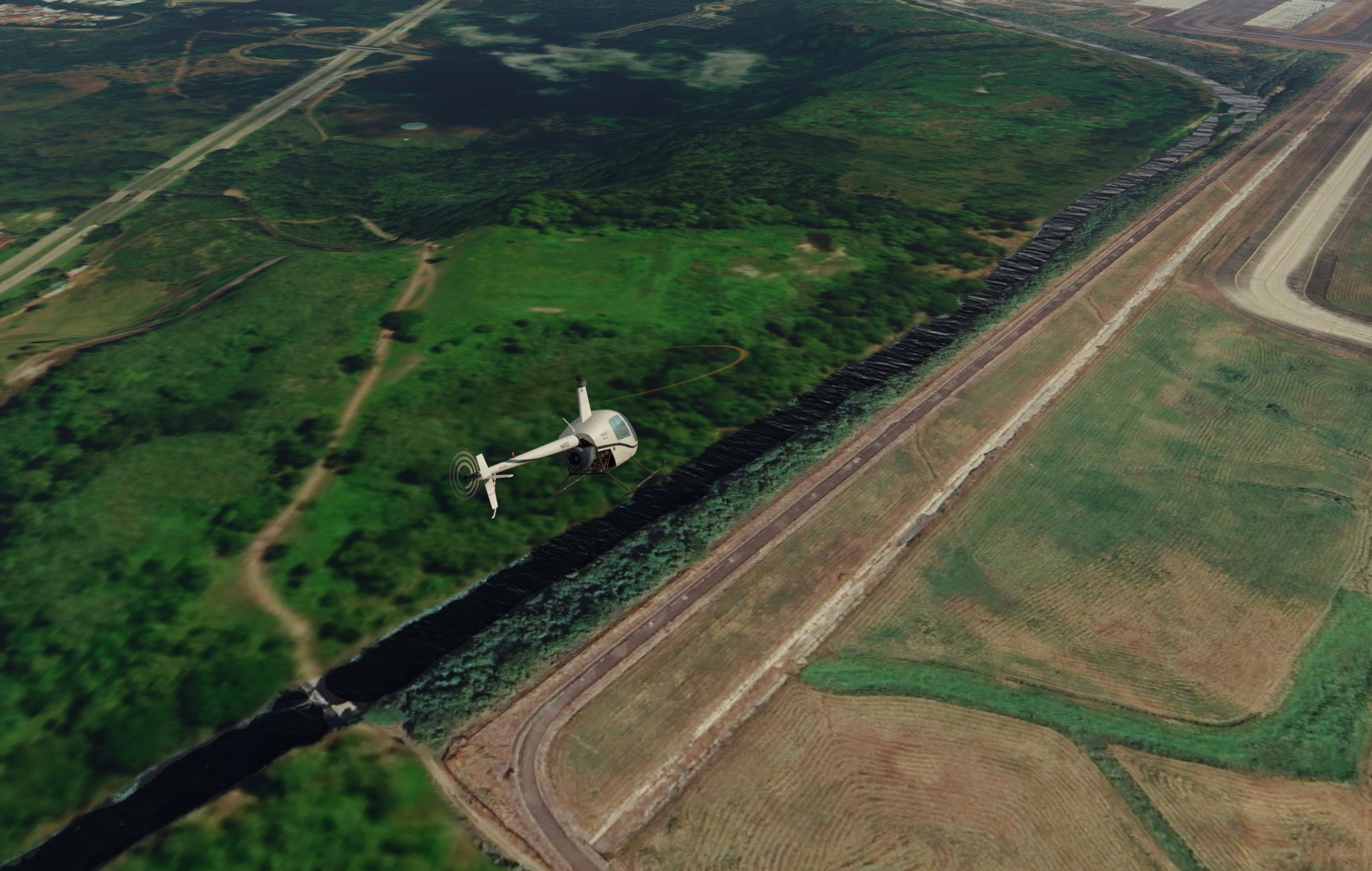
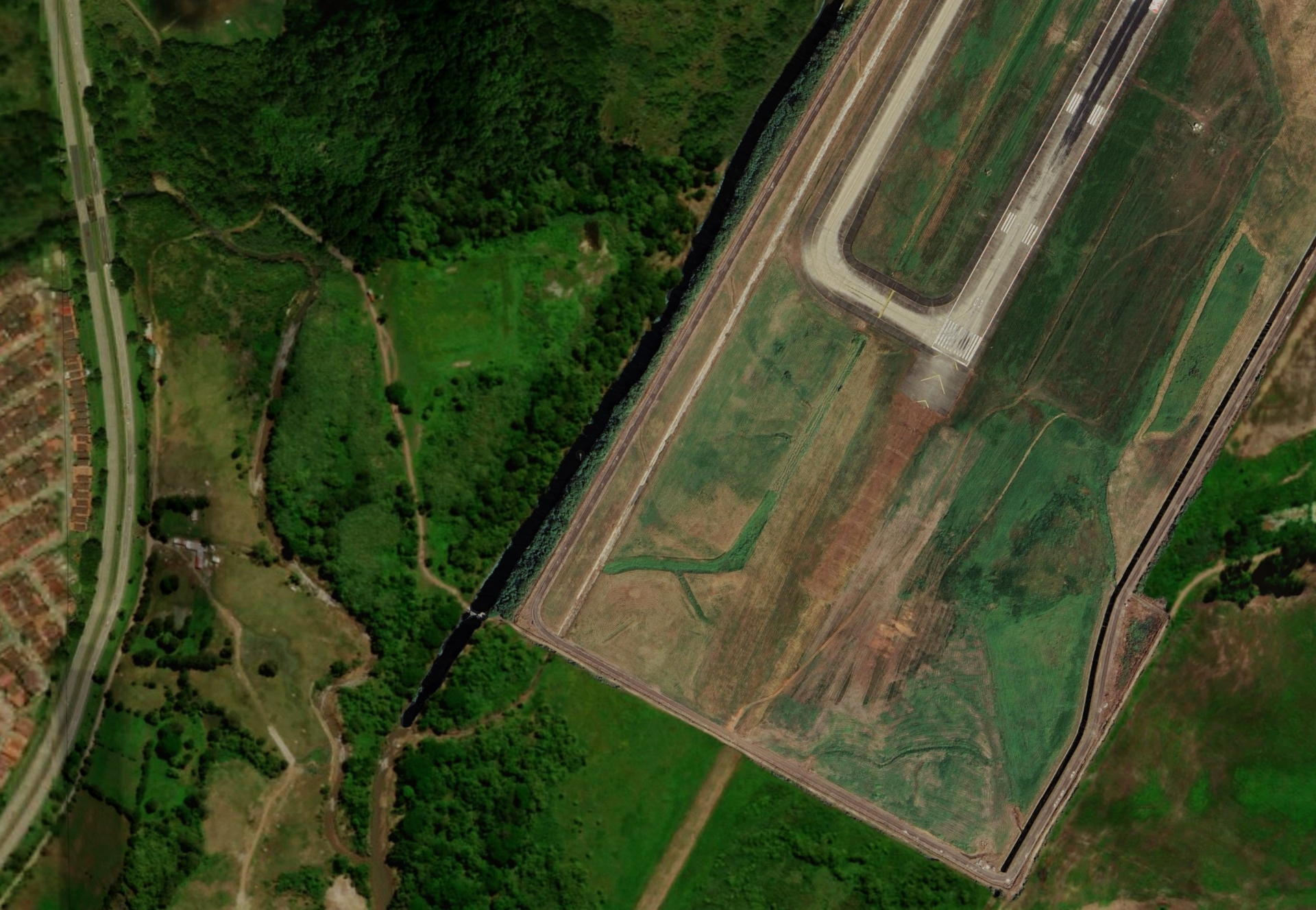
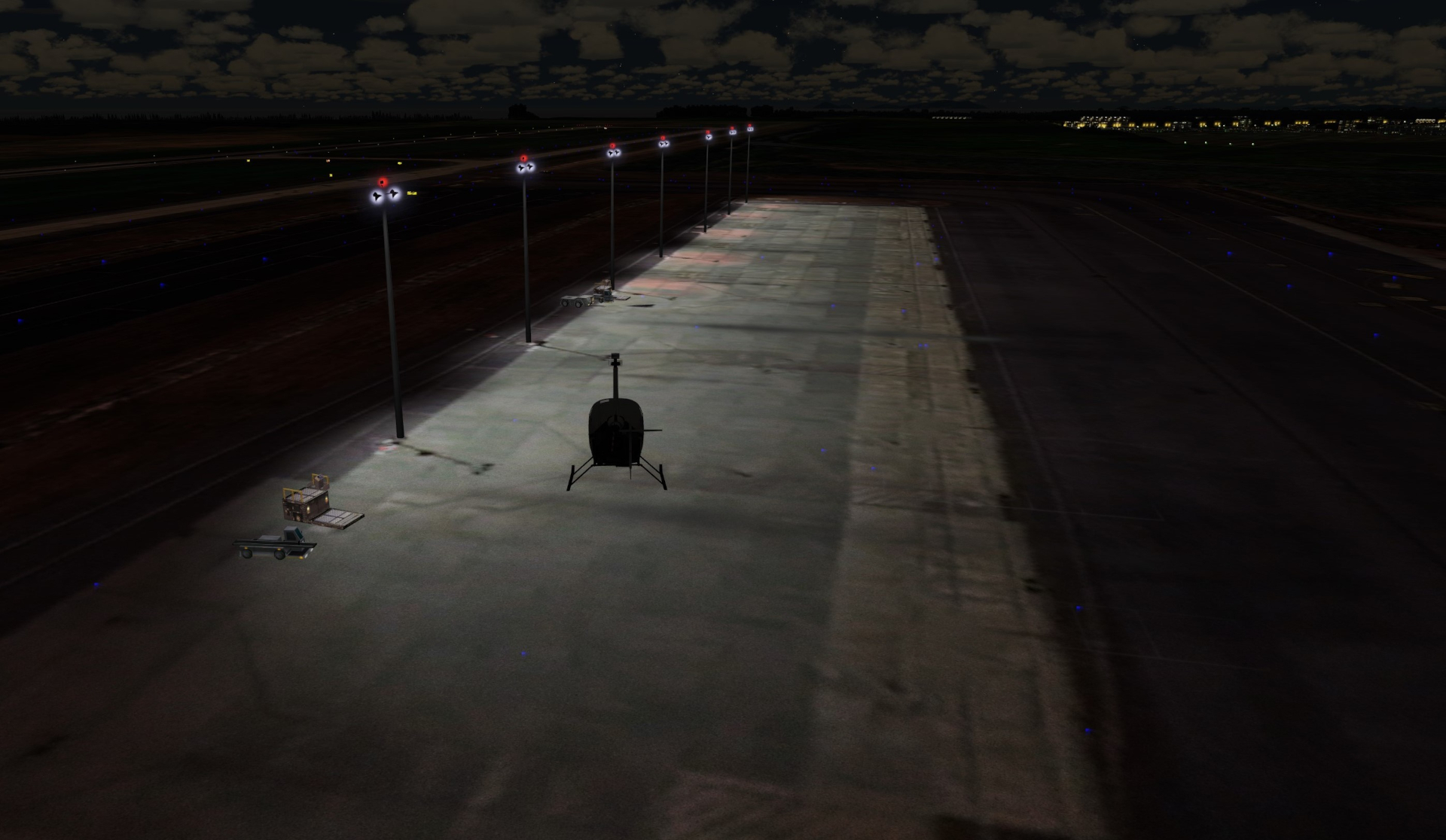
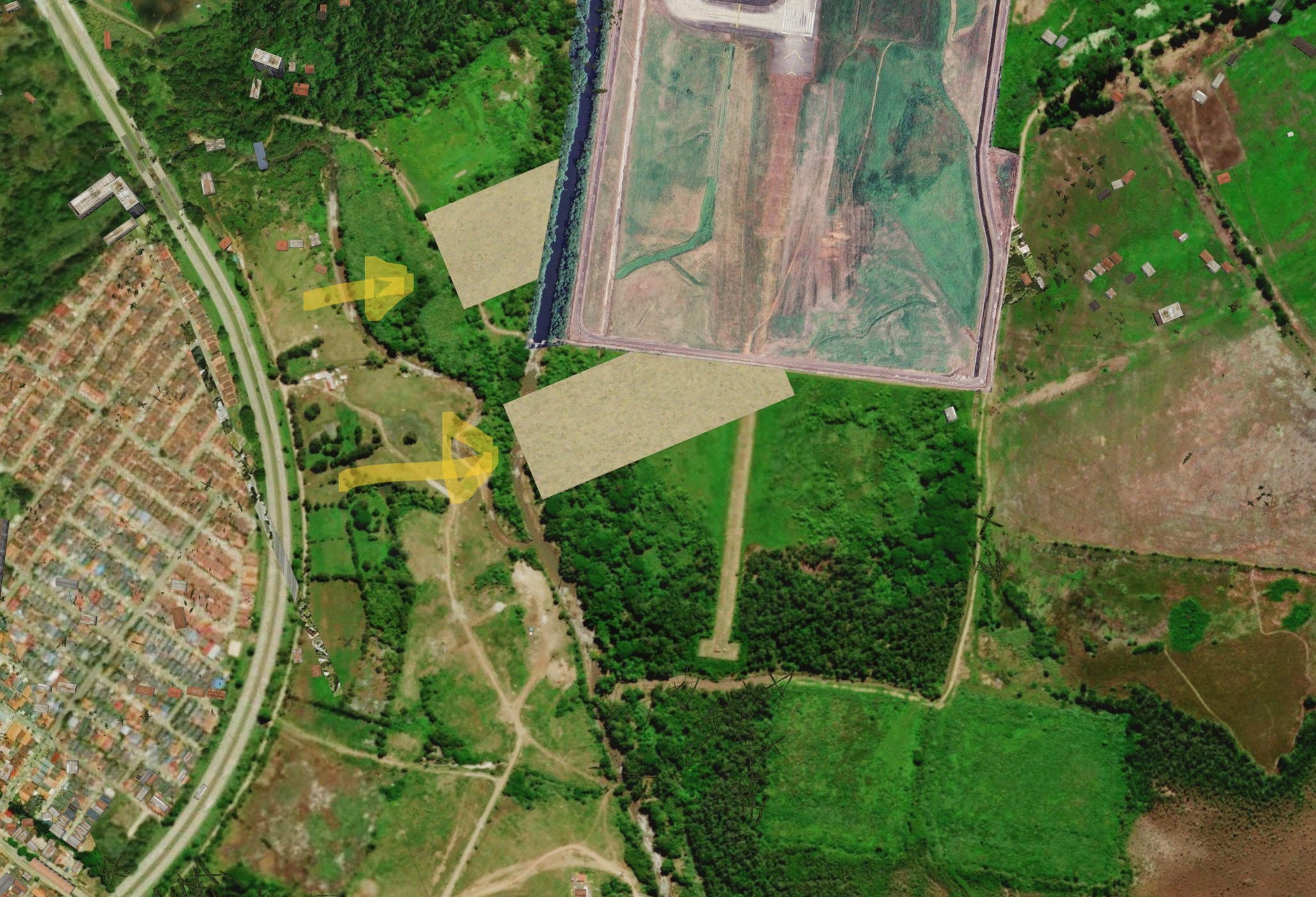
This works well, am really pleased with results. When on approach from say 1500ft or more above the airfield it all looks good, and at ground level doing a taxi in an aircraft or low level hover in a chopper it also looks great. However there's an issue I'm seeing at pretty much all of these location's I've edited where what looks like sections of default P3D ground texture are randomly bleeding through my trimmed photoreal tiles. This occurs at low levels and seems to be when directly above a tile area.
The bleed seems to come and go, and isn't the entire area of any given trimmed section, just random small rectangular sections.
Pics following. Also a sample INF file.
Could anyone please help me work out why this is occurring, is rather frustrating after all the effort of editing the BMPs. Have taken a decent look through the forum and couldn't spot anything directly related to this so sorry if has been asked before, please fire me a link if so.
In-game shots showing issue..
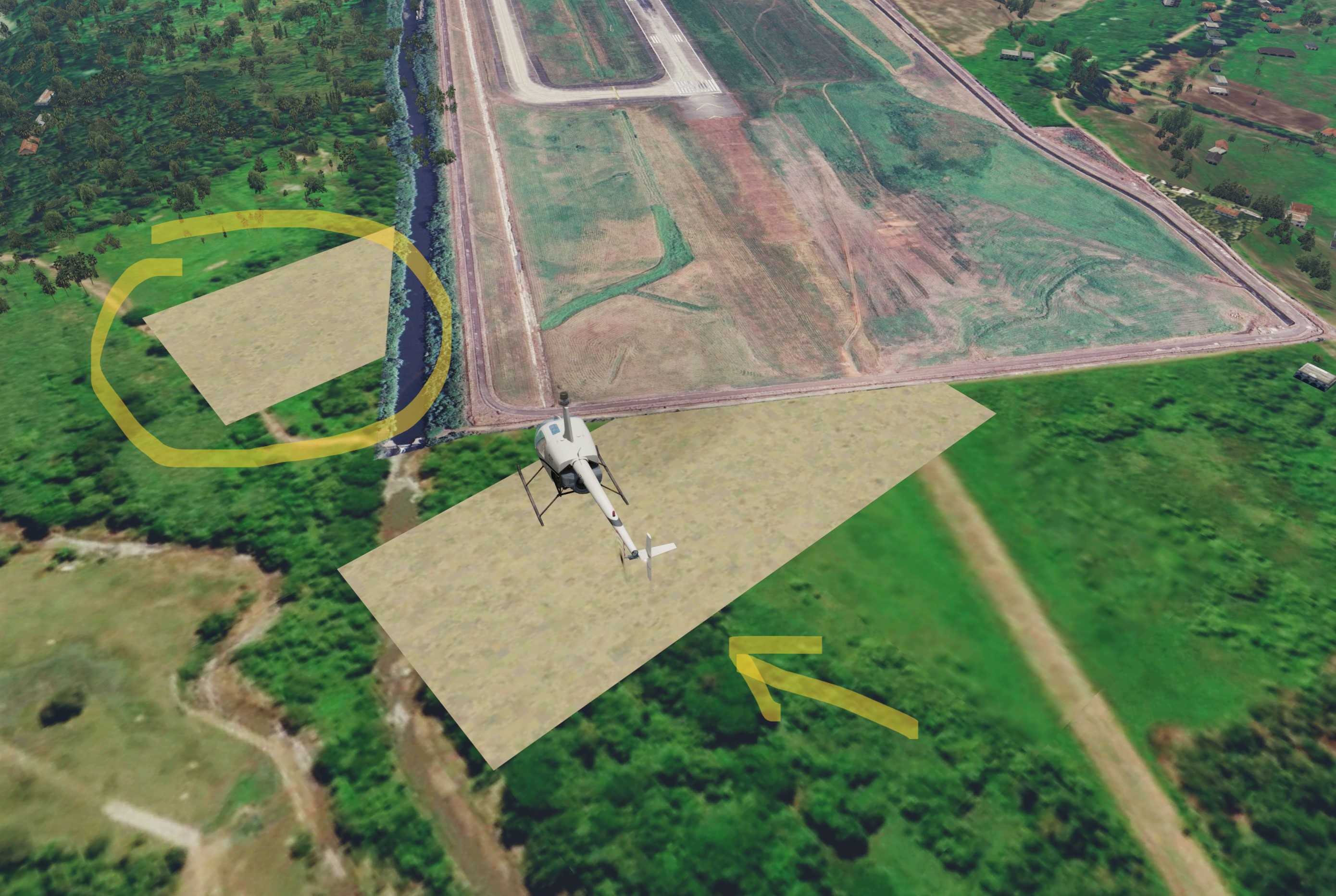
JPG export of the BMP used to generate the tile..
Sample INF file...
Long time lurker and first time poster here from New Zealand. Have been super grateful of this site as a resource, it's a gold-mine of info and experts. Great stuff.
I'm a noob when it comes to scenery editing but have been working on a few photo-real BGL sets lately for various airports in P3D v5.3 where existing ground detail is poor (e.g. Default) or where add-ons (e.g. Orbx and FCScenery variously) could do with a little more detail.
Have been using the excellent Ortho4XP v1.30 to capture tiles at zoom-level 19 for airports and any adjacent area and trimming the boundaries of edge tile in Gimp with a white background, saving to BMP again and re-running 'resample.exe' for any edited BMPs with an INF file based on the one that was spat out by Ortho4XP (which also uses scenproc/sbuilder I believe???)
The INF specifically has the NullValue colour set to 255,255,255 to match the white trimmed background.
This works well, am really pleased with results. When on approach from say 1500ft or more above the airfield it all looks good, and at ground level doing a taxi in an aircraft or low level hover in a chopper it also looks great. However there's an issue I'm seeing at pretty much all of these location's I've edited where what looks like sections of default P3D ground texture are randomly bleeding through my trimmed photoreal tiles. This occurs at low levels and seems to be when directly above a tile area.
The bleed seems to come and go, and isn't the entire area of any given trimmed section, just random small rectangular sections.
Pics following. Also a sample INF file.
Could anyone please help me work out why this is occurring, is rather frustrating after all the effort of editing the BMPs. Have taken a decent look through the forum and couldn't spot anything directly related to this so sorry if has been asked before, please fire me a link if so.
In-game shots showing issue..
JPG export of the BMP used to generate the tile..
Sample INF file...
[Source]Season = SummerVariation = AllType = BMPLayer = ImagerySourceDir = P:\Scenery Projects\MPTO\photoreal\.SourceFile = 248912_146512_GO219.bmpLon = -79.398193359375Lat = 9.047852691011144NumOfCellsPerLine = 4096NumOfLines = 4096CellXdimensionDeg = 2.682209014892578e-06CellYdimensionDeg = 2.6488751322557846e-06PixelIsPoint = 0SamplingMethod = PointNullValue = 255,0 0[Destination]DestDir = .\ADDON_SCENERY\sceneryDestBaseFileName = 248912_146512_GO219BuildSeasons = 0UseSourceDimensions = 1CompressionQuality = 100