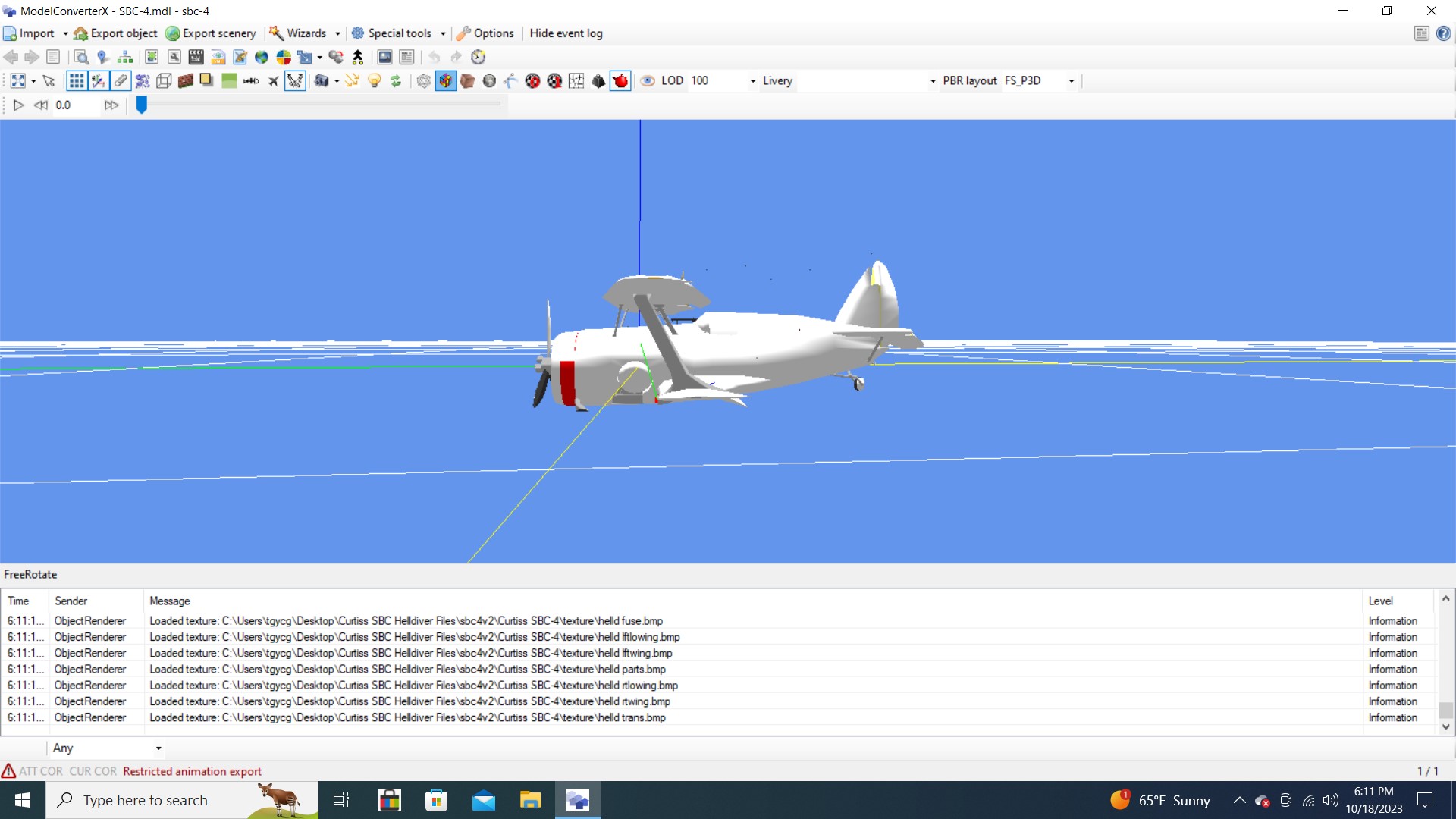
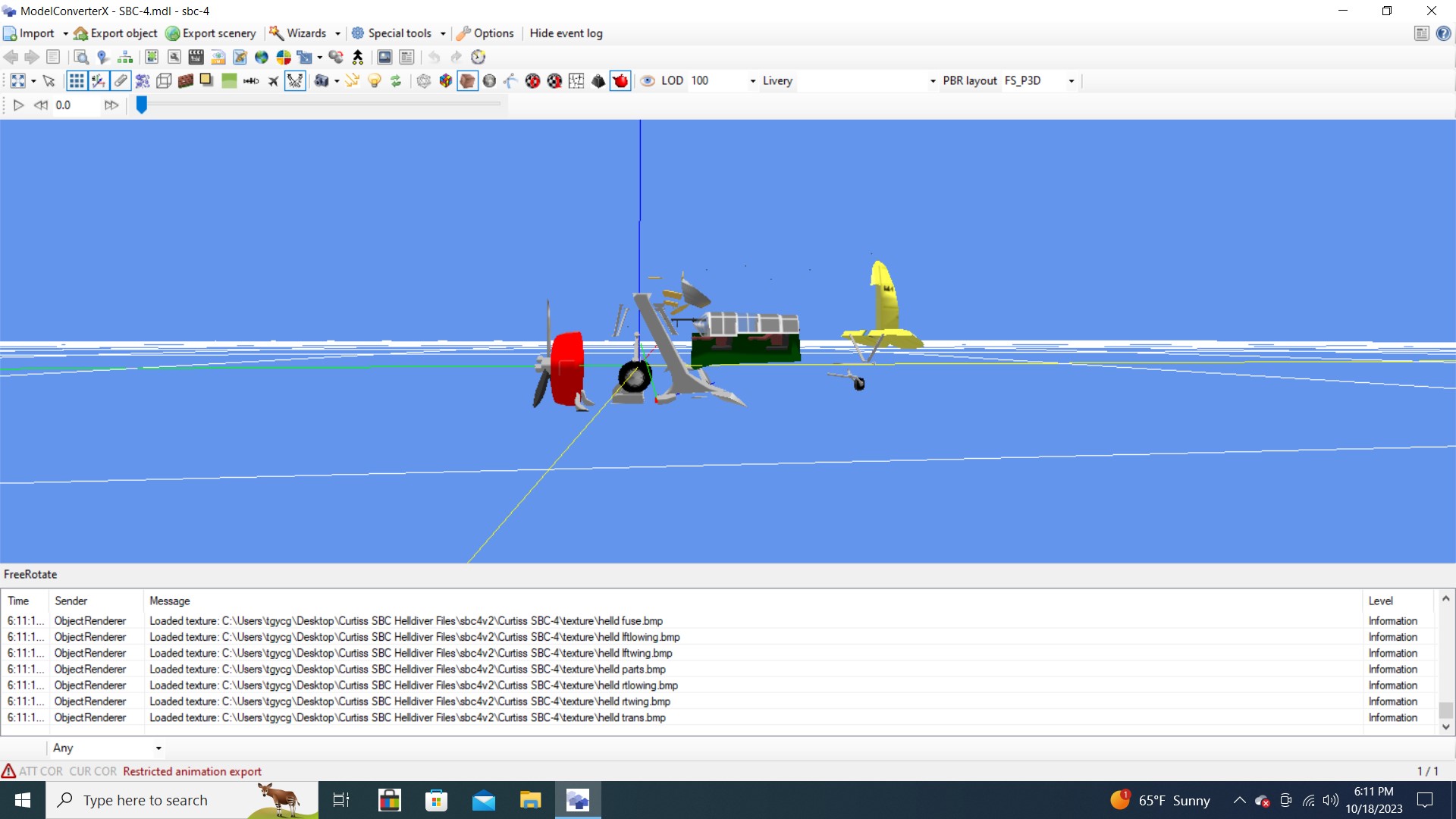
If you could have converted the original mdl with animation if I understand you correctly it is not possible with the way it was created. Is that true?
Well first off, this is all an experiment, until it works. The core problem with your tailhook, for example, is that the animation description in MCX in highlighted red. This suggests that no recognizable event to start the animation playing was found by MCX. Now, you probably know some standard key commands, "E" for selecting engine, Shift E for starting, ctl+shft+E for shutting down etc. The author of this model selected a "custom" trigger event, perhaps he modeled a tailhook release mechanism, unlikely, but for whatever reason between his choices and the original developers, his command, or method to move the hook, is lost to the ages.
No terrible loss, it just needs to be replaced (presumably, based on experimental results). So with that in mind we can head over to the animation editor. You can see a list of standard simulator events, starting with "Action 01." Action 01 is going to be a predefined "event" available for things like this, running a tailhook animation, you would just have to assign a keystroke combination to that event and I'm not entirely sure how to connect your keystroke combination, with the animation. Ok, let's move on to a predefined event, that also has it's predefined keystroke combination.
So "Door_0" would probably work. Since this model has a canopy, there is no "open door" animation, as there would be on say a 747. But the "open door" key command remains available.
I'd save that one for the wing fold and I'll show you why.
And when we assign that animation event "tailhook_pct" we can see the animation name is no longer highlighted red.
This suggests that when exported, the model will not collapse it's animated parts to center, because that is kind of an MCX glitch consequence of trying to export animated parts that are not correctly linked. This is something I'd learned from countless hours of trying to accomplish exactly these same kinds of changes. My only solution to the fruitless search of "what were these guys thinking," was to abandon my dream of reviving the beautiful, but inevitably flawed works of the past and just make my own that, as lame as they are, they work the way I intend.
Attached is the above model, tailhook reassigned and wings folded when the door opens. I'll have to make this my last export from MCX here, maybe ever. It doesn't work properly on my machine and Arno refuses to address my report, because no one else reports the error. It is my belief that other people indeed do encounter the same error, I see the reports, but they are unable to articulate the issue properly, because they do not understand MCX fundamental functionality so well, so the issue goes unresolved and as a consequence, whenever I use MCX, _I_ must resolve the issue upon every occurance and it kind of hurts my feelings. The exact problem is that if you move MCX to a second monitor and then close the app, it will not reopen, until you either remove the MCX configuration file, or disconnect the second monitor from the computer, before again starting MCX. Apparently, some machine monitor configurations do not have this issue, Arno's being one of them, so it will remain unresolved.
Luckily for me, I've largely moved on from MCX, I use it for a quick model view, for generating GUID's and for trips down memory lane, like this. Thank you for allowing me to participate in your discoveries.