
• Which the release of FS2020 we see an explosition of activity on the forun and of course we are very happy to see this. But having all questions about FS2020 in one forum becomes a bit messy. So therefore we would like to ask you all to use the following guidelines when posting your questions:

    • Tag FS2020 specific questions with the MSFS2020 tag.
    • Questions about making 3D assets can be posted in the 3D asset design forum. Either post them in the subforum of the modelling tool you use or in the general forum if they are general.
    • Questions about aircraft design can be posted in the Aircraft design forum
    • Questions about airport design can be posted in the FS2020 airport design forum. Once airport development tools have been updated for FS2020 you can post tool speciifc questions in the subforums of those tools as well of course.
    • Questions about terrain design can be posted in the FS2020 terrain design forum.
    • Questions about SimConnect can be posted in the SimConnect forum.

    Any other question that is not specific to an aspect of development or tool can be posted in the General chat forum.

    By following these guidelines we make sure that the forums remain easy to read for everybody and also that the right people can find your post to answer it.

Library Object is not there

Messages
9
Country
us-alabama
Hello all

Today I made a quick terminal in SketchUp, imported it into ModelConverterX, saved the textures into the Texture folder, then saved the object as an MDL to import into LibraryCreatorX and eventually move into ADE to move around, like so:

1590355608686.png


I compile this and put it in the scenery folder, but when running the sim, the terminal isn't there
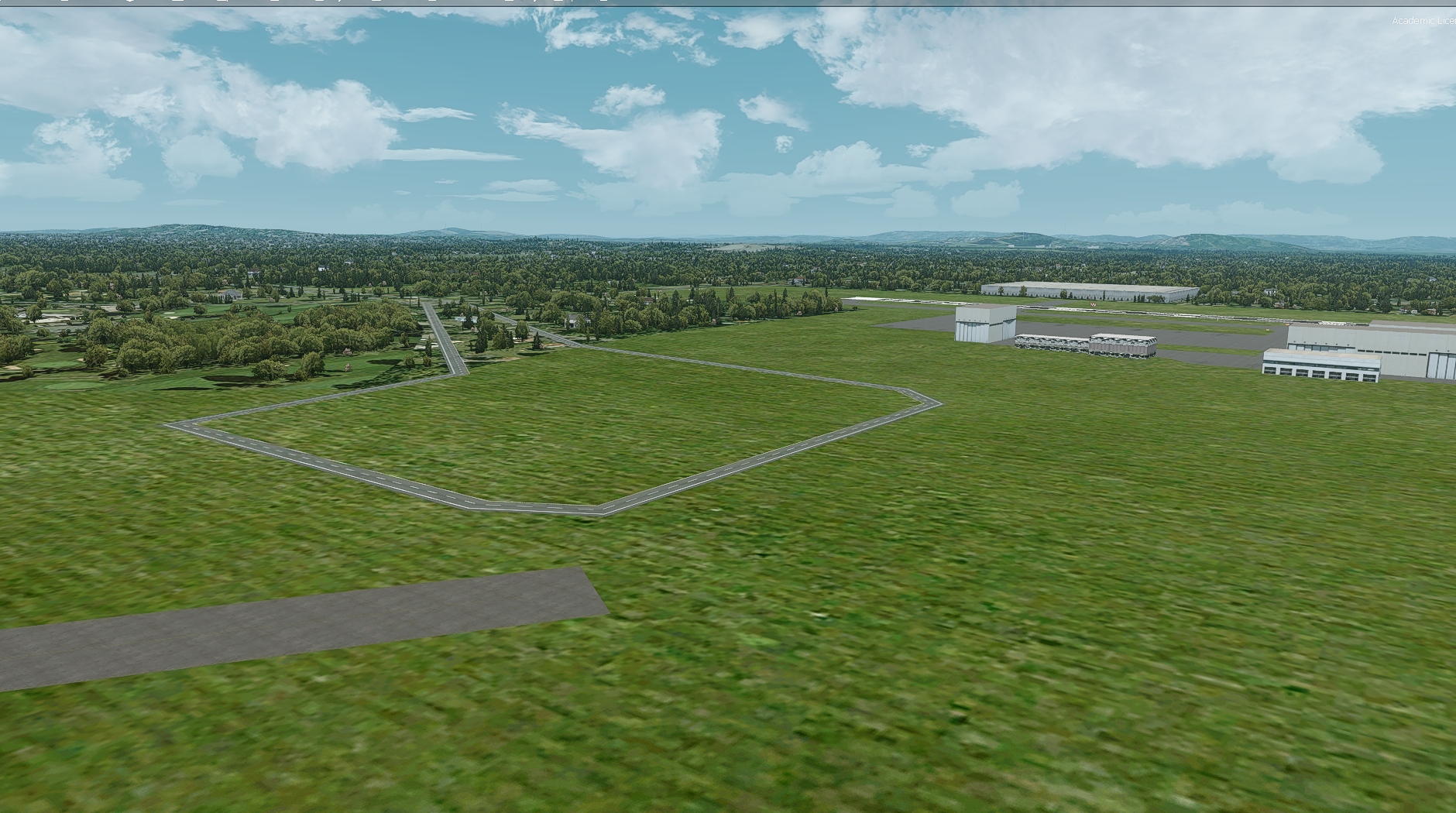
1590355667629.png


I feel like I'm missing something very simple here, any help is appreciated. My scenery complexity is set to Max
 
Last edited:
So you created a library with the terminal object in? If so did you put the library and and associated textures into an active scenery folder in the sim? Adding objects to the ADE Library Object Manager tells ADE about them and ADE will contain the placement data but will not add the objects themselves. You can do this if you add the MDL file directly to ADE but if you put it in a library then you need to add the library to the sim along with the ADE bgl file(s)
 
Here is how my active scenery folder was laid out, and these were the only things in the sim:

1590424492675.png


1590424501837.png


So it sounds like I've told ADE about where to place this object, but not the sim. Where would I put the .bgl file and these textures? Also, you said I could import straight .mdl files into ADE?

Sorry for the noobish questions :/
 
This is all in the manual - I encourage you to read it?

But the BGL file could be placed in a P3D/Addon Scenery/scenery folder and the textures into a P3D/Addon Scenery/texture folder (you will probably need to create these folders). Then use the Scenery Library to add the Addon Scenery folder as a scenery layer in the Scenery Library.

To add the MDL file directly to the ADE file, you first use List/Models and add your MDL file there. Then back in the airport display you right click and choose Add.../Model, select your MDL file, and place it where you want. Then place the compiled ADE BGL file in an active scenery folder (such as the Addon Scenery/scenery folder above), and the building's textures in the adjoining texture folder (the Addon Scenery/texture folder if you use the folders above).
 
Back
Top