Hi everyone,
I made some progress with my Kaikoura airport project. The whole thing is taking considerably longer than I expected, mainly due to my inexperience with the SDK. I also realized that some of my models looked good in Blender but terrible in-sim, with exaggerated reflections and strange behaviour under certain lighting conditions. I also accidently mixed OpenGL and DirectX style normal maps, all of which lead me to retexture many of my models. I also had to create custom models for minor scenery elements like fences or markers, because the default ones I originally intended to use looked odd and out of place in the scenery.
I finally decided to release the scenery on a set date - March the 6th, 2021, which will be my 42nd Birthday ;-). I consider this release to be a "Version 0.9", until then I will have created all the basic assets to make a functioning airport scenery. But I intend to revisit this scenery in the near future and add some more custom models, fix some graphical issues and overall improve texturing and lighting of the airport. In a third step I want to also improve the surrounding area, mainly the Kaikoura peninsula region, but I need to learn to implement custom aerial imagery for that because Bing maps looks terrible in this region.
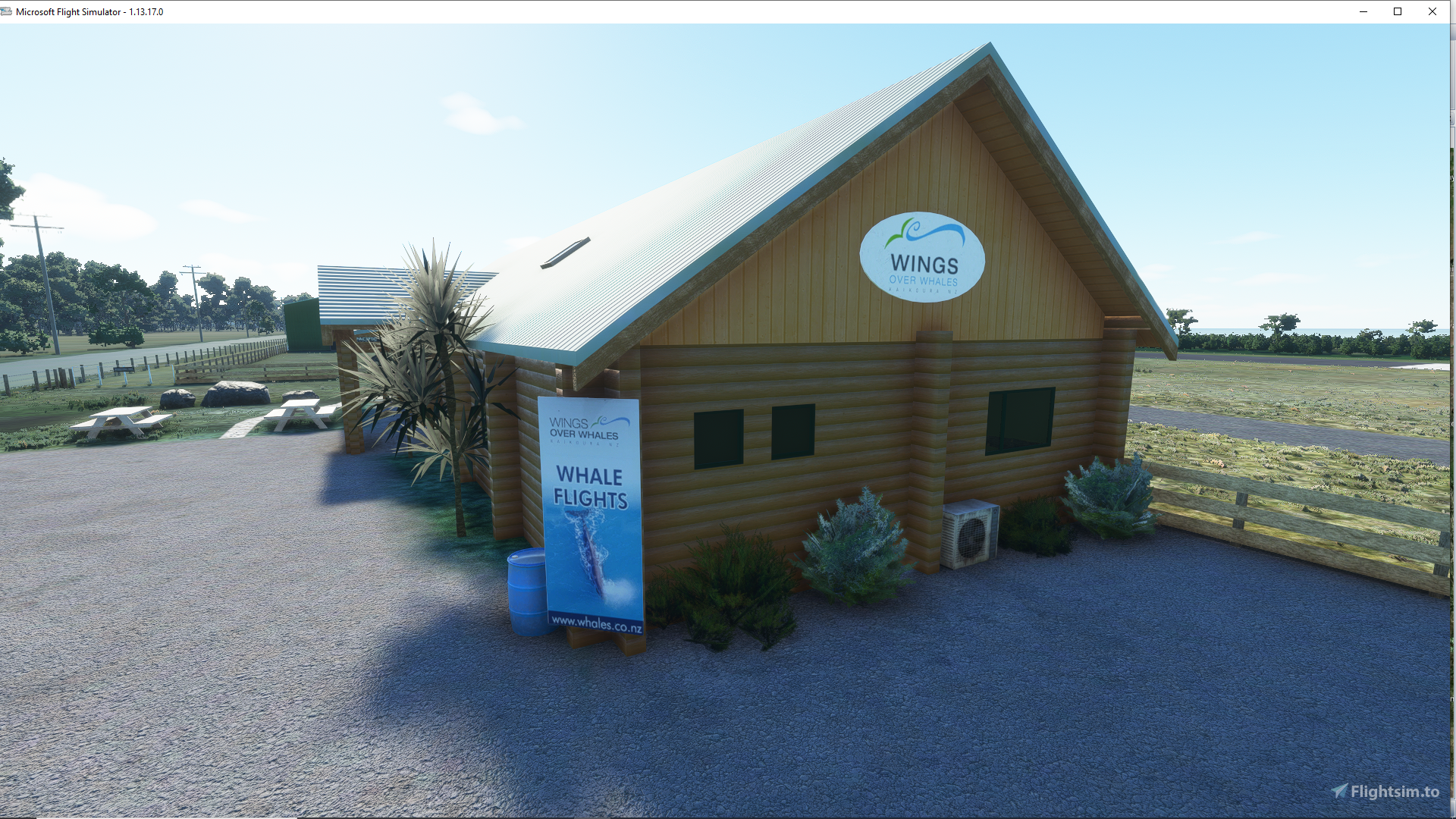
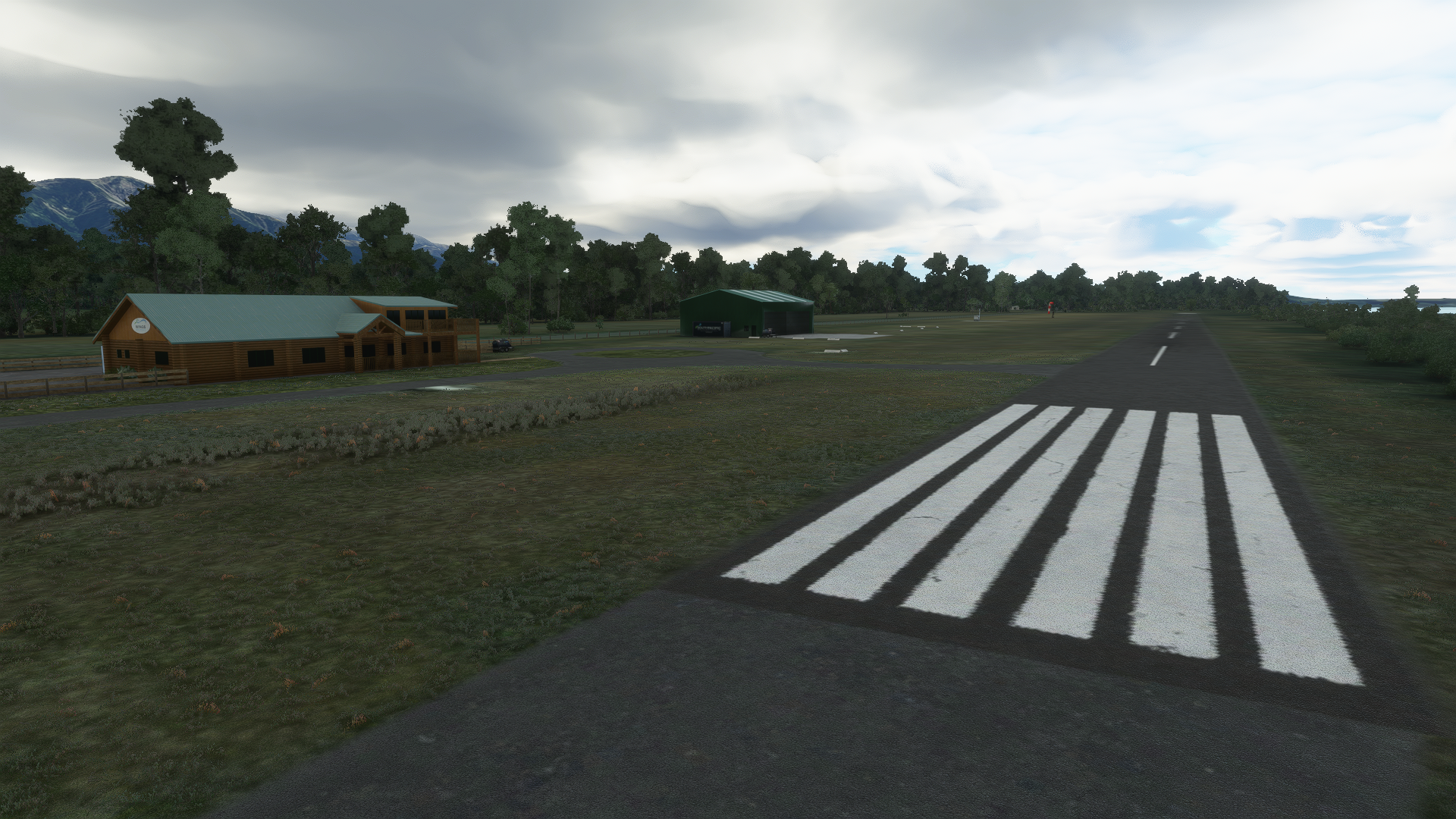
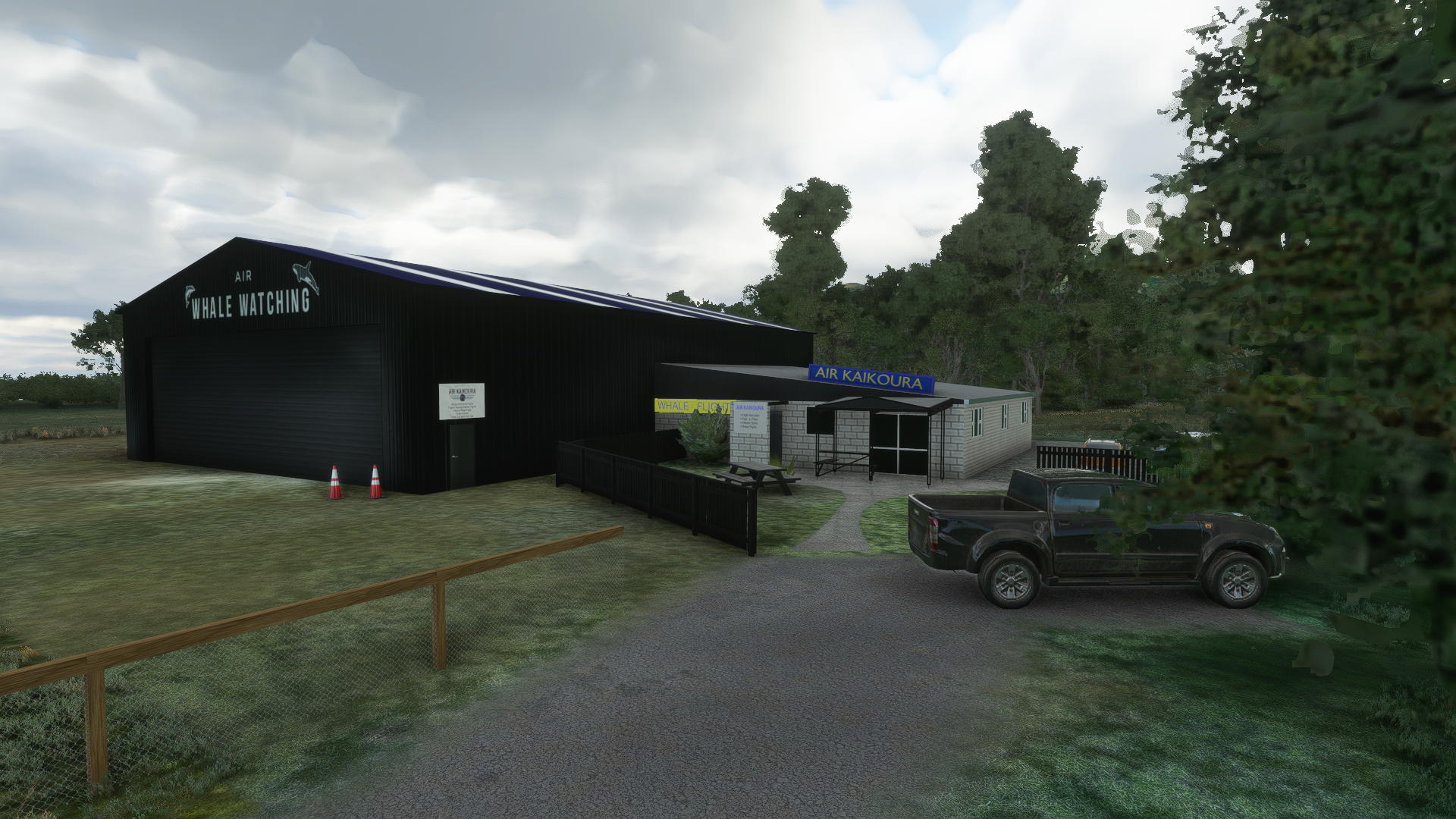
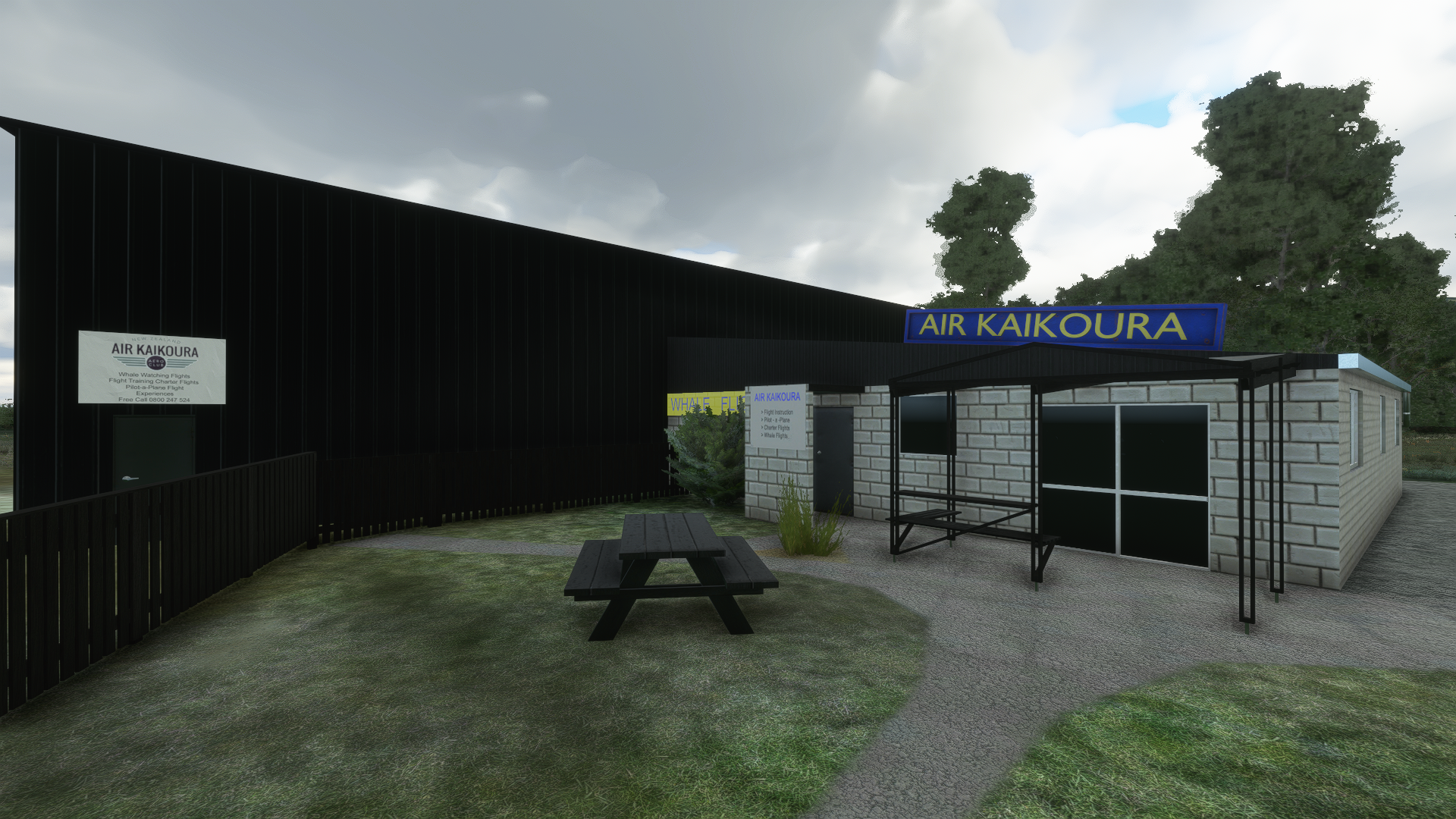
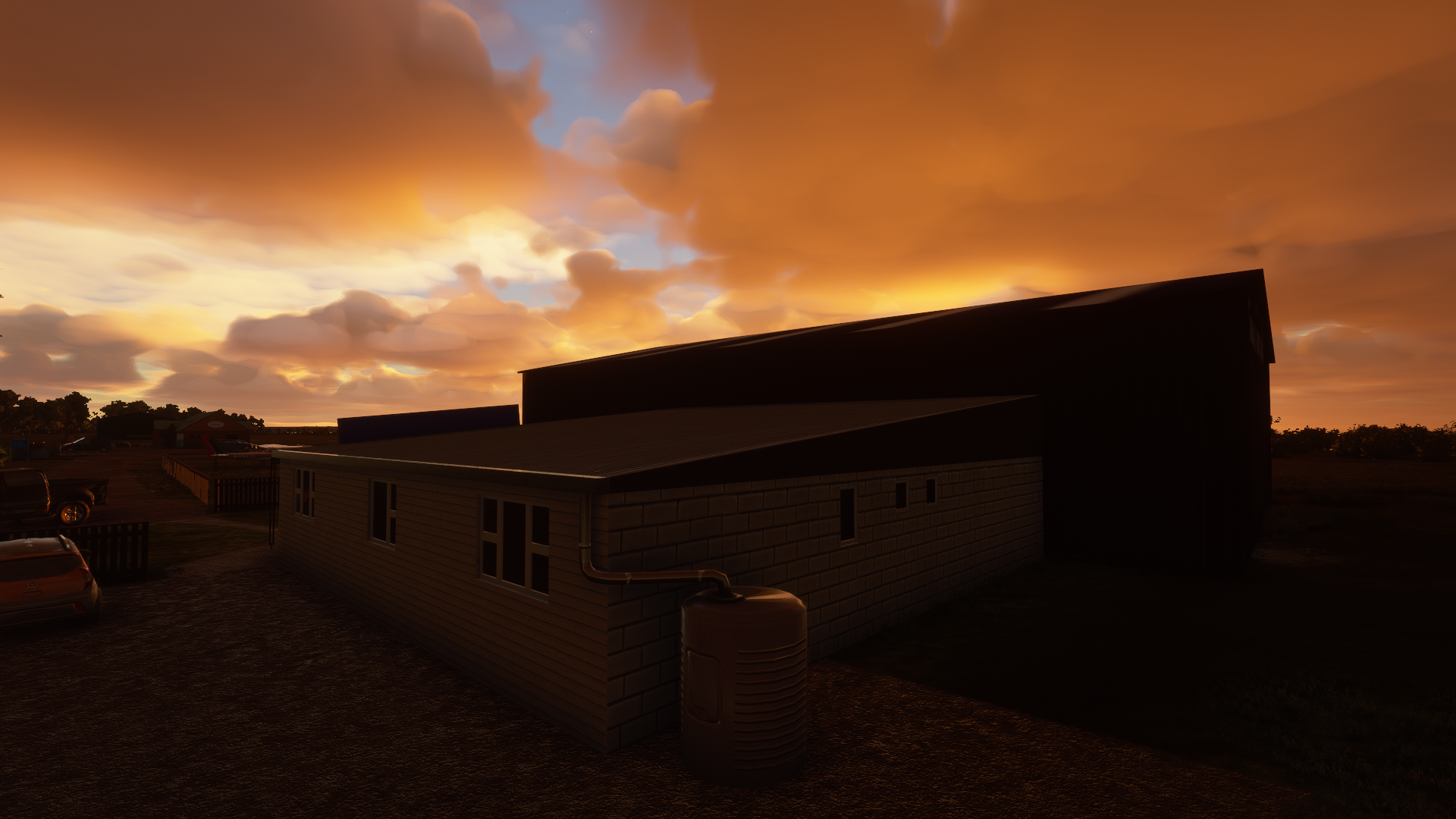
So, here are my first shots. Hope you enjoy.


I made some progress with my Kaikoura airport project. The whole thing is taking considerably longer than I expected, mainly due to my inexperience with the SDK. I also realized that some of my models looked good in Blender but terrible in-sim, with exaggerated reflections and strange behaviour under certain lighting conditions. I also accidently mixed OpenGL and DirectX style normal maps, all of which lead me to retexture many of my models. I also had to create custom models for minor scenery elements like fences or markers, because the default ones I originally intended to use looked odd and out of place in the scenery.
I finally decided to release the scenery on a set date - March the 6th, 2021, which will be my 42nd Birthday ;-). I consider this release to be a "Version 0.9", until then I will have created all the basic assets to make a functioning airport scenery. But I intend to revisit this scenery in the near future and add some more custom models, fix some graphical issues and overall improve texturing and lighting of the airport. In a third step I want to also improve the surrounding area, mainly the Kaikoura peninsula region, but I need to learn to implement custom aerial imagery for that because Bing maps looks terrible in this region.
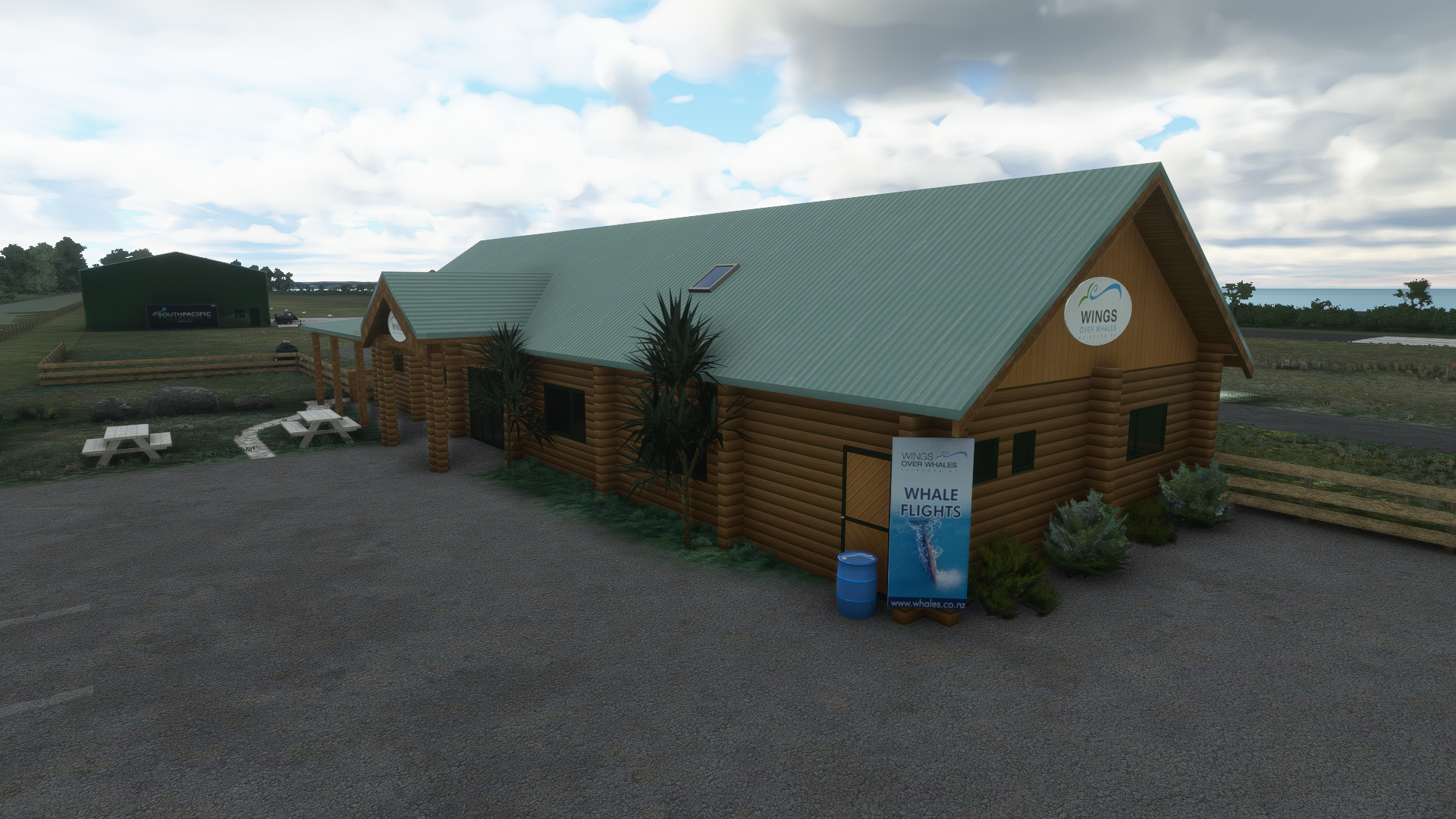
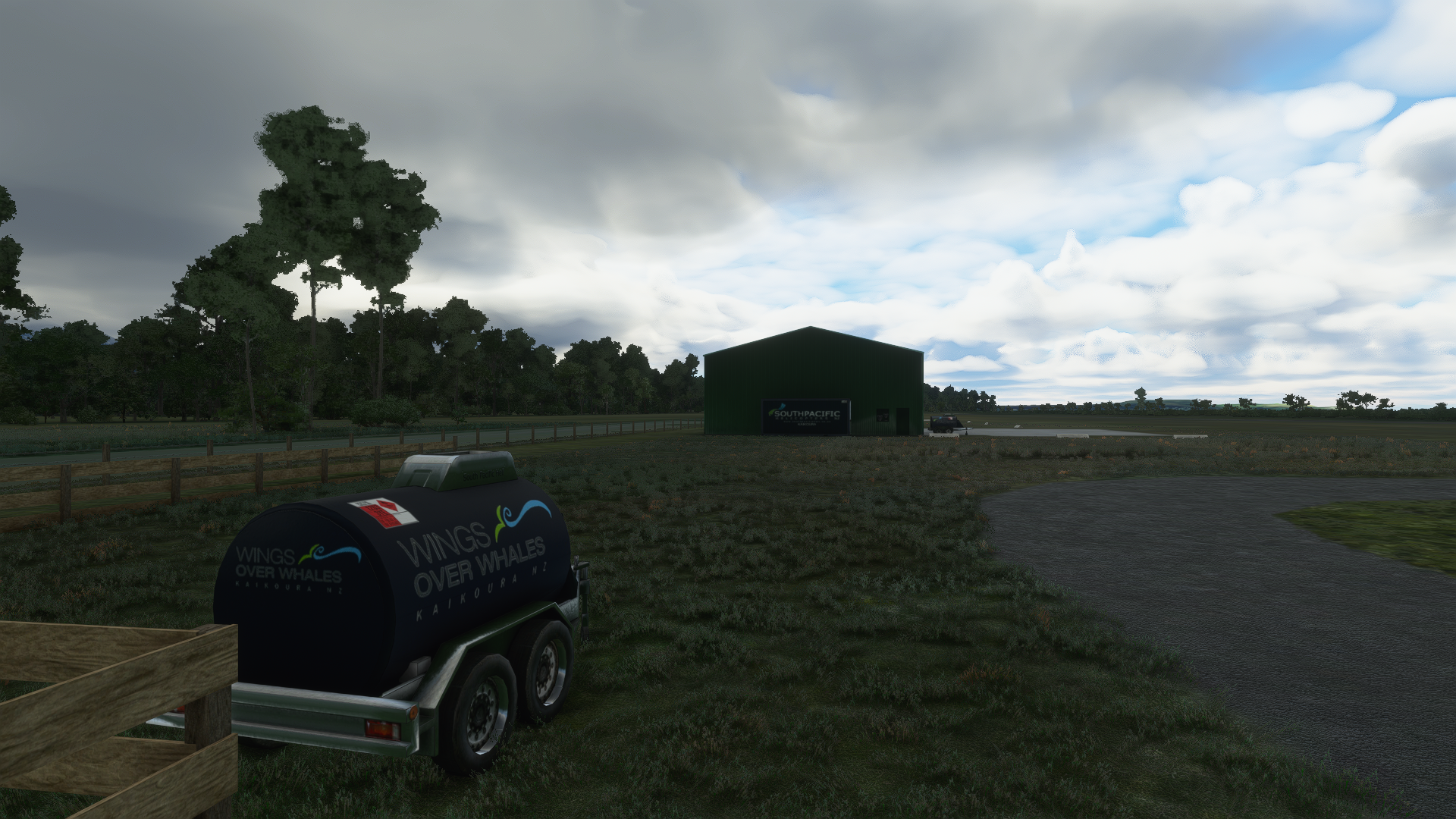
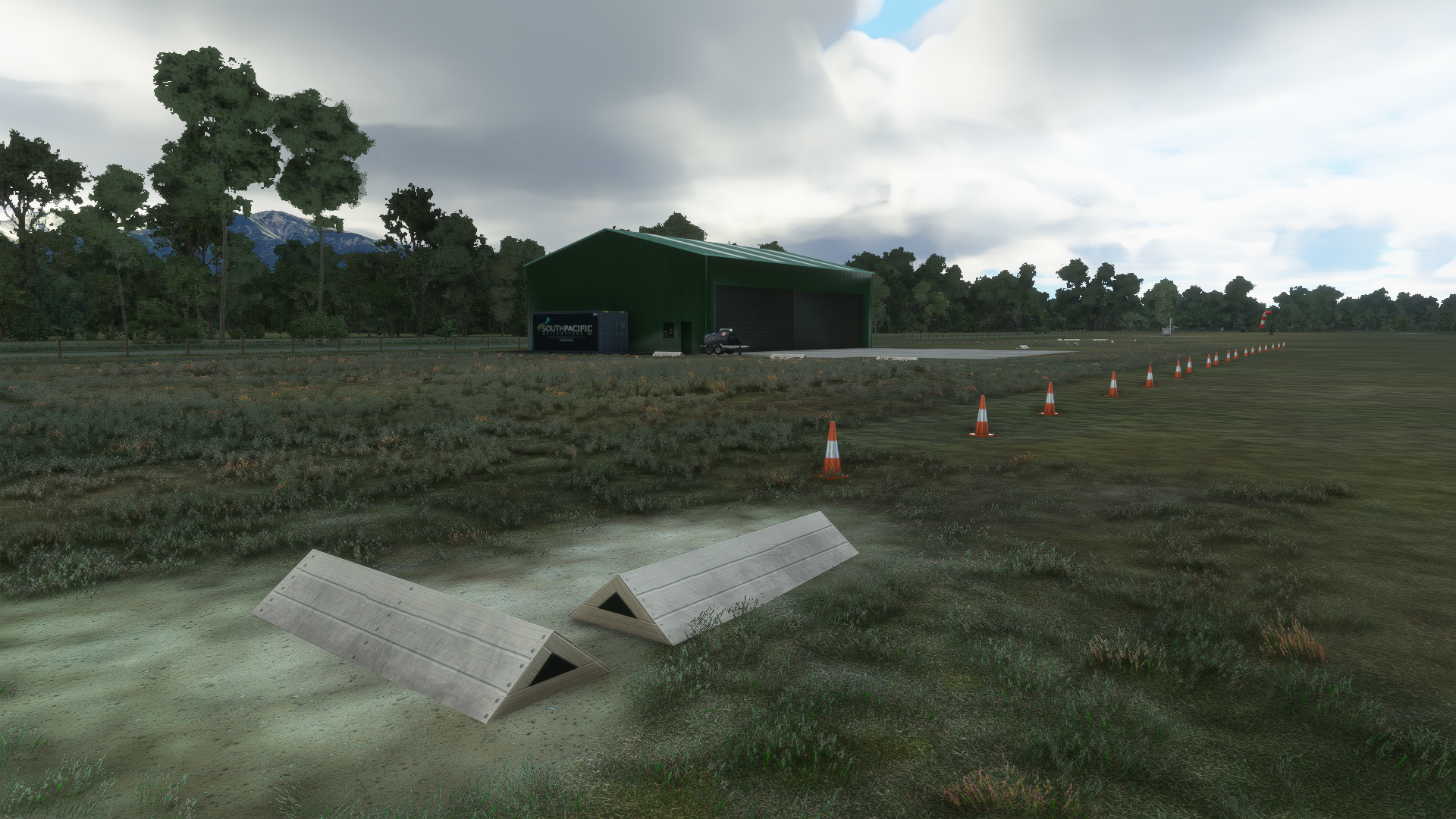
So, here are my first shots. Hope you enjoy.