Hi again:
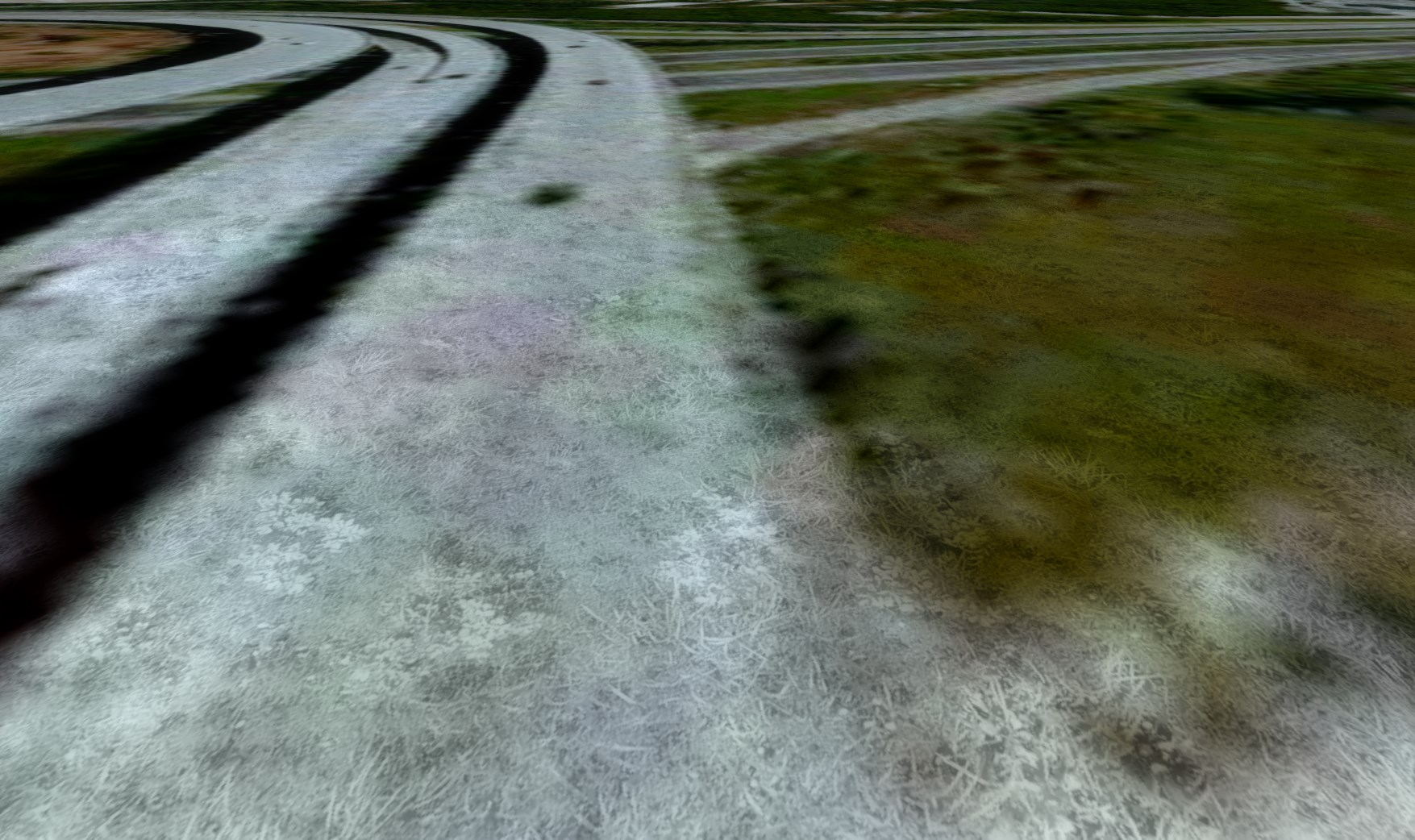
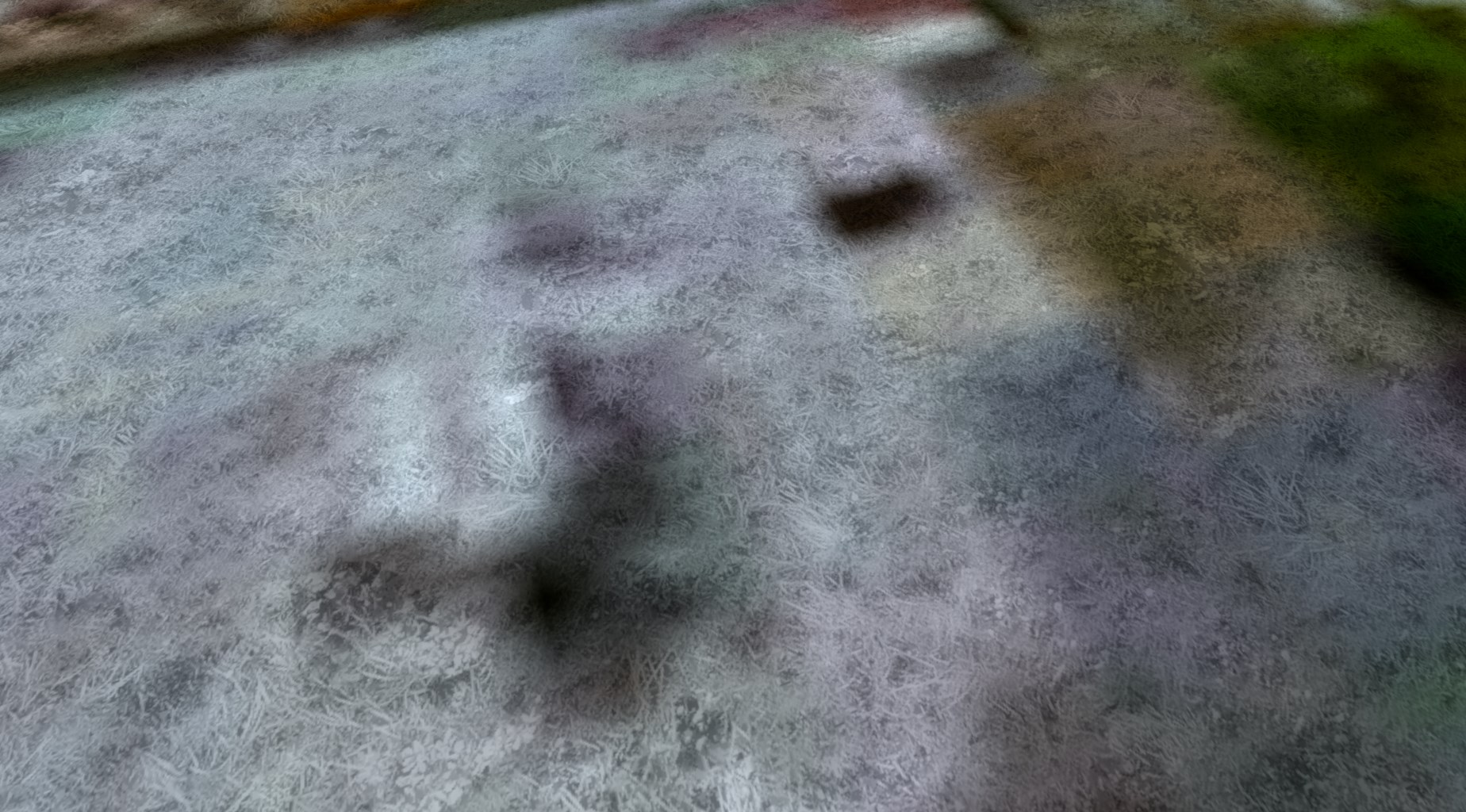
On a practical basis, one will not see all the detail otherwise visible via the Detail1.BMP file
unless one's user aircraft is on- or near- the ground itself.

If there are areas of terrain within the airport boundary where you wish to- and are objectively 'able' to- see more "detail" on- or near- the ground itself, IIUC, the way to enable that detail is to either use a very high resolution "synthetic" custom photo-real texture layer with a partially transparent attribute super-imposed over an underlying lesser-resolution custom photo-real aerial imagery layer ...both of which are made via FS SDK Resample.
Alternatively, one would have to utilize very high resolution textures mapped onto custom Ground Polygons (aka "G-Polys" or "GP's") made as
non-MDL 3D objects via FS2002 / FS8 SCASM / ASM methods for FSX, and/or made as a
MDL-based 3D objects via P3D v2.x / 3.x with Z-Bias Material properties using P3D SDK XtoMDL methods for P3D.
Otherwise, when land class textures are used (including any custom photo-real textures made via FS SDK Resample which are also a special type of 'land class'), Detail1.BMP will ultimately be displayed on top.
As Holger and Scott pointed out above, regardless of which version of Detail1.BMP is used, it is difficult to "minimize" its display in areas where one does not want it to be seen.

IMHO, it would be a more effective use of one's time to utilize very high resolution custom photo-real textures made via FS SDK Resample mapped onto areas of the airport where one wishes to see the terrain texture detail otherwise not visible
unless one's user aircraft is on- or near- the ground itself.
Whether that method or G-Polys are used, MIPMAPs / LODs will determine what is visible from the user aircraft as a function of one's distance from the textured ground polygon or aerial imagery terrain quad "tile".

If you do wish to add more sophisticated surface attributes to textures displayed on G-Polys, I would recommend considering the methods discussed by Pete Beeby ...here:
https://www.google.com/#q=site:www.fsdeveloper.com+Pete+Beeby&start=10
[
EDITED]
Of particular interest, IMHO, is Pete's described work-flow of using a very high resolution "synthetic" custom photo-real texture mapped onto a G-Poly with a partially transparent attribute super-imposed over an underlying lesser-resolution custom photo-real aerial imagery layer made via FS SDK Resample.
 http://www.fsdeveloper.com/forum/threads/hi-res-ground-polygon-grass.435074/
[
END_EDIT]
Hope this helps a bit more !

GaryGB