• Which the release of FS2020 we see an explosition of activity on the forun and of course we are very happy to see this. But having all questions about FS2020 in one forum becomes a bit messy. So therefore we would like to ask you all to use the following guidelines when posting your questions:

    • Tag FS2020 specific questions with the MSFS2020 tag.
    • Questions about making 3D assets can be posted in the 3D asset design forum. Either post them in the subforum of the modelling tool you use or in the general forum if they are general.
    • Questions about aircraft design can be posted in the Aircraft design forum
    • Questions about airport design can be posted in the FS2020 airport design forum. Once airport development tools have been updated for FS2020 you can post tool speciifc questions in the subforums of those tools as well of course.
    • Questions about terrain design can be posted in the FS2020 terrain design forum.
    • Questions about SimConnect can be posted in the SimConnect forum.

    Any other question that is not specific to an aspect of development or tool can be posted in the General chat forum.

    By following these guidelines we make sure that the forums remain easy to read for everybody and also that the right people can find your post to answer it.

proper adding / placing an aircraft model in ADE

Messages
158
Country
us-california
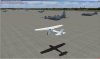
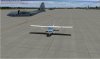
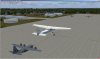
Trying to add some static C-130 ac to a KLRF freeware scenery in FSX accel. I read the guide for adding models at the Help site
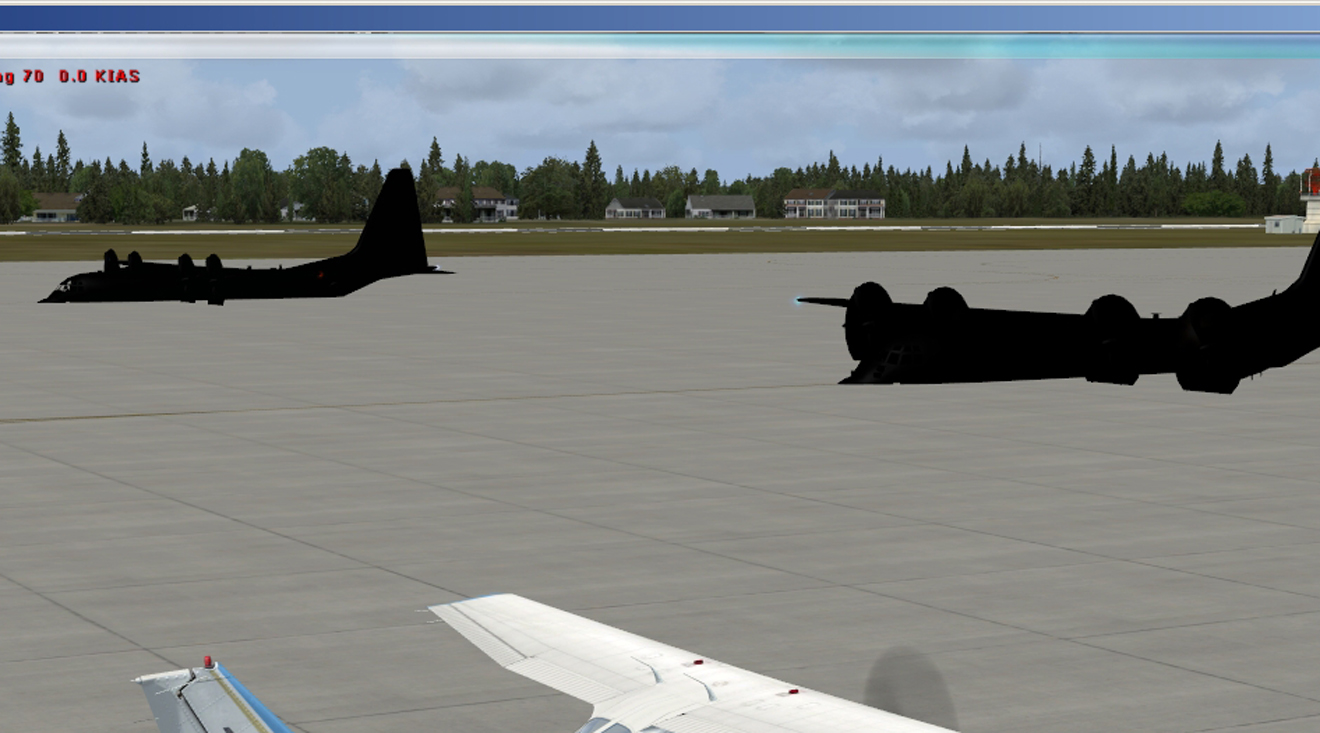
but I'm obviously missing something. The `130s have no paint (as in black) and are half submerged (as in Run Silent, Run Deep).
FYI, during install and placement of folders , I added the model and textures folders to the ..\FSX\simobjects\airplanes folder.
The texture files are .dds files if that matters. Some screen caps are attached.
Any tips will be appreciated .
Best to all,
MG_084_cr1.jpg
MG_085.jpg

Ken
 
It appears you have set the Alt field in the XML to 0. You need to raise the models by the height of their c of g (found in the .aircraft.cfg file.)
 
Where is the XML file located Don ? Any idea what causes the pl;anes to appear as black ?
Thank you for responding,
Ken
 
Where is the XML file located
No idea. depends on how you placed them

Any idea what causes the planes to appear as black ?
Textures not available or in the wrong place

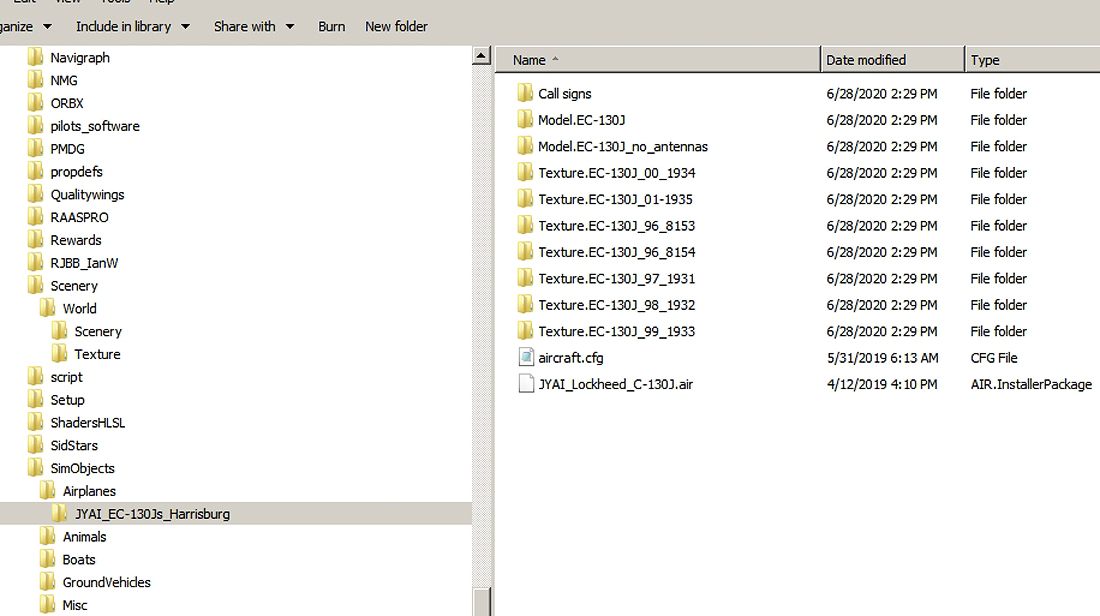
I added the model and textures folders to the ..\FSX\simobjects\airplanes folder
An unusual location for static (scenery) models. What are you using as a guide-book?
 
OK Don,
Well I suppose I should come clean >> in case it isn't obvious, LOL!! I've not had much experience with ADE or scenery creation. It's still now very much a learning thing here,
and it's very enjoyable most of the time.
And, after you stimulated my sense of adventure with "No idea. depends on how you placed them" I went on an xml hunt. I believe I may have found xmls as related to my
projects in a sub folder of ADE > ..\ADE\FSX\XML < . I appreciate the criticism of the texture placement, and static (scenery) model location. Would you also be kind enough
to offer some idea (just a hint perhaps) of where these textures and static models should be placed ? I have the textures for the models.
I have attached the xml that I believe is the one related to the above ... The EC-130J section is fairly close to the top. As you see, I set the alt to 310.997F because that is the
RWY / Ramp Alt. Based on what you stated above I should be good if I add 4.8 ft. to 310.99 . So I'll try it.
Also wondering if I made a mistake placing the aircraft into the FSX folder hierarchy instead of the ..\ADE\\FSX\Models sub folder.
Guide book ? Are you referring to the ADE "PIM", or is there a more appropriate reference for this type of operation ?
Thanks again,
Ken
 

Attachments

Last edited:
The C-130 textures need to be on the texture folder of your scenery folder, not on the simobjects folder.
 
Many thanks for gettin' me on the right track Don and Pinkjr.
Not purrfict > screen caps attached. By it's nature the `130 sits so low to the deck it's hard to tell that all (of mine) are hovering like UH-34Ds. Better 5in above than 5ft below I spose.
Also would be nice to see a few of them with static props. Must be a busy morning. But quite happy with status quo.
Best to all,
Ken
 

Attachments

  • MG_086.jpg
    MG_086.jpg
    594.5 KB · Views: 301
  • MG_088.jpg
    MG_088.jpg
    591.1 KB · Views: 310
  • MG_089.jpg
    MG_089.jpg
    626.7 KB · Views: 322
  • MG_090.jpg
    MG_090.jpg
    595.4 KB · Views: 309
Ken, might I suggest you take a look at one of my offerings - SAMM (Static Aircraft Model Maker). It will do all that work for you. It is available at http://stuff4fs.com
 
Thank you Don. I will certainly go after it. Look forward to checking it out.
Best regards,
Ken
 
Back
Top