

- Messages
- 55
- Country

Hi all, Is there anyway to disable the auto flattening of an entire airfield area?
I know its a sim feature created to avoid satellite elevation scans errors, but on some areas there are not elevation glitches and the original terrain resolution mesh is much more accurate and inmersive.
I know about the Falloff distance option, but it needs to be applied for each element in the airfiel. I wonder if there is a parent element to control all others and dissable the flattening for the entire airfield.
Some examples:
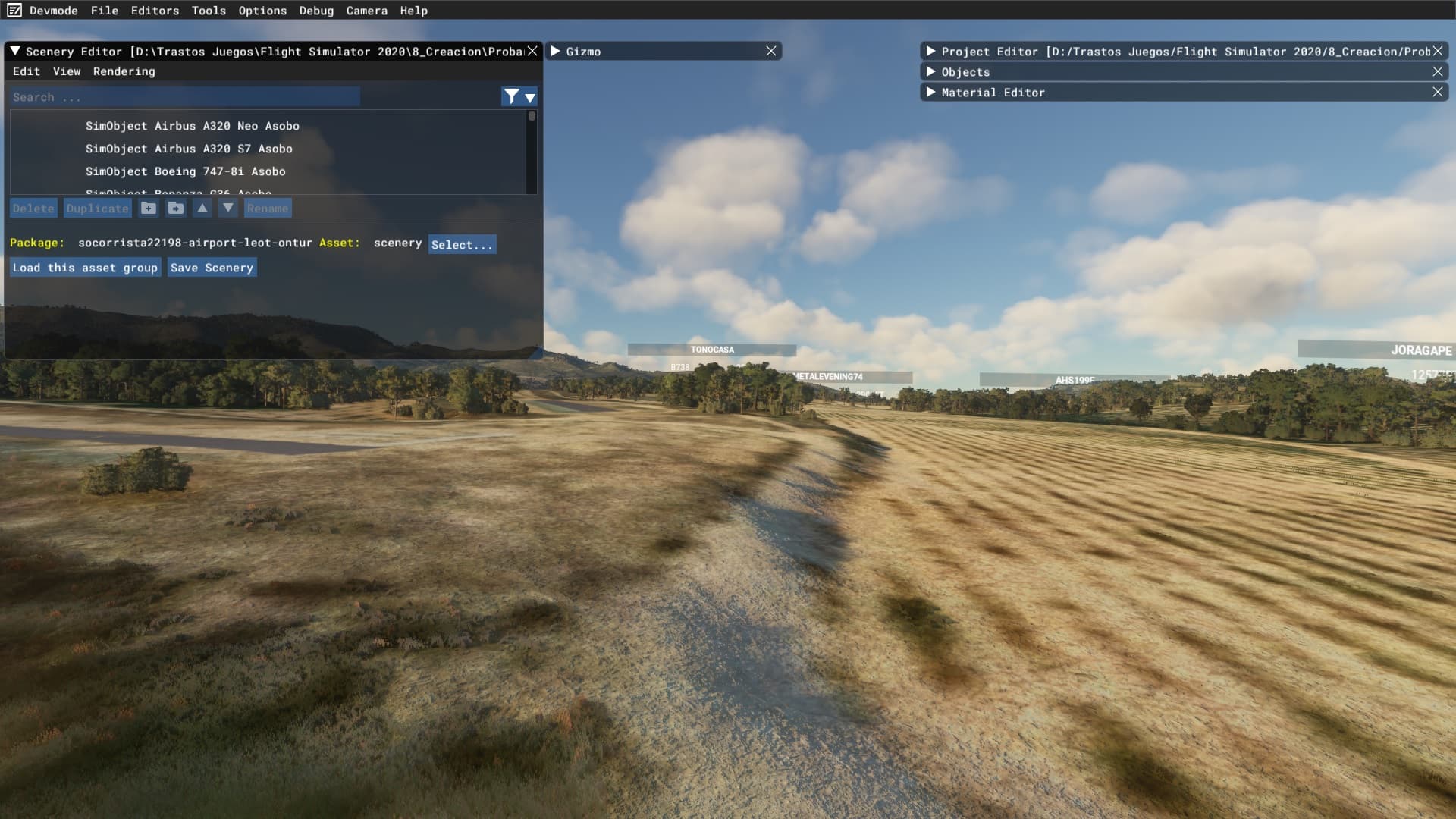
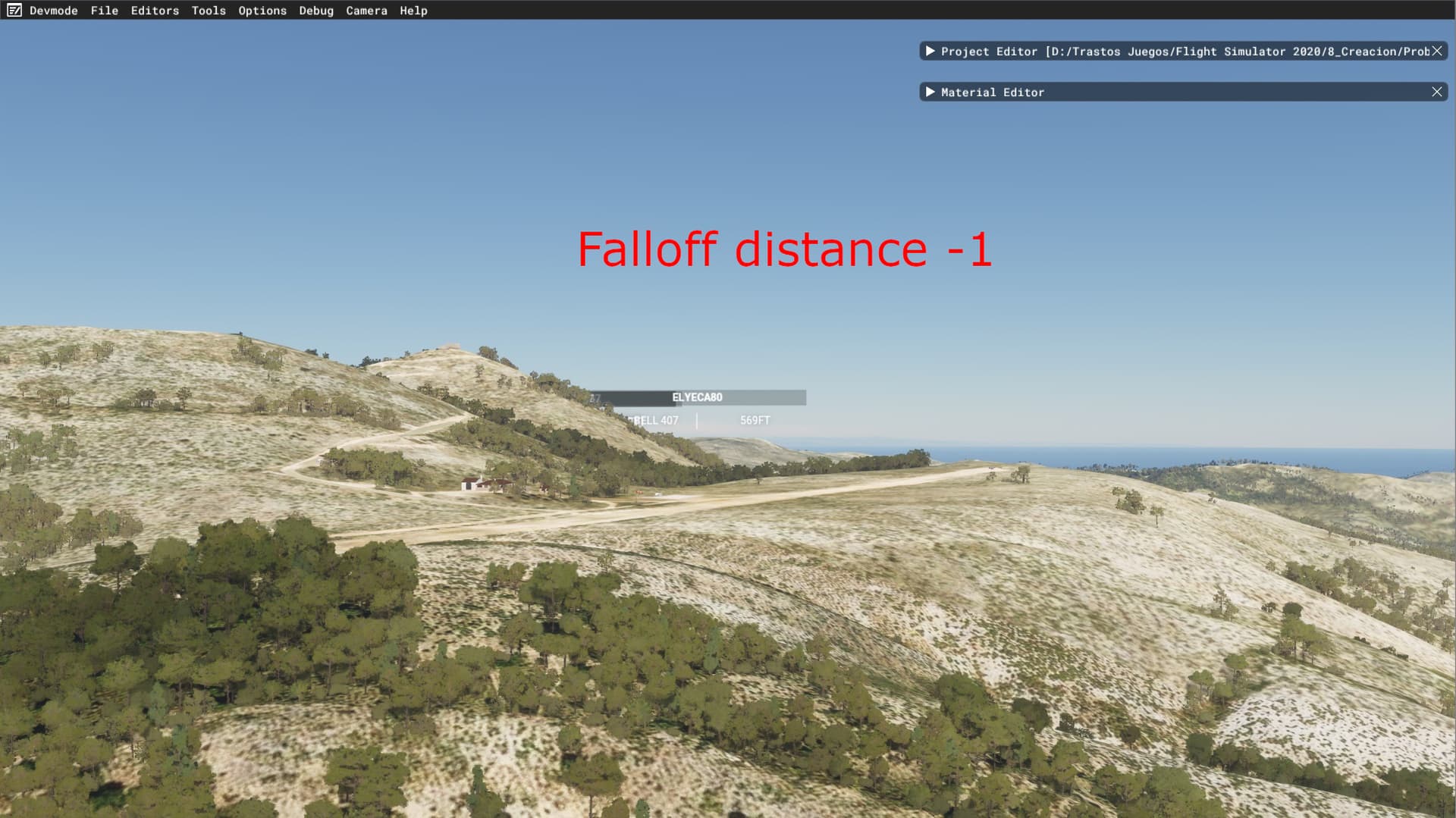
This is the elevation mesh at this moment when you are flying in the sim.

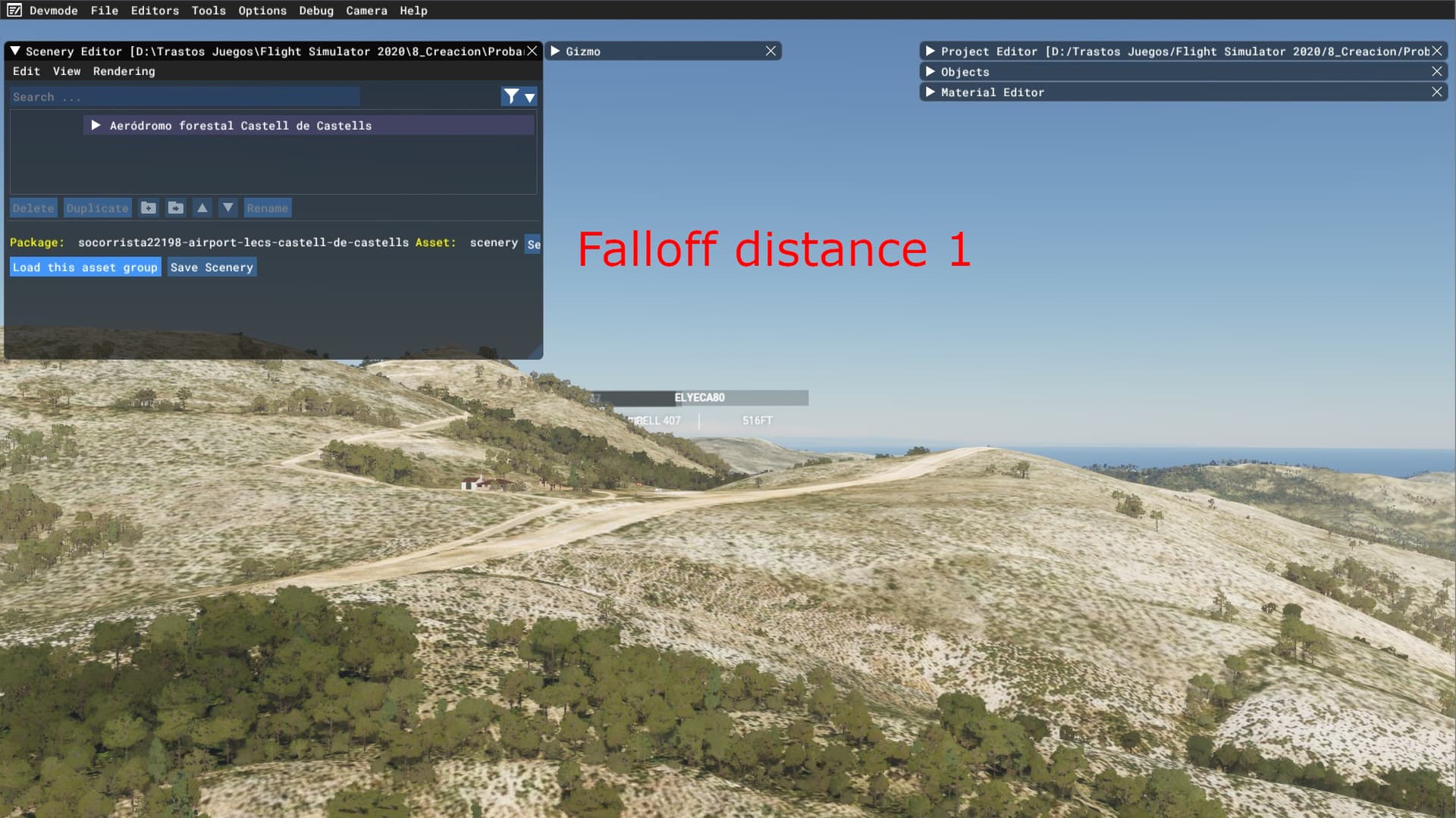
And this is when I open the scenery editor and I load an object inside the airfield, automatically the mesh resolution increases exponentially
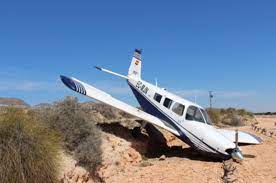
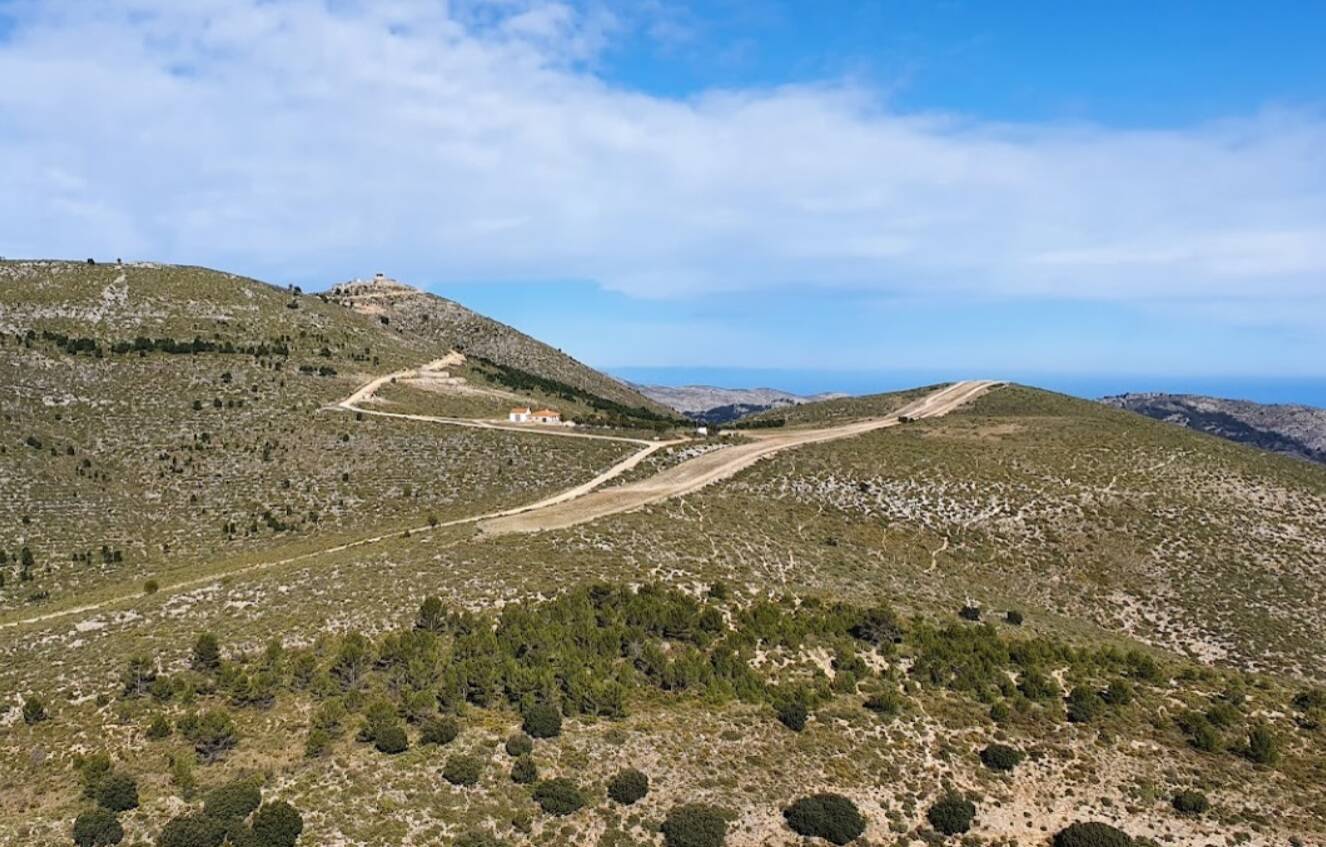
This is the real elevation xD

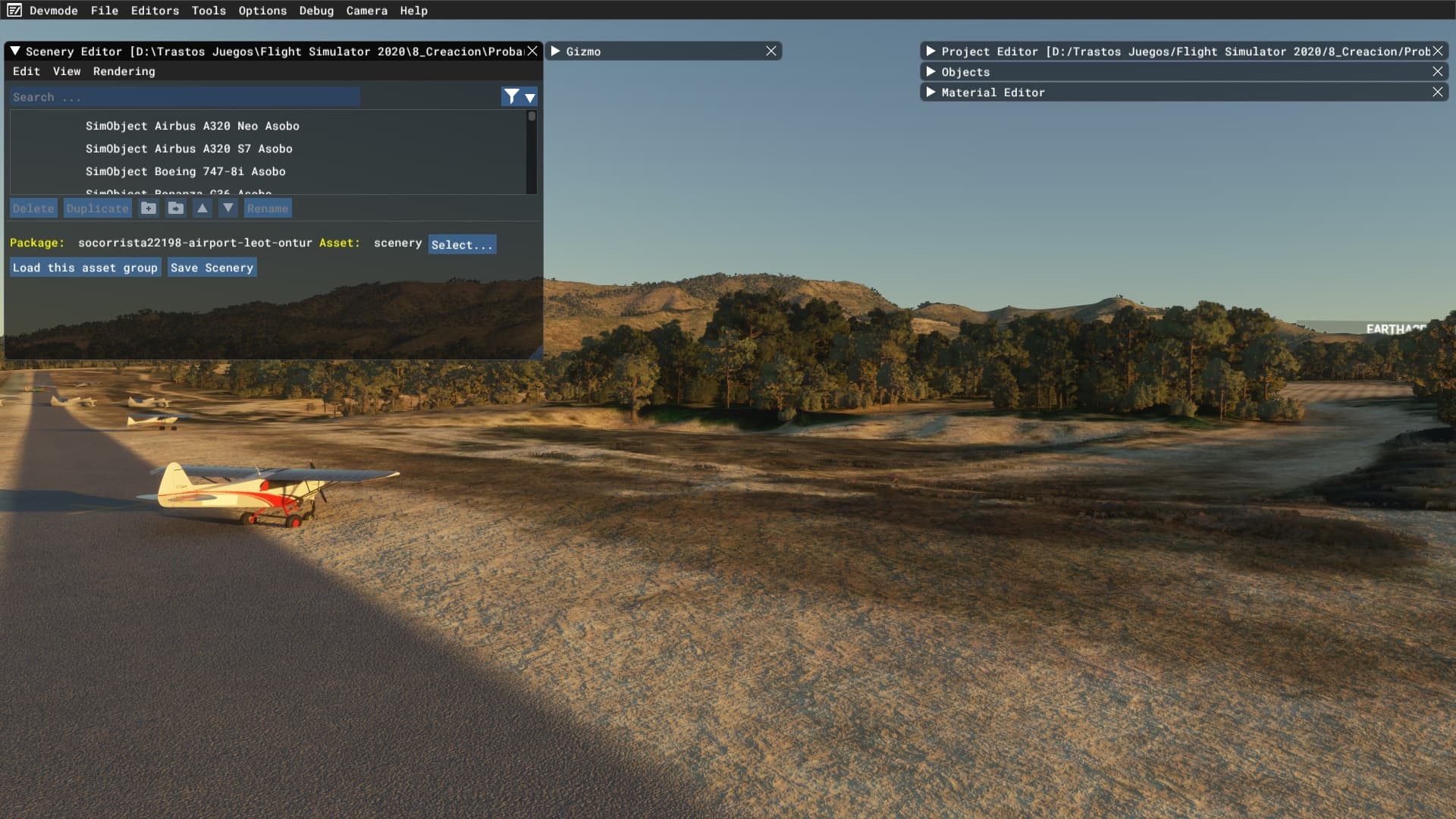

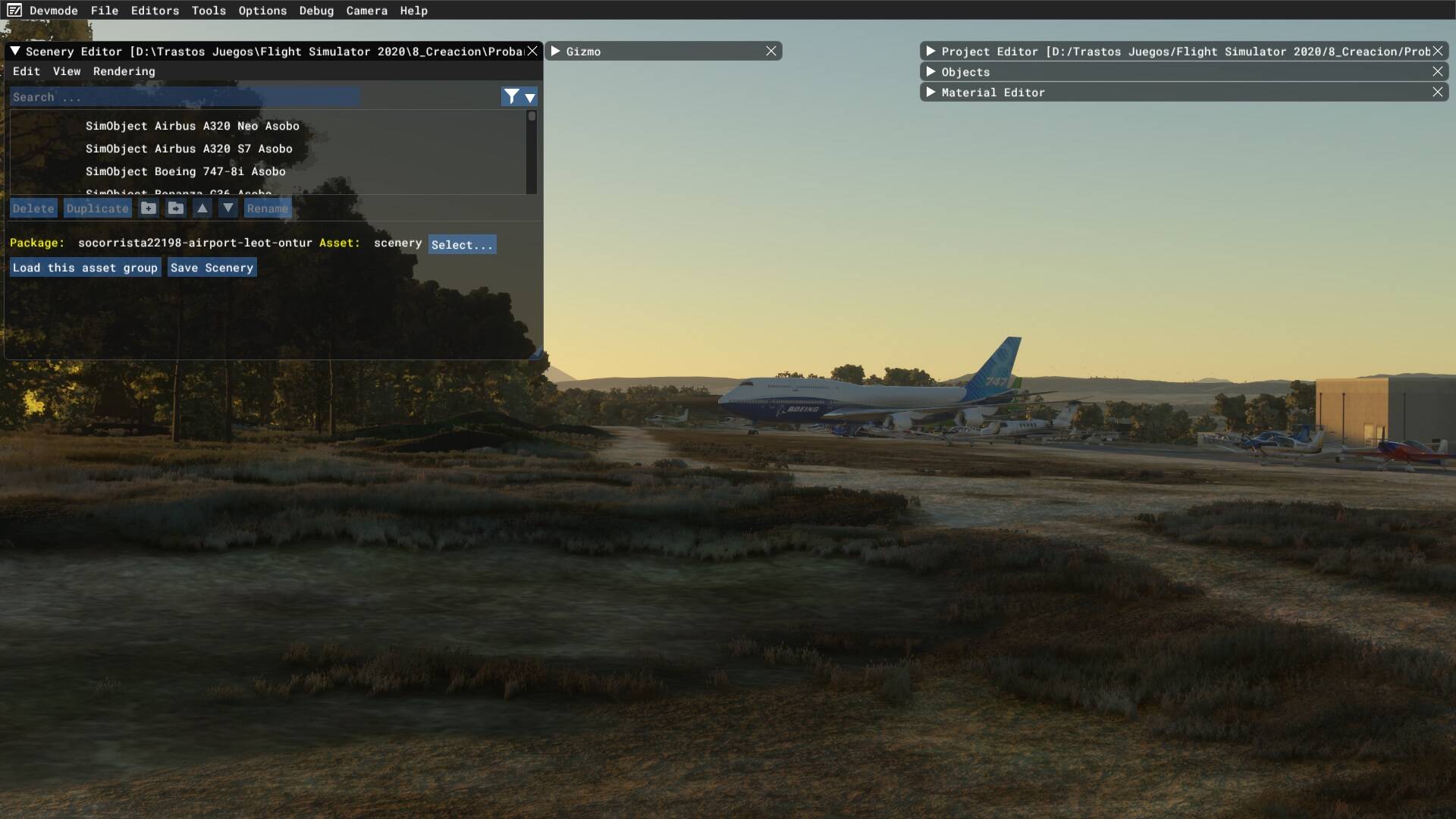
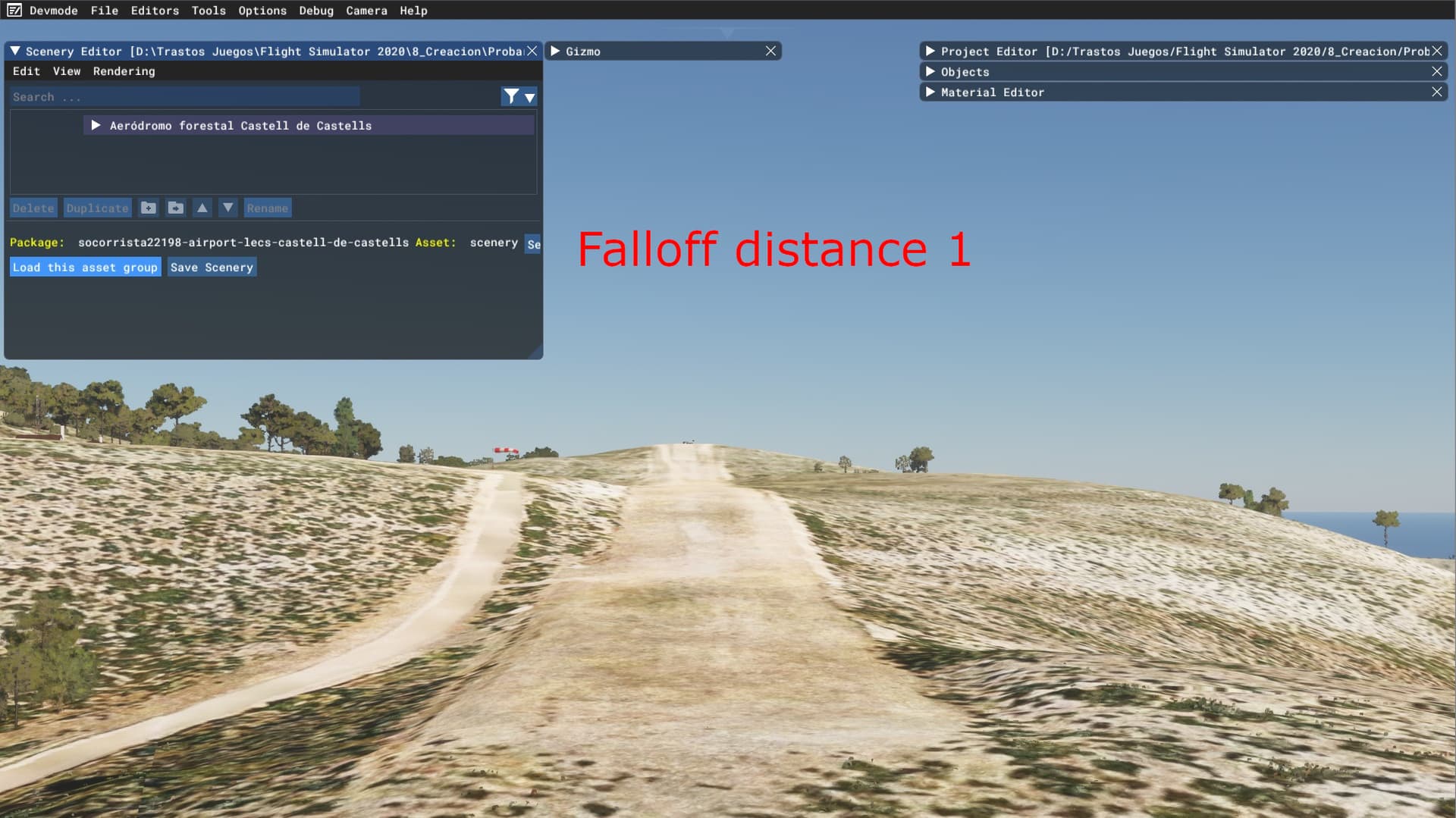
Another airfield in this area:

I know its a sim feature created to avoid satellite elevation scans errors, but on some areas there are not elevation glitches and the original terrain resolution mesh is much more accurate and inmersive.
I know about the Falloff distance option, but it needs to be applied for each element in the airfiel. I wonder if there is a parent element to control all others and dissable the flattening for the entire airfield.
Some examples:
This is the elevation mesh at this moment when you are flying in the sim.
And this is when I open the scenery editor and I load an object inside the airfield, automatically the mesh resolution increases exponentially
This is the real elevation xD
Another airfield in this area: