
• Which the release of FS2020 we see an explosition of activity on the forun and of course we are very happy to see this. But having all questions about FS2020 in one forum becomes a bit messy. So therefore we would like to ask you all to use the following guidelines when posting your questions:

    • Tag FS2020 specific questions with the MSFS2020 tag.
    • Questions about making 3D assets can be posted in the 3D asset design forum. Either post them in the subforum of the modelling tool you use or in the general forum if they are general.
    • Questions about aircraft design can be posted in the Aircraft design forum
    • Questions about airport design can be posted in the FS2020 airport design forum. Once airport development tools have been updated for FS2020 you can post tool speciifc questions in the subforums of those tools as well of course.
    • Questions about terrain design can be posted in the FS2020 terrain design forum.
    • Questions about SimConnect can be posted in the SimConnect forum.

    Any other question that is not specific to an aspect of development or tool can be posted in the General chat forum.

    By following these guidelines we make sure that the forums remain easy to read for everybody and also that the right people can find your post to answer it.

Requesting input regarding project size

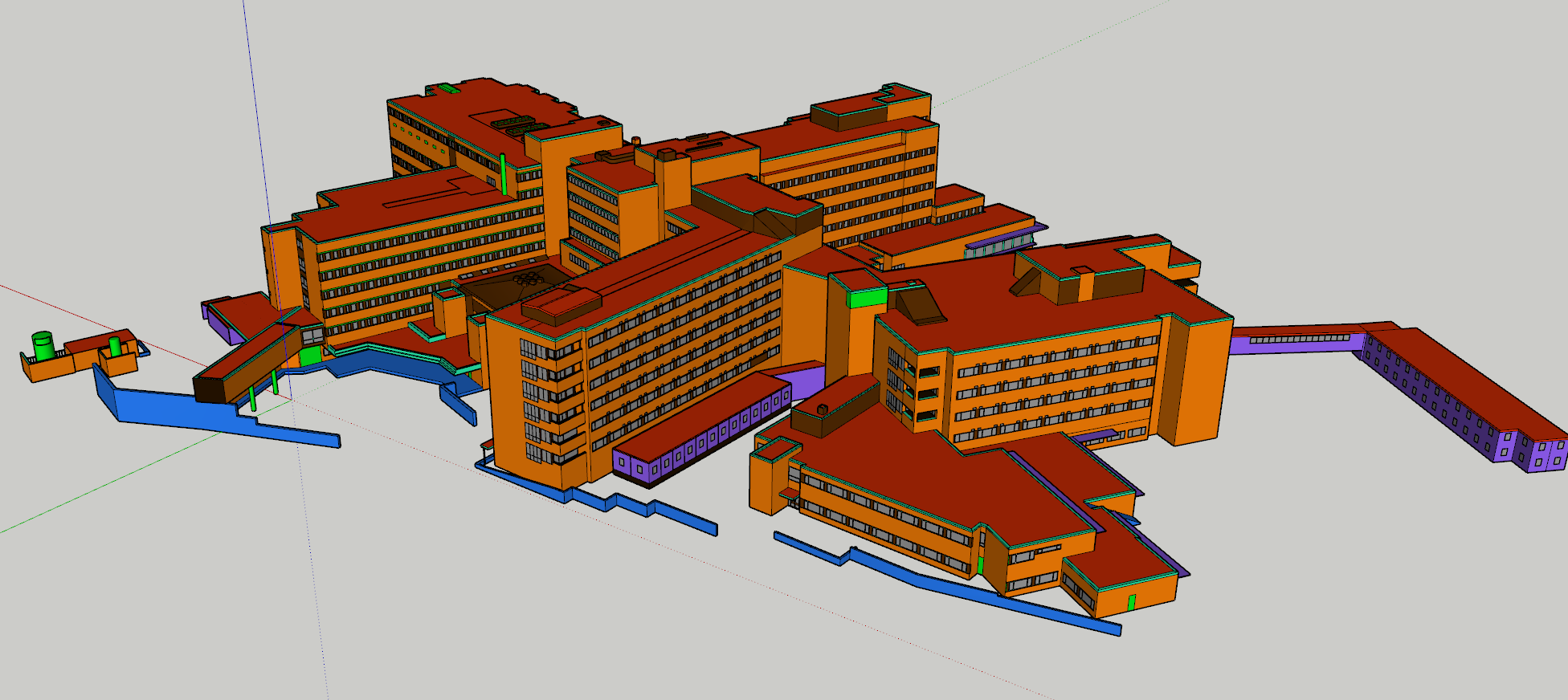
I've continued with my project making Arendal hospital, and I am currently working on texturing the hospital building complex.

My question is; how would you prepare such a large model for texturing?

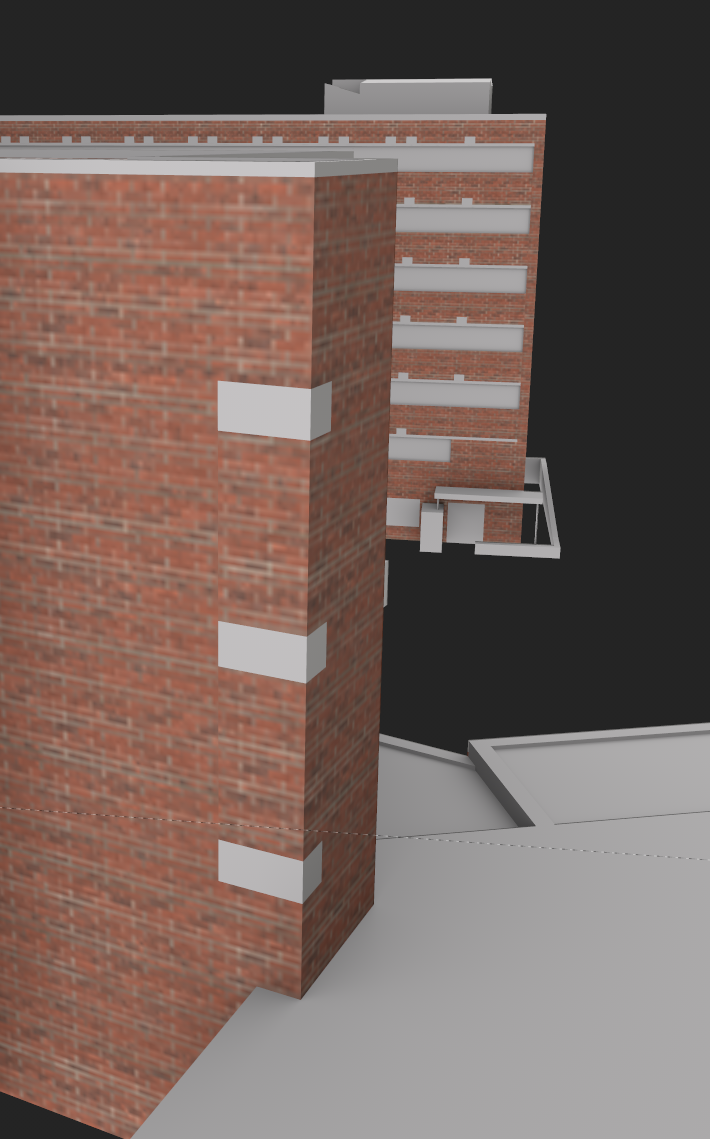
I have reduced the amount of texture sets, but since the object is very large, the UV layout results in very small objects and low resolution. What do I need to do to have good resolution 2k textures on the building walls, while also keeping the texture sets at a minimum to reduce the project file size?

Sketchup model assigned predefined materials as texture sets.
Screenshot 2026-05-04 104643.png


UV-layout of the texture set named "ENAX_hospital_brickwall".
Screenshot 2026-05-04 145459.png


The result in substance painter when assigning the texture set a 2k resolution
Screenshot 2026-05-04 144624.png


Substance painter forum: https://community.adobe.com/questio...odel-with-size-and-resolution-in-mind-1560193
 
Depending on how much resolution your textures actually need, the walls could be broken into as many materials as you'd like. Since you're at 2k for the whole thing right now, doubling the resolution may be acceptable for a scenery object like this one. This also appears to be a good candidate for keeping a relatively low-res base texture set and then adding a detail map for the brick pattern. In that case you'd probably want to just use the base textures for color variation, unless you can somehow get the base and detail patterns to overlay perfectly (which probably isn't possible with this style of unwrapping.) But a detail map will give the illusion of significantly more resolution with minimal performance cost, since it can be relatively small and tiled across the entire object at any scale.
 
Depending on how much resolution your textures actually need, the walls could be broken into as many materials as you'd like. Since you're at 2k for the whole thing right now, doubling the resolution may be acceptable for a scenery object like this one. This also appears to be a good candidate for keeping a relatively low-res base texture set and then adding a detail map for the brick pattern. In that case you'd probably want to just use the base textures for color variation, unless you can somehow get the base and detail patterns to overlay perfectly (which probably isn't possible with this style of unwrapping.) But a detail map will give the illusion of significantly more resolution with minimal performance cost, since it can be relatively small and tiled across the entire object at any scale.
Thank you so much for your input. I've been struggling with this one, but I've come to the conclusion that using Substance painter for this kind of work is not optimal. Substance painter is more or less designed for hero-objects and smaller stuff, not large and complex hospital campuses... 😬. Even using 4k textures is too low for this size, so to make it work I had to split up a large portion of the object into many texture sets, resulting in a large increase in size...

I've gone the hard, but "certain" way of testing Blender for this kind of stuff, and it works quite well when using noise textures to break up repetitiveness. I am happy with the results but it is not as intuitive and user-friendly as SP, making it less enjoyable to work with...

Screenshot 2026-05-15 170020.png
 
Back
Top