
Hi,
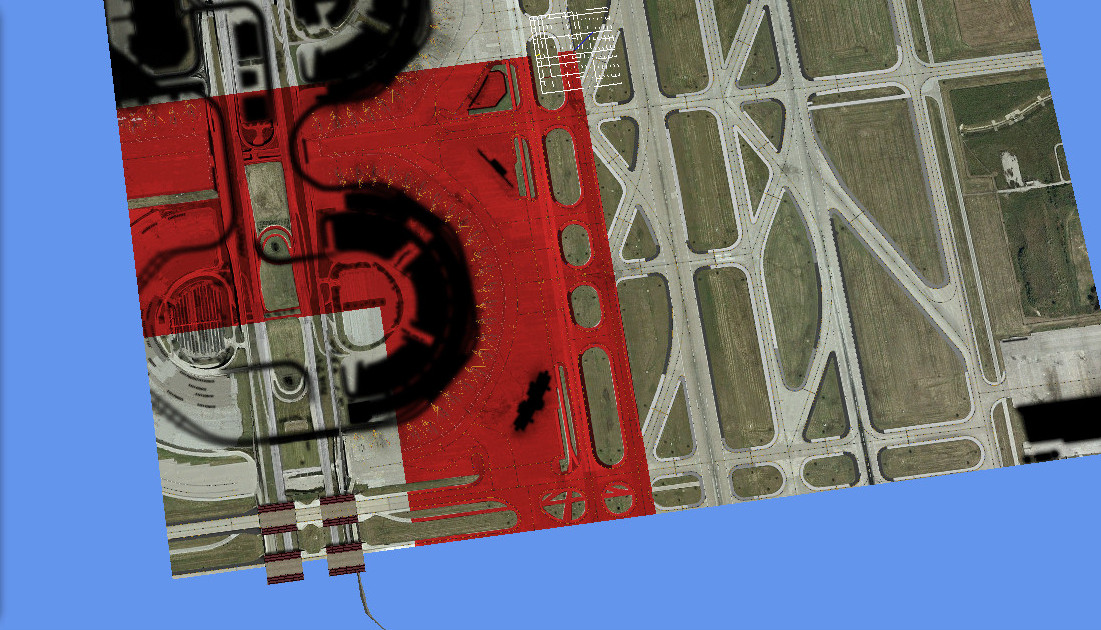
I been meaning to post this for time and I'm currious as to why the Shaders button seems to be working differently. In the past when I imported a mdl into MCX, I could open the Material Editor and see the red highlights in my model, depending on the material I select. Here's an image of what it once looked like:
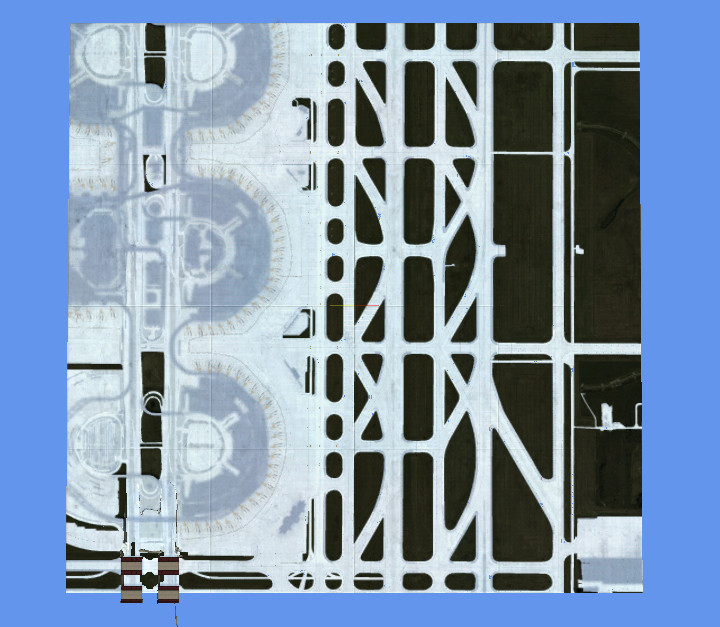
For some time now, the only way I can see the red highlights is to turn on, or click the Shader button. But when I turn the Shader button on, the model doesn't look the same and it's all bright white and the grass is black. Here's an image below:
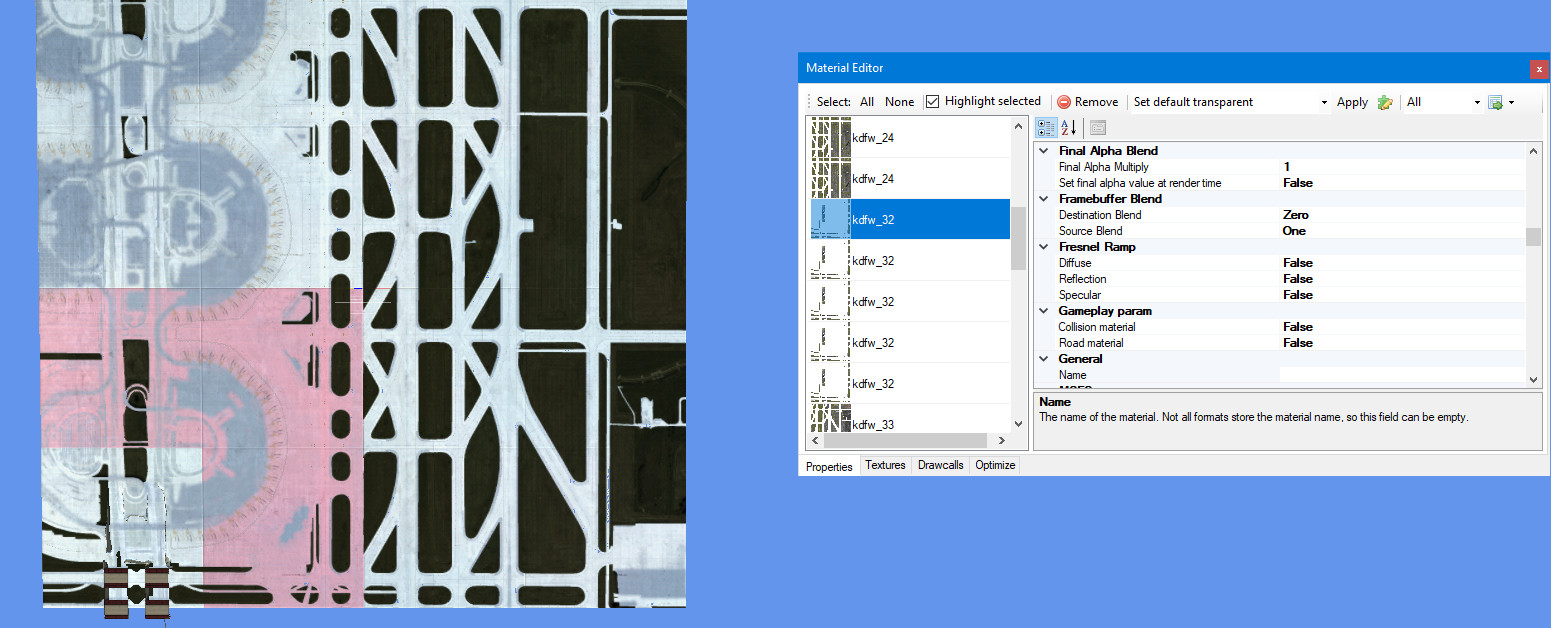
Here's what it looks like when I highlight the material and the Shader turned on:
This is an image of the model when the Shader button is turned off:
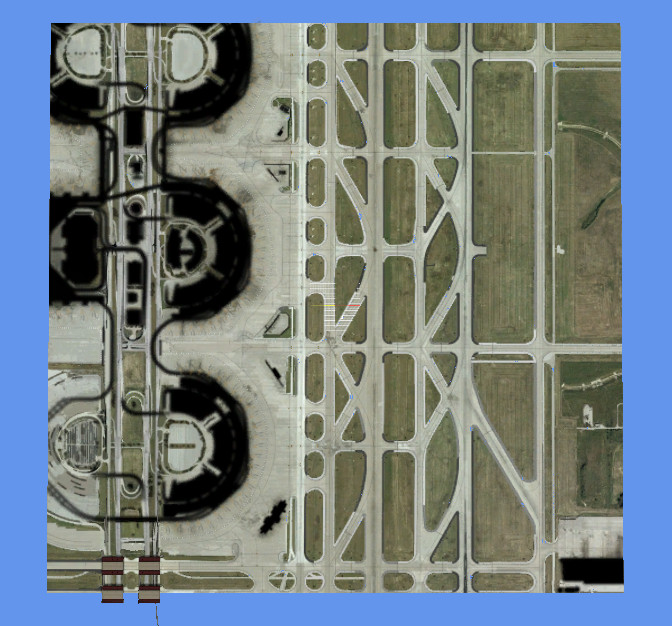
But when the Shader button is turned off, the red highlights will not show even though the box Highlight is checked. Is there something wrong with my settings?
Ken.
I been meaning to post this for time and I'm currious as to why the Shaders button seems to be working differently. In the past when I imported a mdl into MCX, I could open the Material Editor and see the red highlights in my model, depending on the material I select. Here's an image of what it once looked like:
For some time now, the only way I can see the red highlights is to turn on, or click the Shader button. But when I turn the Shader button on, the model doesn't look the same and it's all bright white and the grass is black. Here's an image below:
Here's what it looks like when I highlight the material and the Shader turned on:
This is an image of the model when the Shader button is turned off:
But when the Shader button is turned off, the red highlights will not show even though the box Highlight is checked. Is there something wrong with my settings?
Ken.
Last edited:


