• Which the release of FS2020 we see an explosition of activity on the forun and of course we are very happy to see this. But having all questions about FS2020 in one forum becomes a bit messy. So therefore we would like to ask you all to use the following guidelines when posting your questions:

    • Tag FS2020 specific questions with the MSFS2020 tag.
    • Questions about making 3D assets can be posted in the 3D asset design forum. Either post them in the subforum of the modelling tool you use or in the general forum if they are general.
    • Questions about aircraft design can be posted in the Aircraft design forum
    • Questions about airport design can be posted in the FS2020 airport design forum. Once airport development tools have been updated for FS2020 you can post tool speciifc questions in the subforums of those tools as well of course.
    • Questions about terrain design can be posted in the FS2020 terrain design forum.
    • Questions about SimConnect can be posted in the SimConnect forum.

    Any other question that is not specific to an aspect of development or tool can be posted in the General chat forum.

    By following these guidelines we make sure that the forums remain easy to read for everybody and also that the right people can find your post to answer it.

P3D v4 Taxi Edge Light problem in P3Dv4

jtanabodee

Resource contributor
Messages
3,924
Country
thailand
Hi,
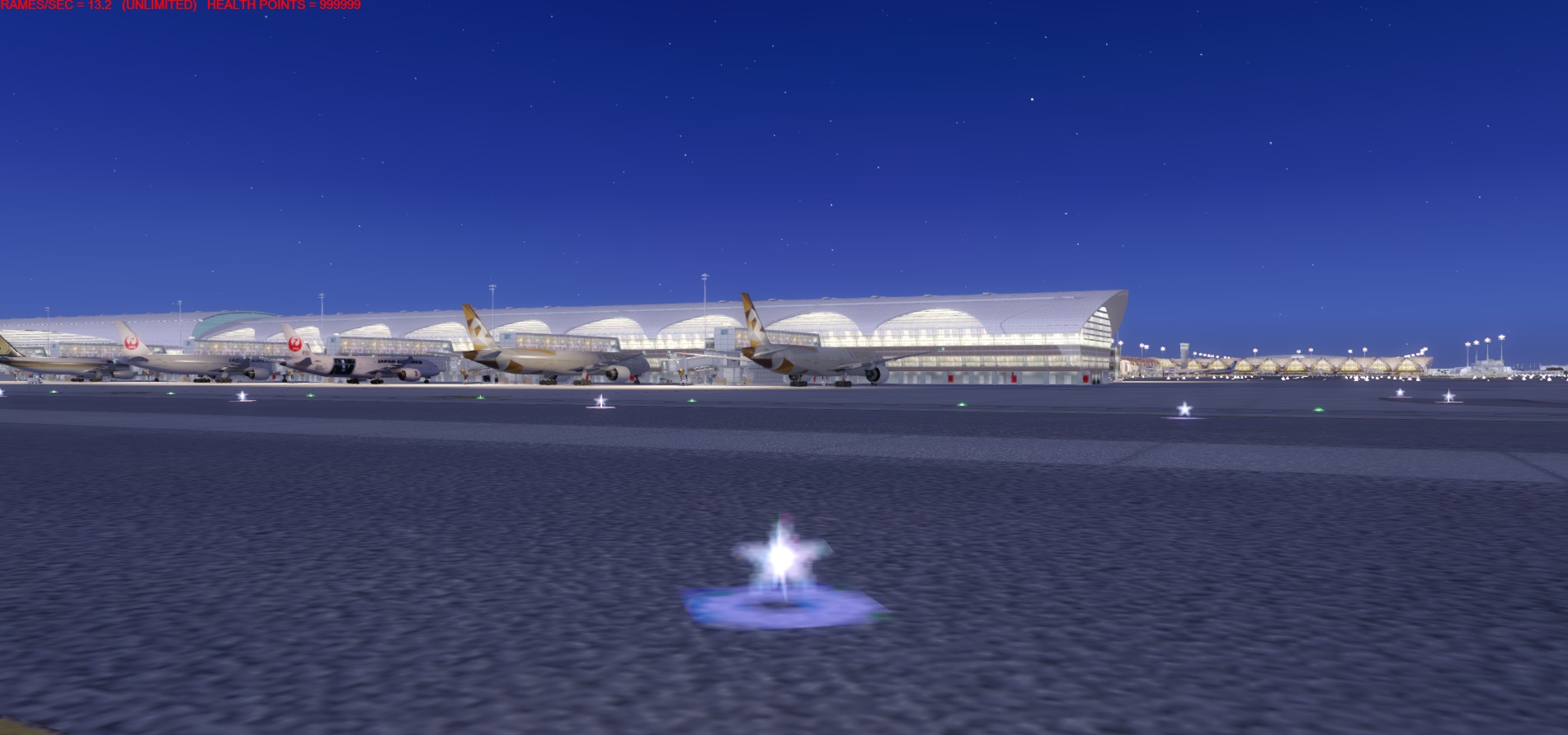
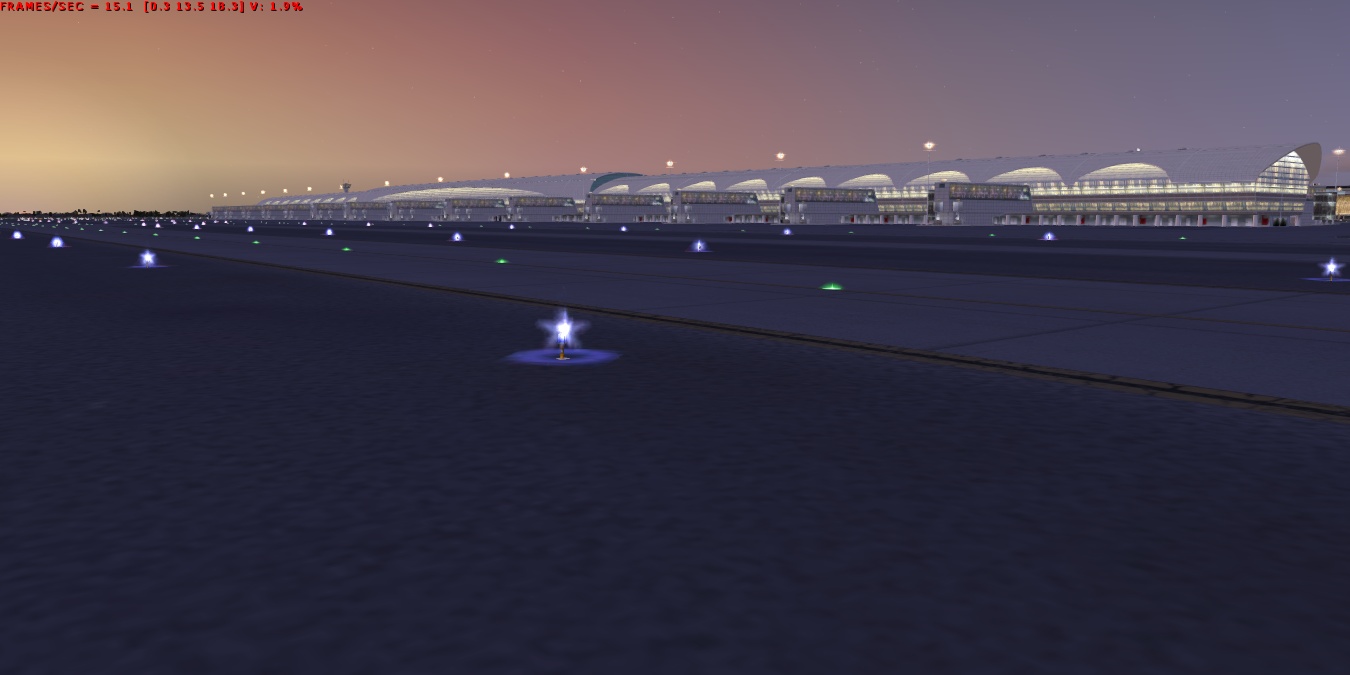
I have problem which I cannot find the solution. The light texture which is one to one blending in FSX seems to work fine. But in P3dV4, the light texture prevent the model behind it to be seen. The light pole structure disappear. Please see the pictures.
TaxiLightFSX.jpg

taxilightP3d.jpg


Do you know what can solve this problem? I have tried separate the light pole and the light texture, didn't work. I have tried the setting to be other blending, didn't work.
Thanks for any comments.
Tic
 
During the day time, everything disappear as well. I think nothing can be done with it since it seems to be the render engine of the game is different.
 
Last edited:
Finally, I found what was wrong with it.
I forgot the texture to put in P3Dv4! Oh man...... I hate when this happens. Spent a week to try almost everthing but fail, so I stop doing that and rest.
One day it cames to me that I might forgot the textures or miss spell the texture name. Then came back to verify it and it is the culprit.
I would suggest when hit obstacle and cannot get through it, just relax and do something else. When you are away from it, then things might clear up and you see the solution better.

NightLight05.jpg
 
Finally, I found what was wrong with it.
I forgot the texture to put in P3Dv4! Oh man...... I hate when this happens. Spent a week to try almost everthing but fail, so I stop doing that and rest.
One day it cames to me that I might forgot the textures or miss spell the texture name. Then came back to verify it and it is the culprit.
I would suggest when hit obstacle and cannot get through it, just relax and do something else. When you are away from it, then things might clear up and you see the solution better.

View attachment 76126
Glad you found it. It happened to me as well.
Since MSFS editor came out I started to feel that developing for P3D/FSX was a nightmare exactly because of these issues.
 
Back
Top