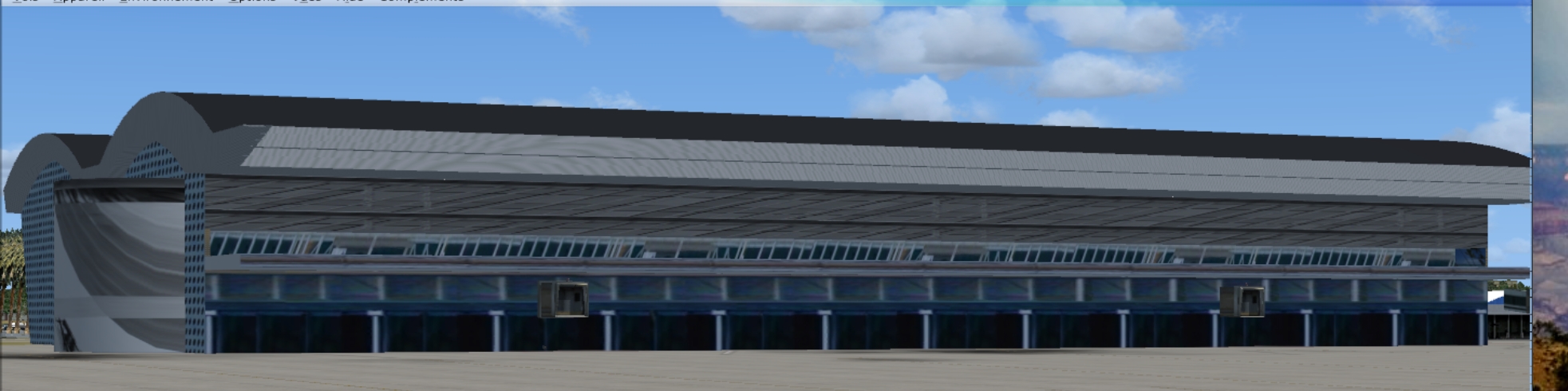
But that's what I did for the rotonda but NOWHERE are you told to have power 2 ratios for use in FSX; it's when you execute MCX that during the import of the DAE file the message appears with errorrs and it's cause in MCX. At that moment you have finalized the object in Sketchup and don't think it's a problem as you're offered IN MCX to resize the image. If it is useless why propose it!
One must be rational, if it can be a problem during the export from MCX to FSX then forbid the operation and oblige the user to go back to Sketchup or whatever software you used to create the object and correct it.
I have to apologize, perhaps it is a matter of translation. To me this doesn't make much sense at all. The texture ratio is a requirement of the MSFS render engine. The ratio has nothing to do with MCX functionality, but it is an absolute fact that if the textures are not formatted to the exact ratio, they will fail in the simulator.
Claude, it is a simple (relatively simple in terms of a scenery developers development) operation to take all your intended textures and format them first using the texture editor. If you have any difficulty at all, you can export the model as a Collada, same way you send it to MCX, but instead import this .dae back into Sketchup.
Sketchup has made it incredibly easy for designers to run right up to the point where they can't get their building to show up in FSX, before they call for help. Previously, one had to establish a level of familiarity with something called the "SDK" and convenience has replaced that term with "MCX and Sketchup." Ok, but convenience did not create the simulator. MCX, Claude, is a shell. In essence, it is a glorified Command Line application. A command line that has a render window and some limited mouse functionality. Arno did not make the rule about 2X textures and he did not create the software that imposes it. MCX simply makes it easier, by calling the specific tools from the SDK that we require through our operations - but MCX was never intended to substitute for trade knowledge and I think it is a testament to Arno's skill that people can allow themselves to assume otherwise.
The developer has to put himself in place of the user and not assume that the user is as much skilled than himself.
Arno is a great developer there's no discussion about that but obviously thought that his users would be at the same level of knowledge. This will never be the case in view of the wide scope of users of FSX. And it happens that some like myself are interested in increasing their knowledge....Even at 76!
 If I may make a suggestion to Arno it is to modify the program in that sense. There's a rule in all matters one has to adapt to the less knowledgeable, less skilled user. This is true in hiking and anywhere else.
You are making incredible assumptions here which I won't even speak to, but will go so far to say that your perspective is very, very narrowly focused on your experience as a new user, fine. I am here to tell you that as a relative newcomer of 3 or 4 years, the nature of issues, discoveries and development is far, far beyond the level of properly aligning textures onto a polygon. So, while it might be frustrating that your meteoric entry into flight sim development encountered a little friction when it encountered the atmosphere if the SDK, Arno's calm, clear reason serves as an excellent ground control. My suggestion is that you relax, soak in some of the SDK understanding, that stands for software development kit, ask your very intelligent and informed questions and I promise, Arno will help you land your building squarely on the ground, exactly where it belongs and exactly as you intend. I can say this because I've been around long enough to have seen it happen before, many times in fact.
Now another solution to try is to save your textures to .bmp. It is a little tedious to explain all this to you because so many developers learn this as they go. Let's join that path. "DDS" is a proprietary format. Lot's of software uses it, including FSX. The DDS transcription software that Arno sourced, explored and incorporated into MCX
requires power of 2 formatting. Ok this works for FSX, but textures in FSX can also be power of one (1024x1024, 2048x1048, etc.) and there is nothing about the simulator that
requires .dds textures. We simply use them because they were not available for FS9, we are progressive thinkers and they are more efficient than .bmp. and as I wrote above, if you do not format your textures, they will fail. However, It is my sincere suggestion that in this special case, .dds is not more efficient, at all. Exporting to .bmp avoids the whole power 2x (non)issue and allows you to see what's next on the path of solutions.
Ultimately Claude, you are encountering limitations with the SDK and since MCX so seamlessly conceals the .exe's and .dll's of the SDK, it seems that MCX is the limiting factor. My solutions are intended to give you more exposure to this transition so you can fully understand and compensate and in closing, I will return to my original assertion: Sketchup is able to arrange and preserve texture mappings that aren't supported by the simulator. This is not a shortcoming of MCX, nor the responsibility of Arno. A developer must apprise himself of what is allowed and endeavor to provide it.