
• Which the release of FS2020 we see an explosition of activity on the forun and of course we are very happy to see this. But having all questions about FS2020 in one forum becomes a bit messy. So therefore we would like to ask you all to use the following guidelines when posting your questions:

    • Tag FS2020 specific questions with the MSFS2020 tag.
    • Questions about making 3D assets can be posted in the 3D asset design forum. Either post them in the subforum of the modelling tool you use or in the general forum if they are general.
    • Questions about aircraft design can be posted in the Aircraft design forum
    • Questions about airport design can be posted in the FS2020 airport design forum. Once airport development tools have been updated for FS2020 you can post tool speciifc questions in the subforums of those tools as well of course.
    • Questions about terrain design can be posted in the FS2020 terrain design forum.
    • Questions about SimConnect can be posted in the SimConnect forum.

    Any other question that is not specific to an aspect of development or tool can be posted in the General chat forum.

    By following these guidelines we make sure that the forums remain easy to read for everybody and also that the right people can find your post to answer it.

P3D v3 Transparency / Chainlink Fence

Messages
181
Country
germany
Hello together,

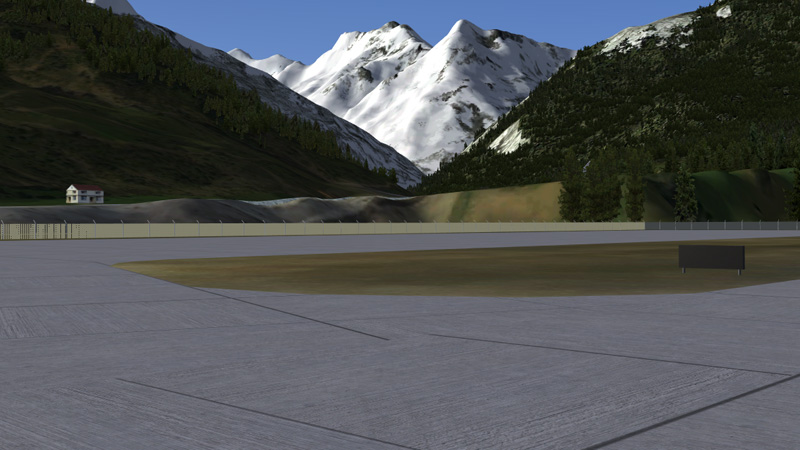
around my airport is a pretty standard chainlink fence. I did not like the default fence, since it disappears in the distance and from different views. So I modeled a custom fence and textured it accordingly. The chainlink itself is also a pretty standard texture from the internet. But I don't like the result at all:

fence2.jpg


The poles are good, but not the fence itself. I played around with the alpha-factor but nothing, that makes me happy. I read somewhere on the forum that the format also is important (I usually use dds) and converted it to bmp. It changed, but not really for the better.
fence1.jpg


A friend converted the scenery for FS9 and there it works "out of the box". He did not have to change anything.

Somebody has a recipe for nice fences? I know I saw at least nice screenshots :)
 
For FS2004 such fences worked best if using DXT1 compression and not with DXT3 (so 1 bit alpha versus 4 bit alpha). But I think for FSX that is no longer relevant, since we have enough material settings to influence how it is rendered.
 
Yes, but those material settings are critical, otherwise they look just like DXT3 FS9 fences...

I would suggest a quick check if this is the problem is to put the texture into DXT1 format and see if the problem goes away?
 
Thanks for your quick responses, guys...

Actually I don't know what DXT1, DXT3 etc means. All I know is how to convert the textures with MCX to DDS, BMP or DXTBMP ... But with all of them it looks not that great. What are my options in the material settings?

All I know for know is the Alpha Test Level (set on Greater than 53 now). Are there some other settings that have an effect on the outcome?
 
Sounds like you are using ModelConverterX to convert the textures; you cannot create DXT1 bitmaps using that program. Looks like material settings will have to suffice; I have no idea what those are.
 
Hi,

MCX will automatically make a DXT1 texture if the alpha channel is only 1 bit. Else it will make a DXT3 or DXT5 texture. This applies to both DXT BMP and DDS output.

So how does your alpha channel look? Is it only black and white or also gray colours?
 
Hi,

MCX will automatically make a DXT1 texture if the alpha channel is only 1 bit. Else it will make a DXT3 or DXT5 texture. This applies to both DXT BMP and DDS output.

So how does your alpha channel look? Is it only black and white or also gray colours?

It has no colour at all. I am creating it with Photoshop and it has this "transparent" colour. Is there something I can do different?

I attached the texture itself and my settings in MCX. Maybe you can see something.

Thank you very much for your help. And thank you even more for MCX... It makes many things so easy.

I could not upload the DDS file here, so I uploaded it on google drive:

https://drive.google.com/file/d/0B0jmjbqFa0uyV0M0OVh1VkRDQms/view?usp=sharing
 

Attachments

  • settings1.PNG
    settings1.PNG
    33.8 KB · Views: 378
  • settings2.PNG
    settings2.PNG
    20.2 KB · Views: 333
Your alpha channel is grayscale, and thus MCX is creating a DXT3 or DXT5 DDS texture.
 
Your alpha channel is grayscale, and thus MCX is creating a DXT3 or DXT5 DDS texture.

How to change that? Does it have to be black? Is there somewhere a tutorial around?

And how to determine the alpha test level value? Is this really a try and error principle?
 
Back
Top