

Lagaffe
Resource contributor
- Messages
- 992
- Country

Hello,
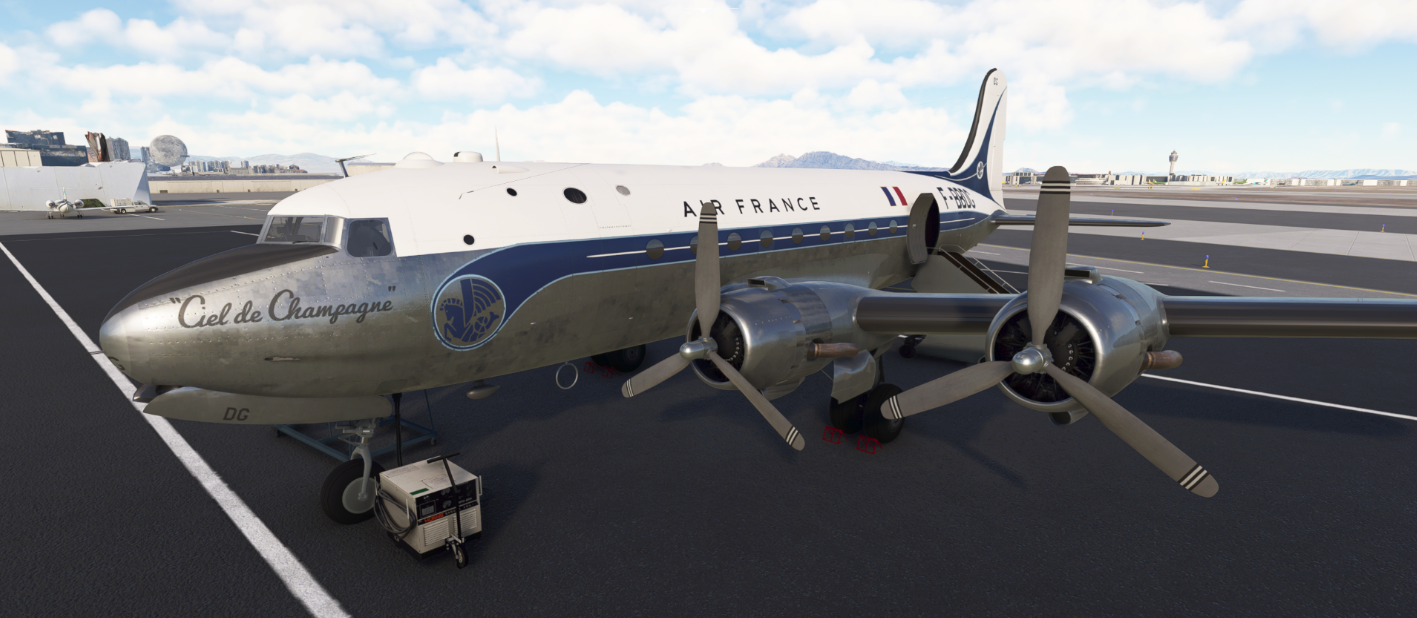
My current project is to transform the DC-4 (P3D version) of Flight Replicas (with the author authorization) to obtain a native FS20 aircraft which can be used under FS20 or FS24 and to add some functions to perform a "study level aicraft", if possible.
This aircraft has the particularity to be flight by 4 crew: a pilot, a copilot, a radio and a navigator.
With the current SDKs, to be able to display a pilot and a copilot (provided by the simulator himself and not by a character designed by the creator) in an aircraft, there are certain "practical rules" (my own experience) to follow :
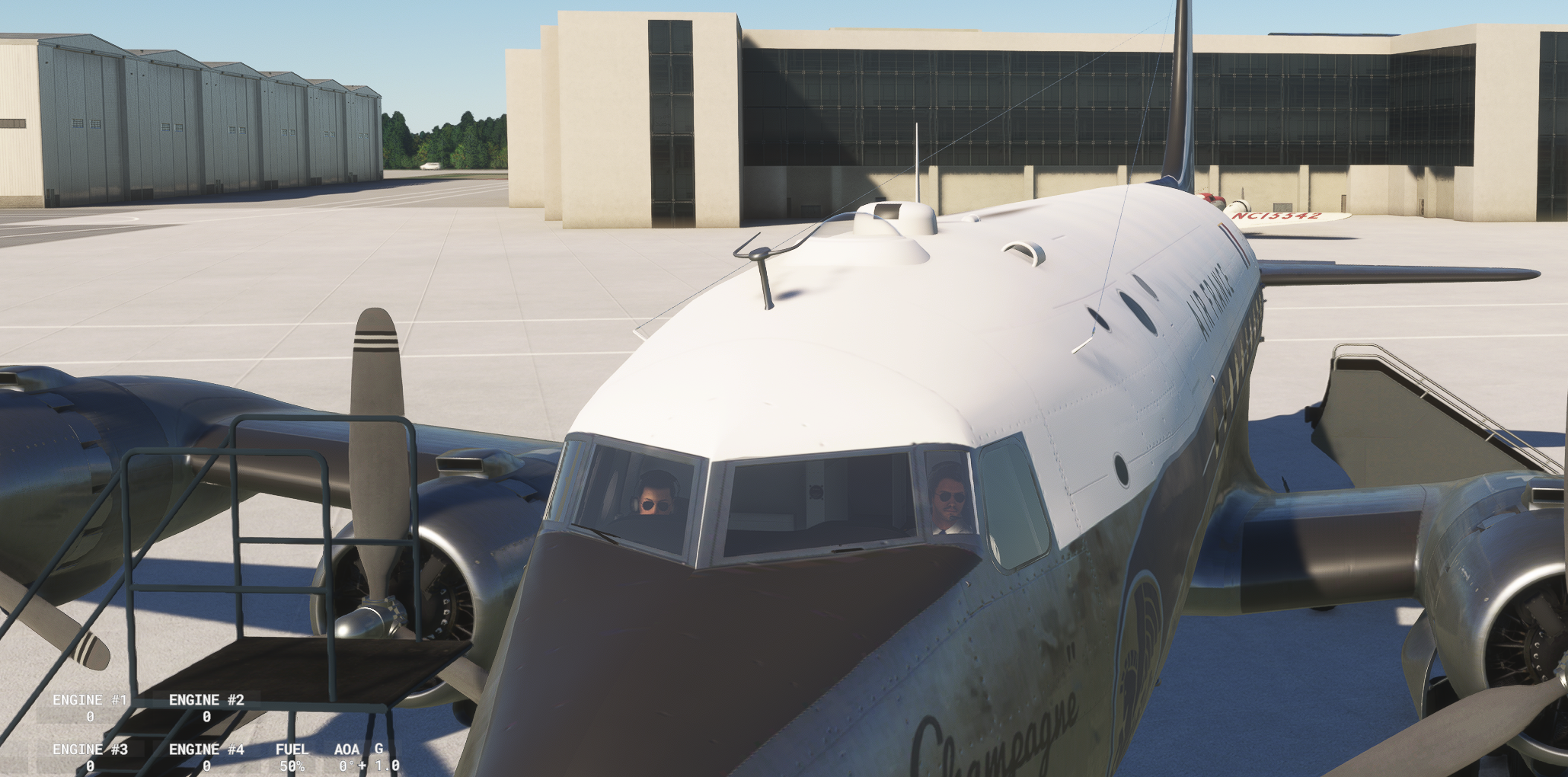
By doing so, it is possible to have this display essential for immersion in the two simulators FS20 and FS24 plus the display of crew members even if the aircraft is used as an AI.
For those who use this design method, have you already been able to display a PILOT_2 for a radio or navigator and what rules did you follow?
My current project is to transform the DC-4 (P3D version) of Flight Replicas (with the author authorization) to obtain a native FS20 aircraft which can be used under FS20 or FS24 and to add some functions to perform a "study level aicraft", if possible.
This aircraft has the particularity to be flight by 4 crew: a pilot, a copilot, a radio and a navigator.
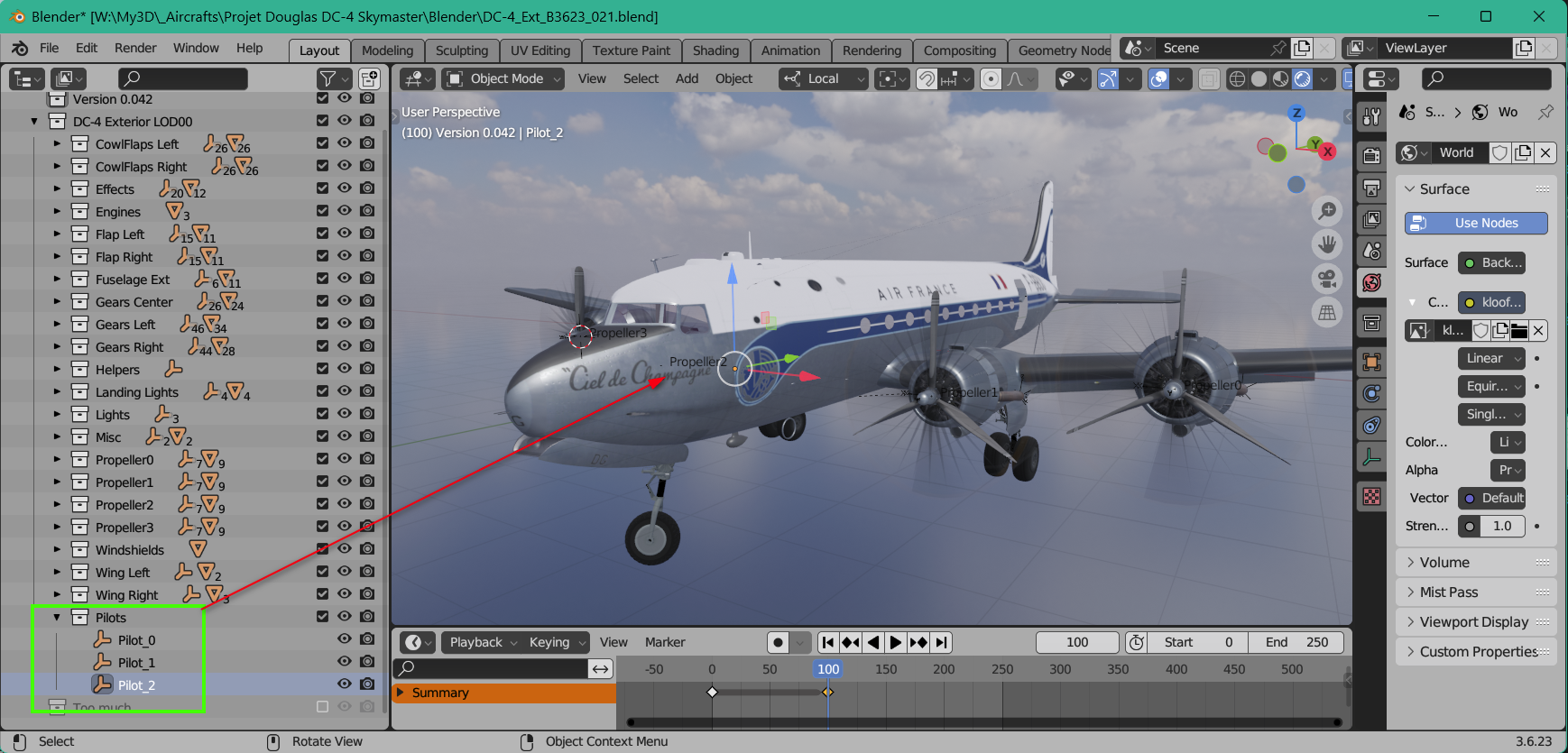
With the current SDKs, to be able to display a pilot and a copilot (provided by the simulator himself and not by a character designed by the creator) in an aircraft, there are certain "practical rules" (my own experience) to follow :
- in the aicraft.cfg, define on the pilot and co-pilots lines two empty named respectively PILOT_0 and PILOT_1 by convention ( pilot_attach_node = PILOT_0 )
- define in the flight_model.cfg the lines associated with these two station_load (it is not for display but for load distribution in the aircraft)
- create in the external 3D model, the 2 empty PILOT_0 and PILOT_1 (it is possible to modify the scale of these empty so that the pilot/co-pilot are displayed at the required dimension)
- define in the XML file the instructions that allow to display the pilot/co-pilot according to the external or internal camera chosen or even according to the weight associated with these points compared to the station_loads instructions I was talking about earlier
- define in the model.cfg the line: withInterior_showExterior=true (this is important to display the copilot/pilot in the Interior view when you are in the opposite side)
- define at least two cameras in the cameras.cfg named PILOT and COPILOT
By doing so, it is possible to have this display essential for immersion in the two simulators FS20 and FS24 plus the display of crew members even if the aircraft is used as an AI.
For those who use this design method, have you already been able to display a PILOT_2 for a radio or navigator and what rules did you follow?
Last edited: