Code:
<?xml version="1.0" ?>


	<ModelInfo guid="{6918f4d1-4f24-493a-c275-96884fb620b5}" version="1.1">

		<LODS>

			<LOD MinSize="0" ModelFile="LIDT_METEO.gltf"/>

		</LODS>


<Animation guid="b8d2b2a4-a3dc-4ebf-8fe9-6bc593360ac1" length="360" name="winddirection" type="Sim" typeParam="AutoPlay" typeParam2="winddirection"/>

		<PartInfo>

			<Name>winddirection</Name>

			<AnimLength>360</AnimLength>

			<Animation>

				<Parameter>

					<Code>(A:AMBIENT WIND DIRECTION, Degrees)</Code>

				</Parameter>

			</Animation>

		</PartInfo>

	</ModelInfo>
Above the code you need for an animated vane (really, any object reacting to Wind direction)
In Blender, add your object, give the mesh the name "winddirection"
Go to animation
Change animation lenght to 360 Frames
Go to frame 0, insert Key frame type rotation
Go to frame 360, rotate your object 360 degress over the Z axis
Add another keyframe type rotation
Change interpolation mode to linear
Change the animation name to "winddirection"
Push down the animation to nlaEditor
Export your object
Should work,
You can take a look at working examples
Here:
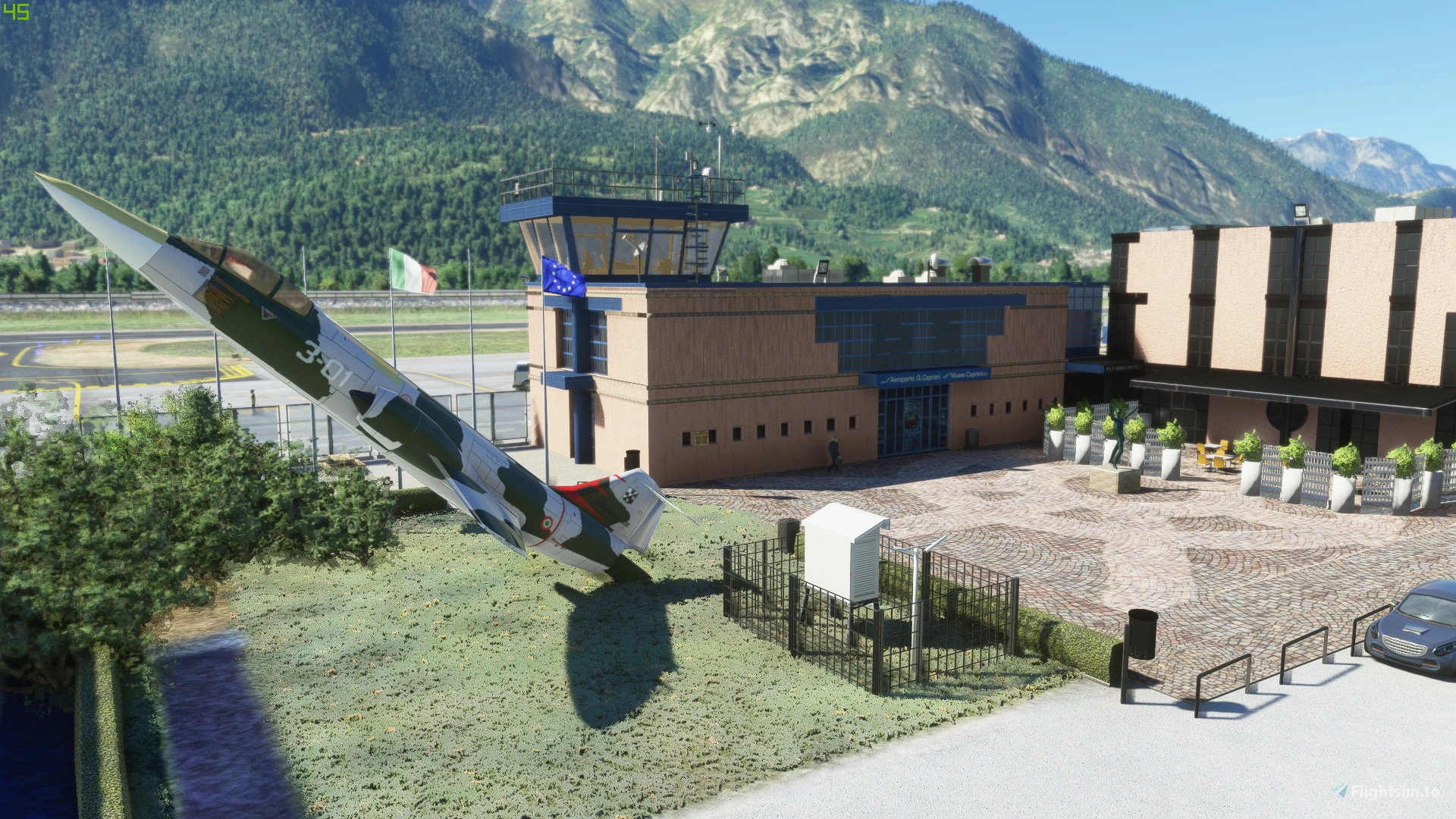
✓ For Microsoft Flight Simulator: Explore the meticulously crafted LIDT Trento Mattarello - Aeroporto G. Caproni in northern Italy. This add-on features custom buildings, realistic textures, animated elements like drones and trains, and accurate night...

it.flightsim.to
The simbojects "lidt_meteo" contains wheather vane and working anemometer
If you Need the blender source, glad to share
Inviato dal mio Mi 9 Lite utilizzando Tapatalk