
- Messages
- 20
- Country

Hi all, Hope you're all having a good time.
I am having an issue with my airport where I have no ground polygons or anything besides the basic runways and taxiways, etc for the airport, yet when it is imported into P3D, it still replaces the ground around my airport with the default unrealistic grass texture.
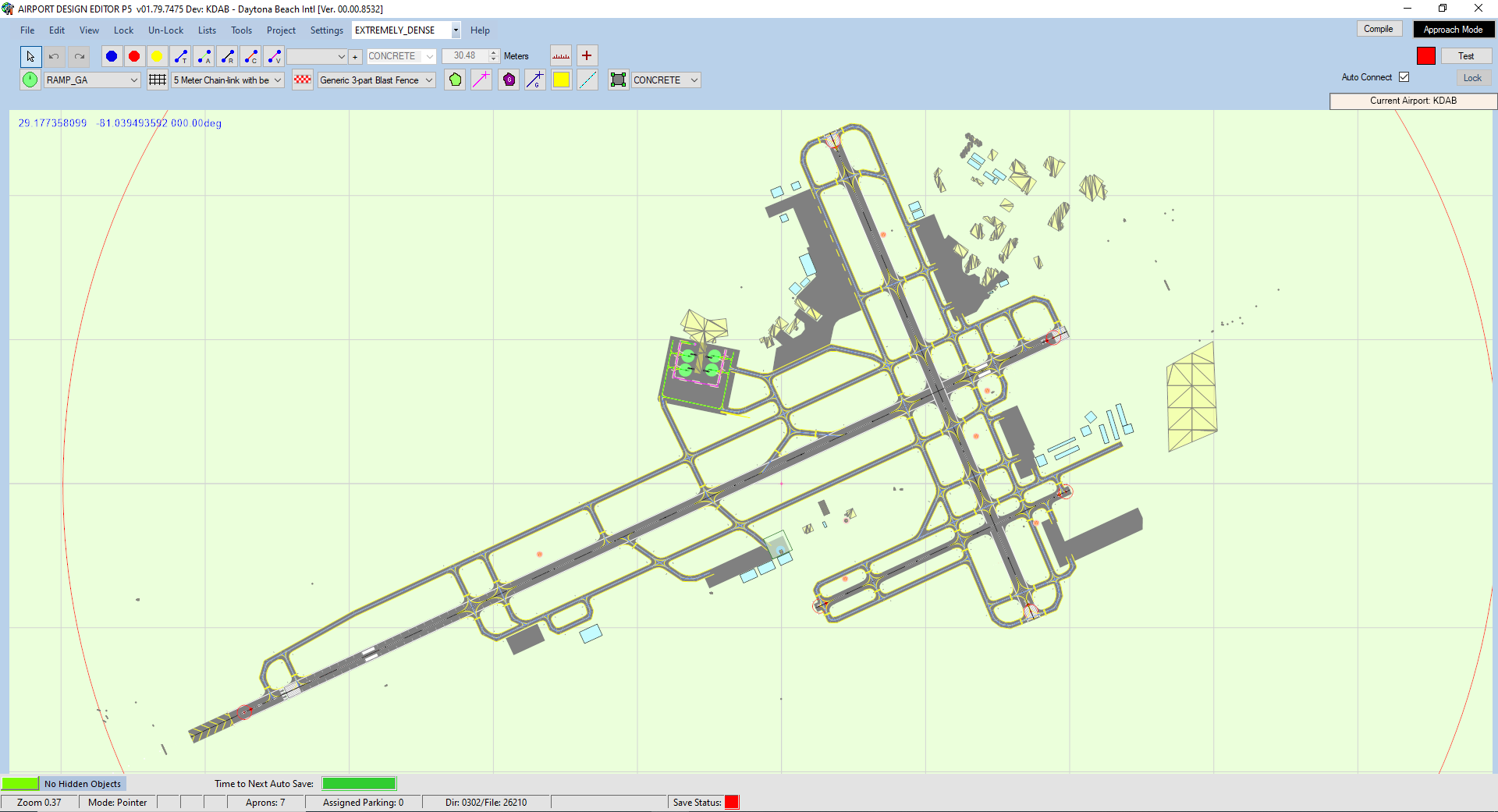
Is the texture around the airport automatically removed? Can I prevent this from happening and just have the satellite texture beneath it?
Or do I need to add a ground polygon myself with the satellite texture and if so, could you point me to some instructions on how to do that?
Thanks y'all.
I am having an issue with my airport where I have no ground polygons or anything besides the basic runways and taxiways, etc for the airport, yet when it is imported into P3D, it still replaces the ground around my airport with the default unrealistic grass texture.
Is the texture around the airport automatically removed? Can I prevent this from happening and just have the satellite texture beneath it?
Or do I need to add a ground polygon myself with the satellite texture and if so, could you point me to some instructions on how to do that?
Thanks y'all.

