• Which the release of FS2020 we see an explosition of activity on the forun and of course we are very happy to see this. But having all questions about FS2020 in one forum becomes a bit messy. So therefore we would like to ask you all to use the following guidelines when posting your questions:

    • Tag FS2020 specific questions with the MSFS2020 tag.
    • Questions about making 3D assets can be posted in the 3D asset design forum. Either post them in the subforum of the modelling tool you use or in the general forum if they are general.
    • Questions about aircraft design can be posted in the Aircraft design forum
    • Questions about airport design can be posted in the FS2020 airport design forum. Once airport development tools have been updated for FS2020 you can post tool speciifc questions in the subforums of those tools as well of course.
    • Questions about terrain design can be posted in the FS2020 terrain design forum.
    • Questions about SimConnect can be posted in the SimConnect forum.

    Any other question that is not specific to an aspect of development or tool can be posted in the General chat forum.

    By following these guidelines we make sure that the forums remain easy to read for everybody and also that the right people can find your post to answer it.

FSXA Airbus A350 XWB

I dont know if its the angle of the photos or maybe its really on the model, but I think the model got a slight bump on the nose just after the cockpit windows, this is what I mean:
PfpPwLI.png


The red line is how I think it should rather be, atleast from what I've seen on photos
But this is just a very small detail, I totally like that you share your progress with us every day!
 
Let me take a look at it. I'm guessing that would be the angle (I do find it hard to possistion the camera to make these render images) ;)
So the background is the blueprint and the yellow/orange wires is the 3D model, it's not 100% on but I thought it was alright...

not%20100_zpsyarvyvpl.png
 
Last edited:
Today I felt like taking on another ground service vehicles. A rarely used once I need to say but still... The ACU (Air Conditioning Unit) only the yellow tubes are still missing...

air%20conditioning_zpsccjeybq0.png
 
I hope to fly this plane for the promo video of my Sceneries :D
Keep it up
(that flaps Noise xD)

PS: where can I sign up for Beta :p it look si Goooooood :D
 
Last edited:
I this the Scream in this case xD
but I"m talking about the Flaps noise xD not the Claps ;)

Personnaly, I've be on a plane where claps where louder than Engine at Full thrust :D

Want the story?
 
Last edited:
Cool video, what's with the clapping? Do they boo if the landing is bad or just scream?

It was a kinda Press event where airbus delivered the first A350 to launch customer Qatar Airways. At this event they simply said to the guest, let's take a ride. So these people clap because they're exited about flying this plane for the first time ;)

Also, no Beta-test is planned yet Marc but when the time comes I'll ask people if they would like to participate in the testing....

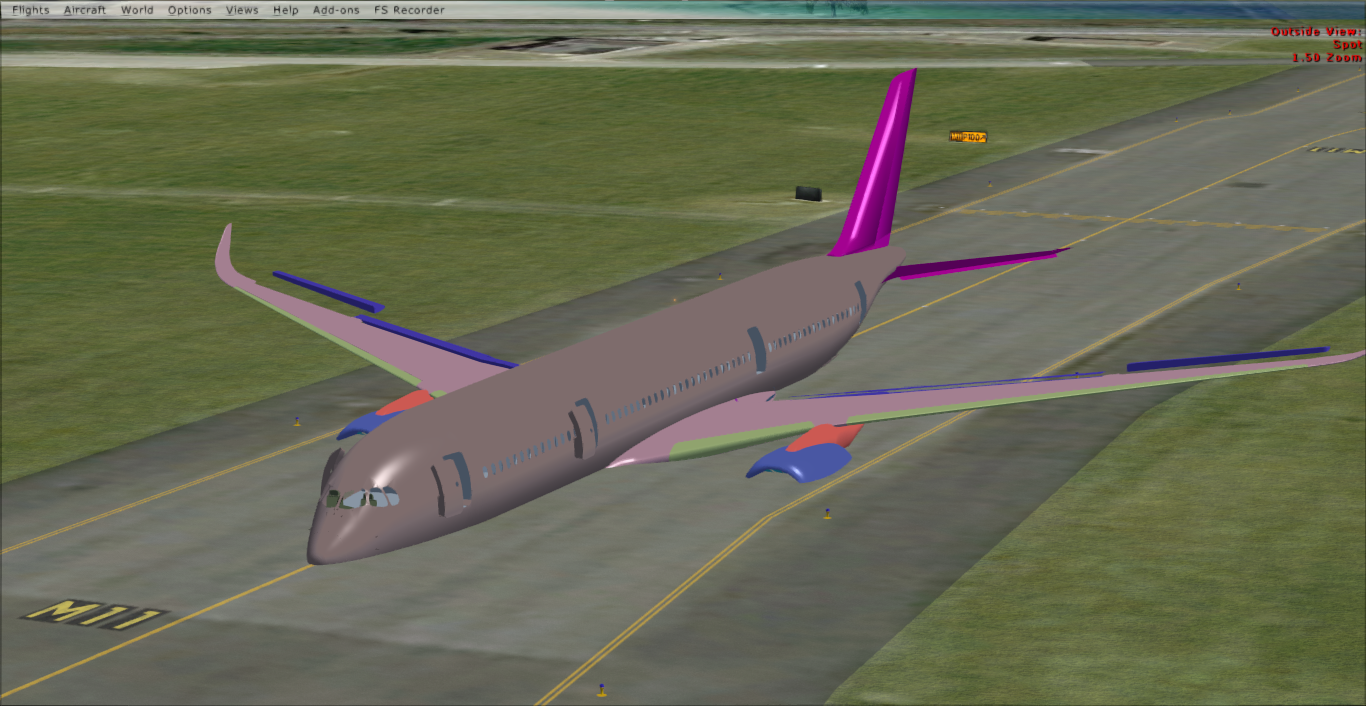
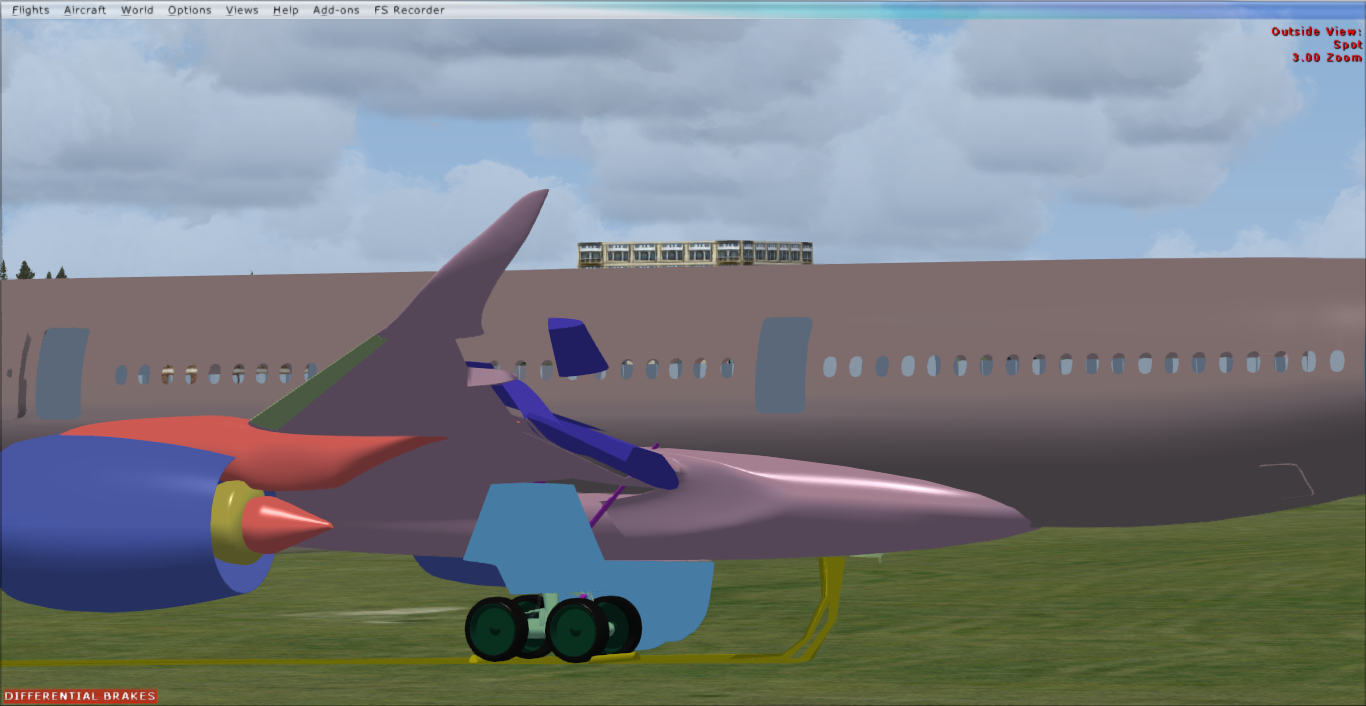
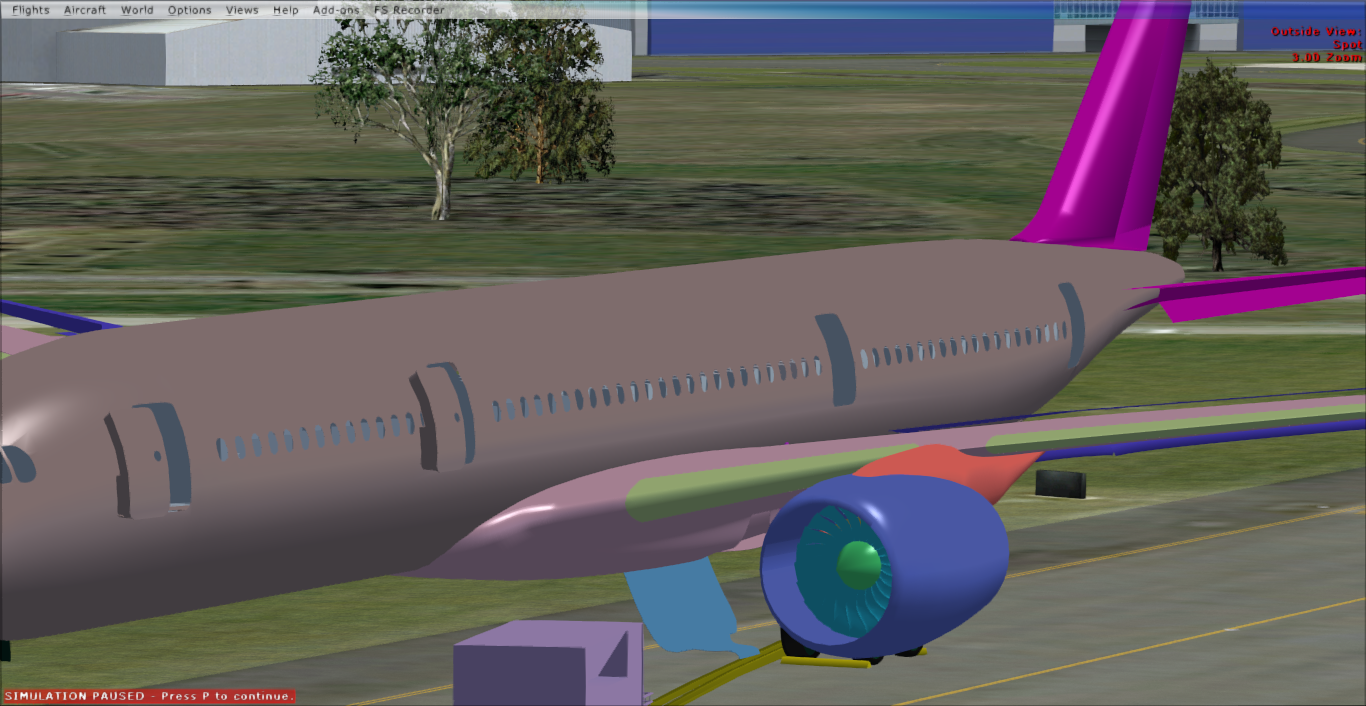
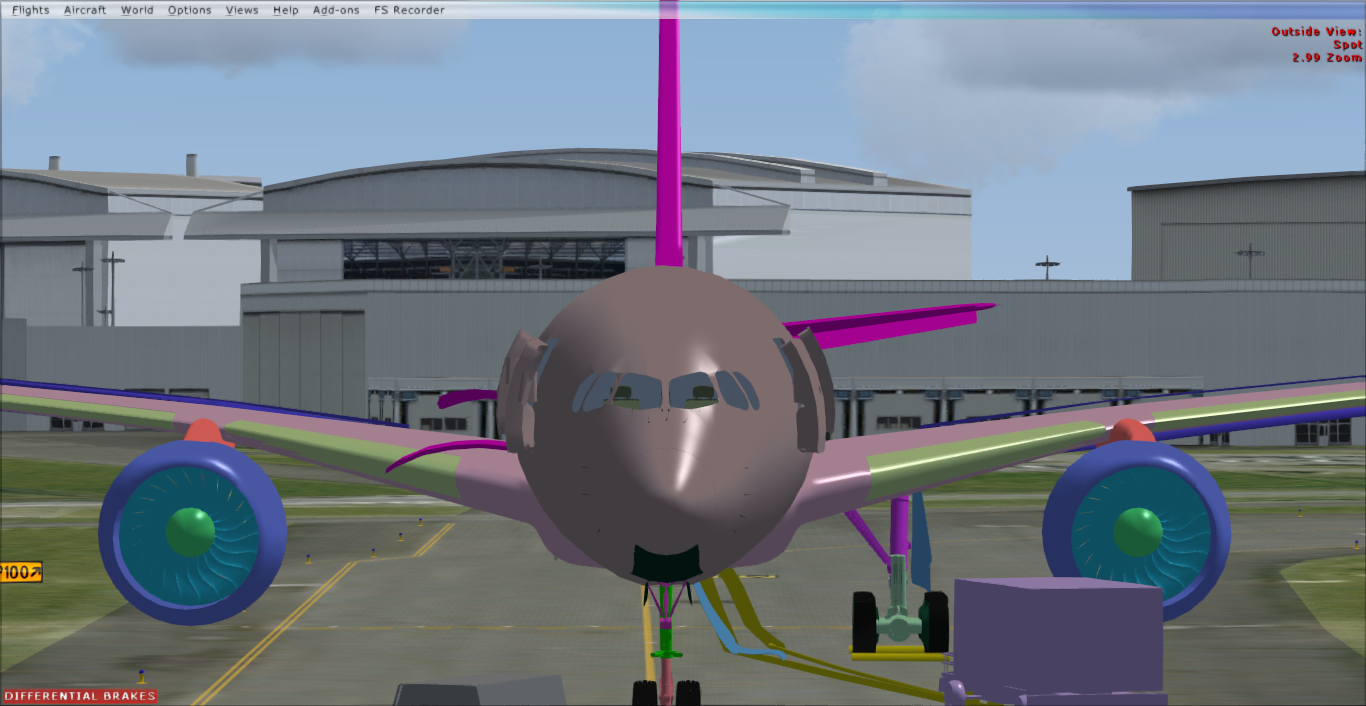
And she's still functioning in FSX:

2015-7-4_12-18-28-148_zpscfehzgu2.png


2015-7-4_12-19-19-68_zpsckzy75aw.png


2015-7-4_12-19-25-964_zpso1a4txsq.png


2015-7-4_12-19-1-37_zpshrfwqba5.png


2015-7-4_12-19-45-996_zps81jldclq.png


2015-7-4_12-19-12-229_zpszuwyztwh.png


Although I need to comment on that for a couple of reasons.
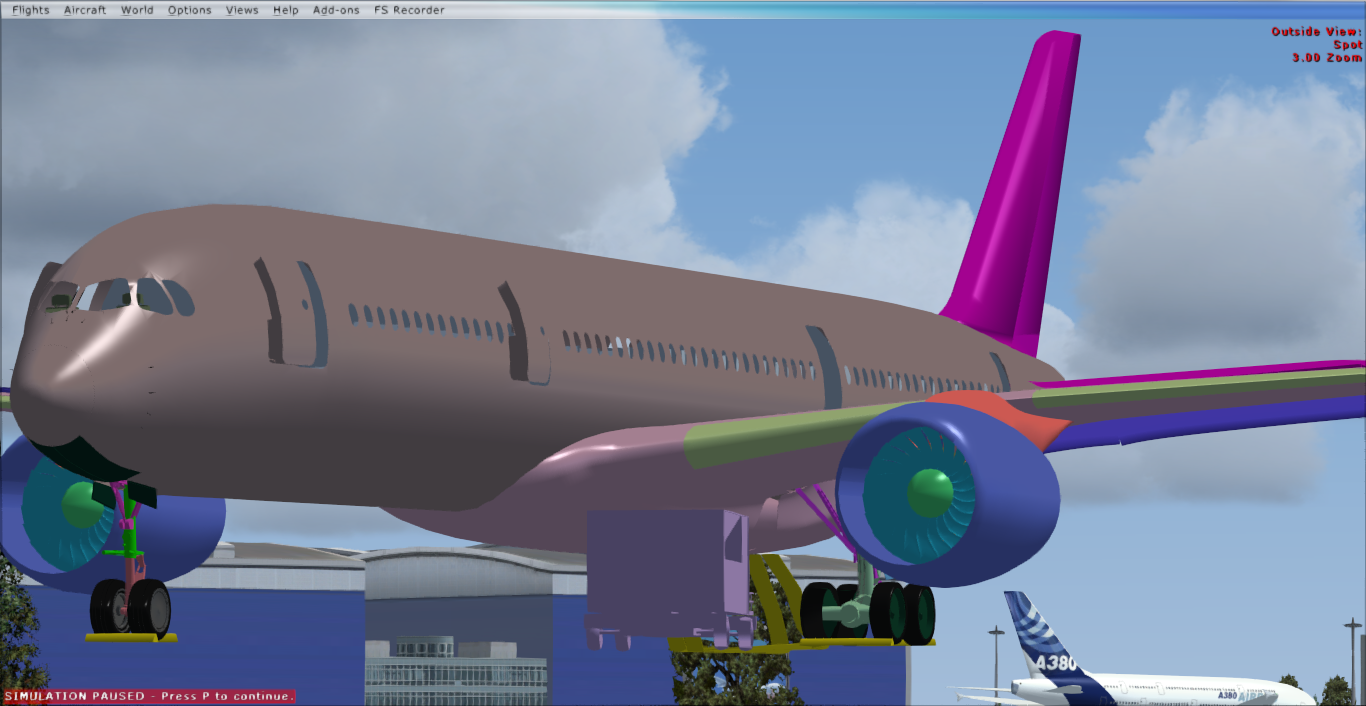
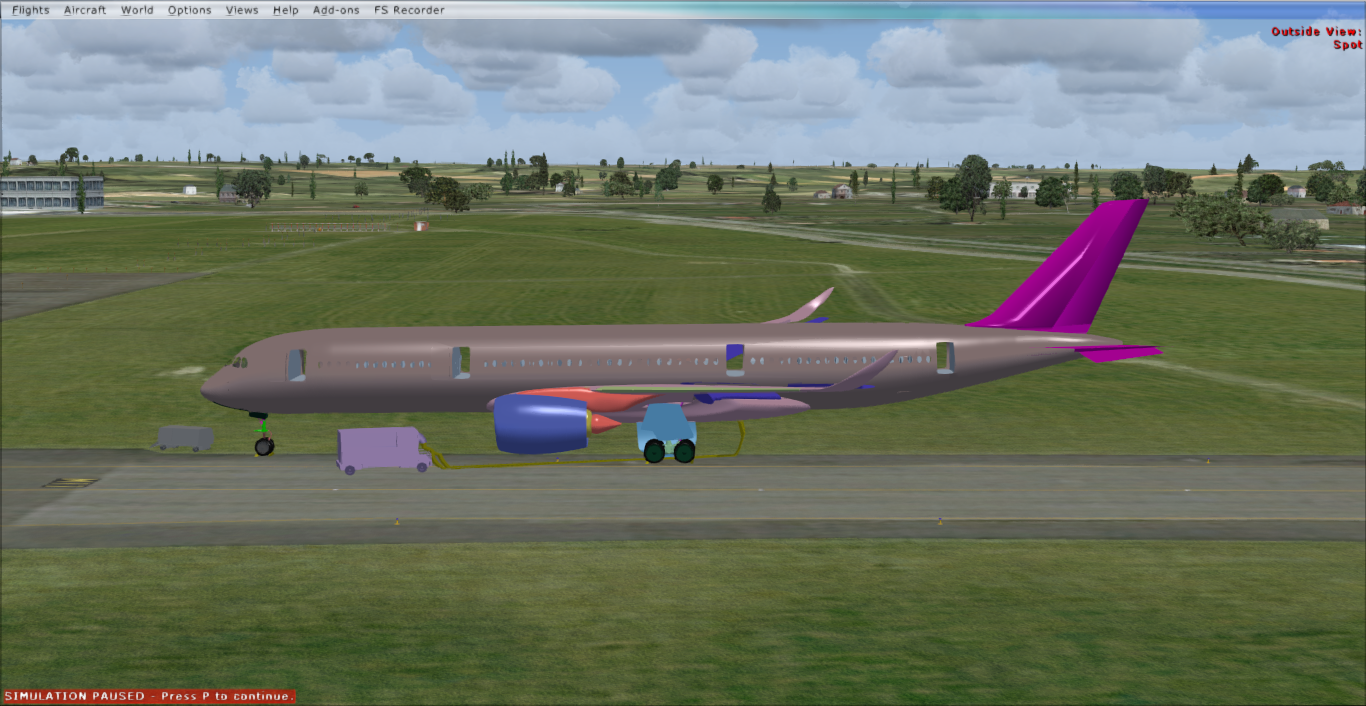
First off it looks like a childs toy, I'm sorry for that, but I'm following the blueprints... where it went wrong I don't know...
Second off the glass went totally trasparent, something I didn't want to happen....
And third, why am I in slew mode? Well dispite me setting the correct CG height she still sinks in to the ground....
 
Last edited:
> First off it looks like a childs toy, I'm sorry for that, but I'm following the blueprints... where it went wrong I don't know...

Blueprints contains errors 95% of the time. Always overlay a picture of the real thing (taken from far) to validate a blueprint before using it. Assuming you were using an accurate blueprint (which seems the case) blueprints doesn't provide "depth" and "curvature". You're right, there's nothing wrong with the nose when you look from the side (profile) but it needs some reworked curvature when looked from 45° to the back (135° from the nose, or 3/4 aft) Such kind of accuracy you can never get with blueprints alone.
Wing trailing edges. I've just installed Blender and found it thousand times more complex than another 3D modeling tool. So I don't know what to say, but you'd better find the technique to create sharp surfaces, and quick (like a knife, not rounded/curved on each side and very sharp at the edge) This will be required over the entire wing, the wingroot fairing (aft side - find a picture of an inflight A350 from below) the windows cuttings, engine pylons trailing edges, etc.
FYI, A350 wings have an "S" curvature (supercritical ?) on the underside. Something else you don't have with blueprints...
And you'll have to model the engines inside (at least for the exhaust cone) to improve the exhaust cone shape.

So... that's why you need at least one hundred pictures of the real thing from every angle before starting the project : compare your model with the real thing anytime from every angle/close up. You move one line/side/point/surface... check again with real pictures. (Precious advice I personnaly learned from Hiroshi Igami/Tenkuu Developpers Studios)


> Second off the glass went totally trasparent, something I didn't want to happen....

Something that has to do with materials settings.


> And third, why am I in slew mode? Well dispite me setting the correct CG height she still sinks in to the ground....

You'll have to edit the contact points entries aswell. Moving the CG height will just change at which altitude the model will be loaded in the sim.

 
- I do that (See image below) however this can't always match the view 100%, so te Blueprints are for me the main source with the images giving some extra clues..

a350%20XWB%20reference_zpserrlwb7t.png


- Thing is I didn't set transparancy in Blender to full (just to 50%)

- I did not know that....
 
I think the rim/tyre ratio is really off. Maybe if you fix that it'd look ten times better :)

Also, the blueprint is probably wrong with the gear strut. You can see that the aircraft sits lower to the ground in the real picture :)

The rest is looking amazing, keep up the great work! :wave:
 
Well noticed Skinner! Fixed it (with refence to a side view image...) guessing it okay now, perhaps it need to be a bit lower... And a couple of things need to be rescaled...

reference%202_zpszpk511al.png
 
Last edited:
can't wait to fly this baby :P
can I hope a PAX cabin model? (useless, but I love record my flights with FSRecorder and sits to the PAX Cabin)
 
Well I have a rudimentary interior with 8 to 12 poly seats in two classes.. Verry low-poly though, as it's the interior of the exterior model...
 
I think that would actually be a major hit on the FPS and would severely comprise times to spend on the systems and VC, because ofcourse I want to finish the project at some point....
So I won't get your hopes up...

On another note, referenced and I think I've got the right gaer height set now ;) Time to do the attachpoint because I don't want her to sink in to the ground anymore....

And sorry to the people who are annoyed I'm spamming this thread every day with virtually no progress at all ;)
 
Back
Top