
- Messages
- 14
- Country

Hello,
Recently I made some custom groundpoly's with Blender and MCX for Drzewiecki's Seattle X KPAE paine field (I converted it to FS2004 for personal use)
I'm used to making groundpolys for different airports without facing any problems, but with this one in particular I'm facing a few issues regarding transparency, and not just with the ground layer, but with the asphalt, concrete, taxiway and runway lines etc... (all placed using the same method with MCX)
This however only happens with certain aircraft, but I have over 340 types of aircraft so I can't pinpoint which amount of aircraft is responsible...
With the 777X, all is working fine, same thing with the TDS 787s, 737MAXs and SSP2012 747-8i
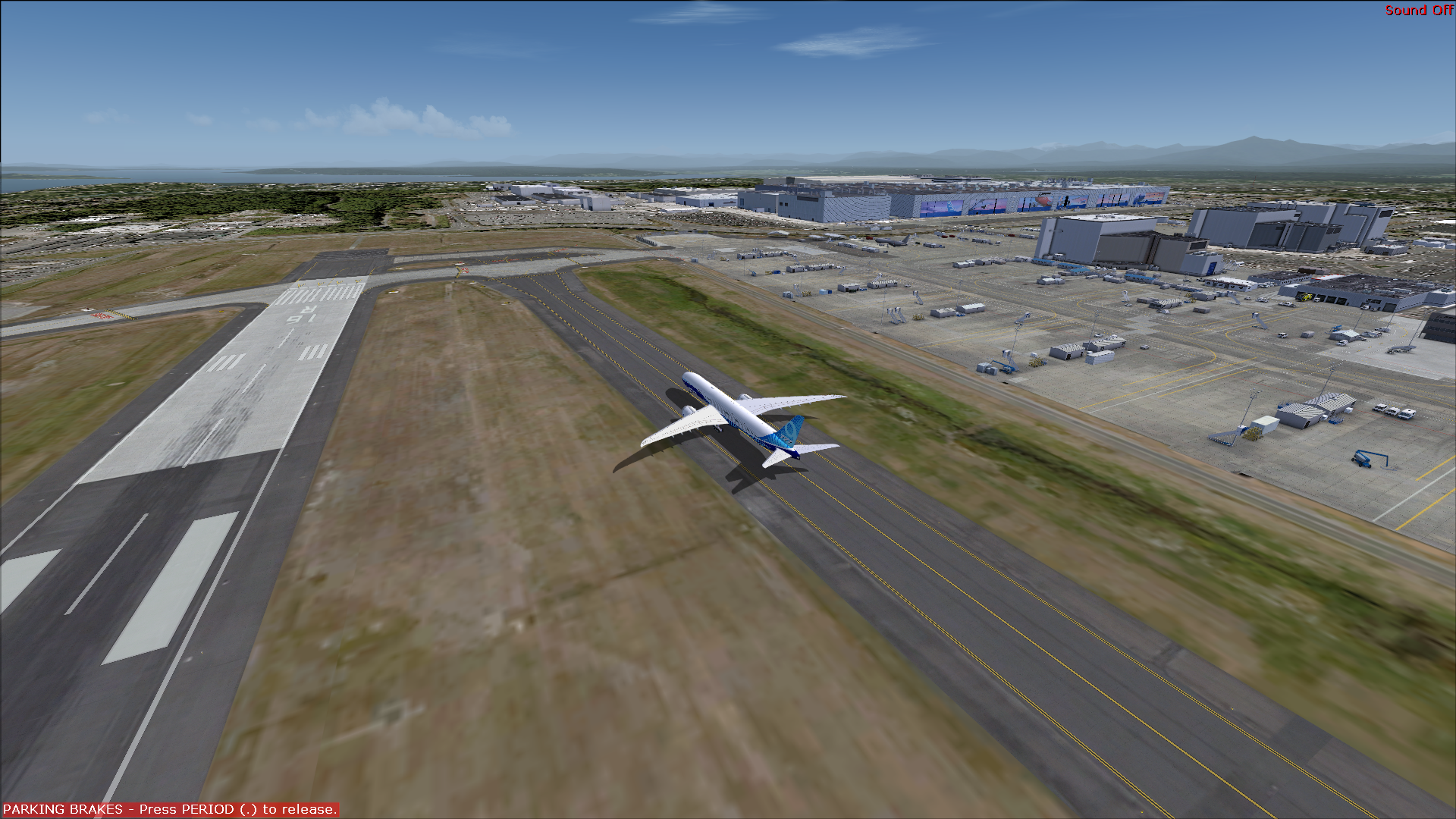
However this is what happens with the 747 Dreamlifter and SSP2012 777-300s and even the default Cessna 172 (actually, all default aircraft cause this to happen...)

As you can see, the aircraft pictured on the tarmac at KPAE on the groundpolys are now visible due to the layers becoming transparent (or semi transparent)
Another thing I noticed is that with some aircraft, switching the Landing lights ON makes the layers opaque again, turning them OFF makes them transparent
I'm at a total loss on how to fix this and I'm hoping someone can help me figure out what's going on
Thank you in advance !
Recently I made some custom groundpoly's with Blender and MCX for Drzewiecki's Seattle X KPAE paine field (I converted it to FS2004 for personal use)
I'm used to making groundpolys for different airports without facing any problems, but with this one in particular I'm facing a few issues regarding transparency, and not just with the ground layer, but with the asphalt, concrete, taxiway and runway lines etc... (all placed using the same method with MCX)
This however only happens with certain aircraft, but I have over 340 types of aircraft so I can't pinpoint which amount of aircraft is responsible...
With the 777X, all is working fine, same thing with the TDS 787s, 737MAXs and SSP2012 747-8i
However this is what happens with the 747 Dreamlifter and SSP2012 777-300s and even the default Cessna 172 (actually, all default aircraft cause this to happen...)
As you can see, the aircraft pictured on the tarmac at KPAE on the groundpolys are now visible due to the layers becoming transparent (or semi transparent)
Another thing I noticed is that with some aircraft, switching the Landing lights ON makes the layers opaque again, turning them OFF makes them transparent
I'm at a total loss on how to fix this and I'm hoping someone can help me figure out what's going on
Thank you in advance !
Last edited: