• Which the release of FS2020 we see an explosition of activity on the forun and of course we are very happy to see this. But having all questions about FS2020 in one forum becomes a bit messy. So therefore we would like to ask you all to use the following guidelines when posting your questions:

    • Tag FS2020 specific questions with the MSFS2020 tag.
    • Questions about making 3D assets can be posted in the 3D asset design forum. Either post them in the subforum of the modelling tool you use or in the general forum if they are general.
    • Questions about aircraft design can be posted in the Aircraft design forum
    • Questions about airport design can be posted in the FS2020 airport design forum. Once airport development tools have been updated for FS2020 you can post tool speciifc questions in the subforums of those tools as well of course.
    • Questions about terrain design can be posted in the FS2020 terrain design forum.
    • Questions about SimConnect can be posted in the SimConnect forum.

    Any other question that is not specific to an aspect of development or tool can be posted in the General chat forum.

    By following these guidelines we make sure that the forums remain easy to read for everybody and also that the right people can find your post to answer it.

FSX Gyroflug SC-01B Speed Canard

dave hoeffgen

Resource contributor
Messages
1,439
Country
germany
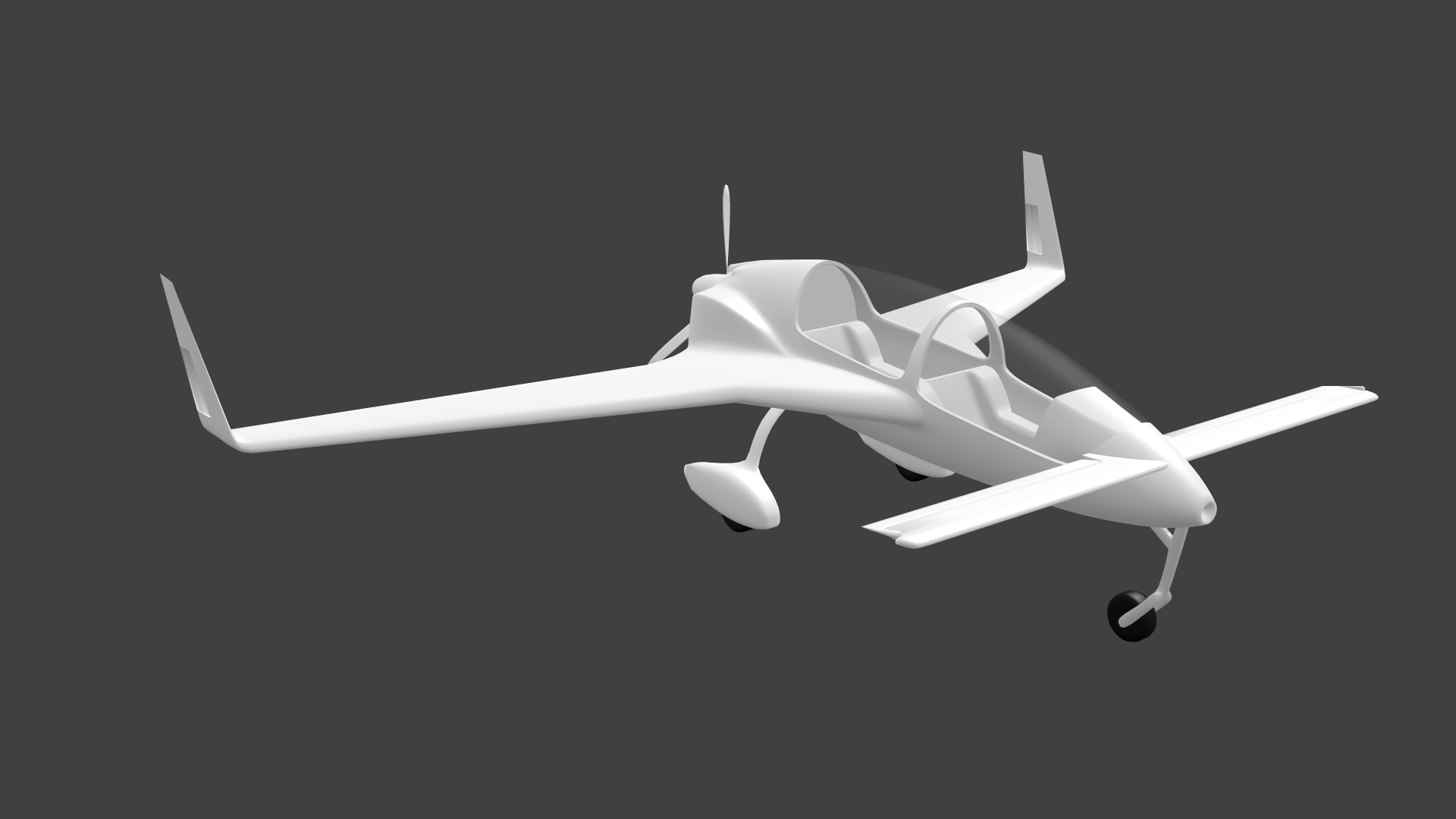
I spend some of my free time on this model during the last few months and I would just like some feedback to what I've done so far:
SC-01B.png
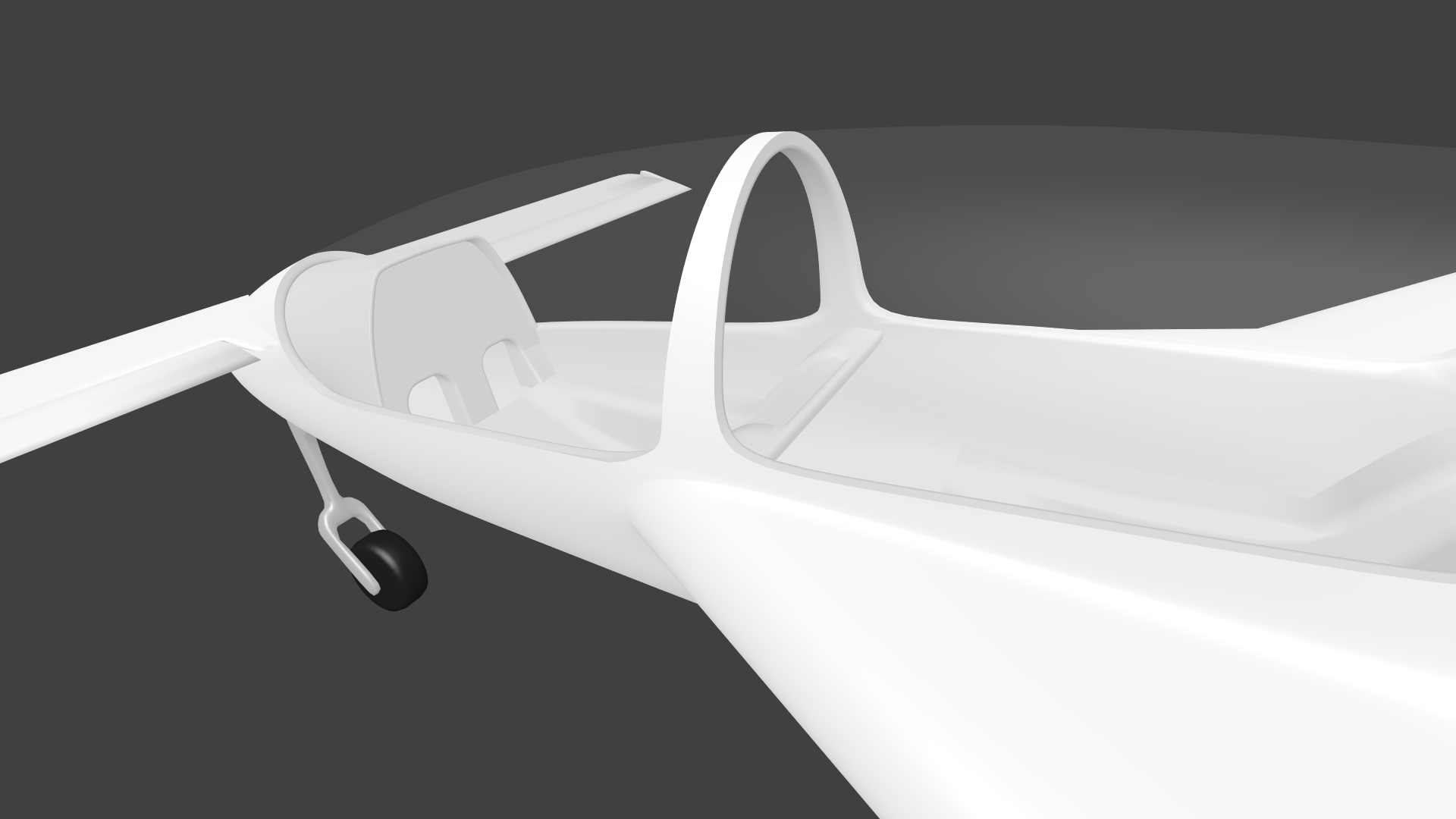
SC-01B_1.png

btw this is my first serious aircraft project, so please don't judge too hard.

I also gave it a try in the sim already:
2015-2-27_15-24-55-334.jpg
 
Shading issues as far as I can see are smoothing group related. The inner well should be a different one to the outer skin.
 
Don't really know what you mean with "smoothing group". Sounds like some Max/Gmax stuff :D.
This project is done in Blender and the shading problem actually seems to result from my stupid vertex arrangement:banghead:

Now it's slowly going where I want it to be:

cgearbay_wire.png
 
Nope, you can clearly see that the wheel well uses the same smoothing group as the outer hull, so blender is smoothing it out.
 
Nice mate!

Blender doesn't use Smoothing Groups, or at least Blender don't call these things so.

I assume the edge between the wheel bay and the fuselage should be sharp? Then just split that edge (Space, Search, type Edge Split).

Have fun!
 
Actually this edge is not really sharp on the real thing:

Gyroflug%20Speed%20Canard%20(%20D-ENWG%20)%20EBZR%202012%20(5).JPG


Just splitting this edge without the subsurf applied resulted in a see through crack in the geometry, so that's not an option.

Anyway I' m already much more satisfied with how the edge looks now than in the shots before.:)
 
All the holes around the engine box that I avoided to show till now habe been solidified:

engine01.png


I'm not sure yet how much of the engine I'm going to model and what will be just painted into the texture later.

The air intake below the fuselage:

engine02.png


Thanks to all of you for the feedback I received till now:)!! It really keeps me motivated to go on with this project!!
 
WHAW :D

dude, its awesome; keep it up, This will be a great A/C to visit my Futur scenerys :P


Grtz, Aviana Scenery :)

PS: can you tell me how you made your Banner? I want to make one for me :)
 
Back
Top