

- Messages
- 1,025
- Country

So I've been fiddling with MCX and the MSFS SDK's and been discovering the quirks, but think I've nutted out most of what has been happening. One model didn't convert well and when it failed the whole scenery library failed. I'll do up a video tutorial once I get settled here in Texas.
This is a project I started for FSX but because the default elevation data was pixel is point rather than corner all of Australia's DEM was 15-30m off which made the city a pain to work with and looked terrible with the default scenery base... Not so with MSFS 2020, for some reason the photogrammetry for Brisbane isn't currently in Bing maps so I decided to port the models over. This took all of 2 days from never having seen the SDK's.


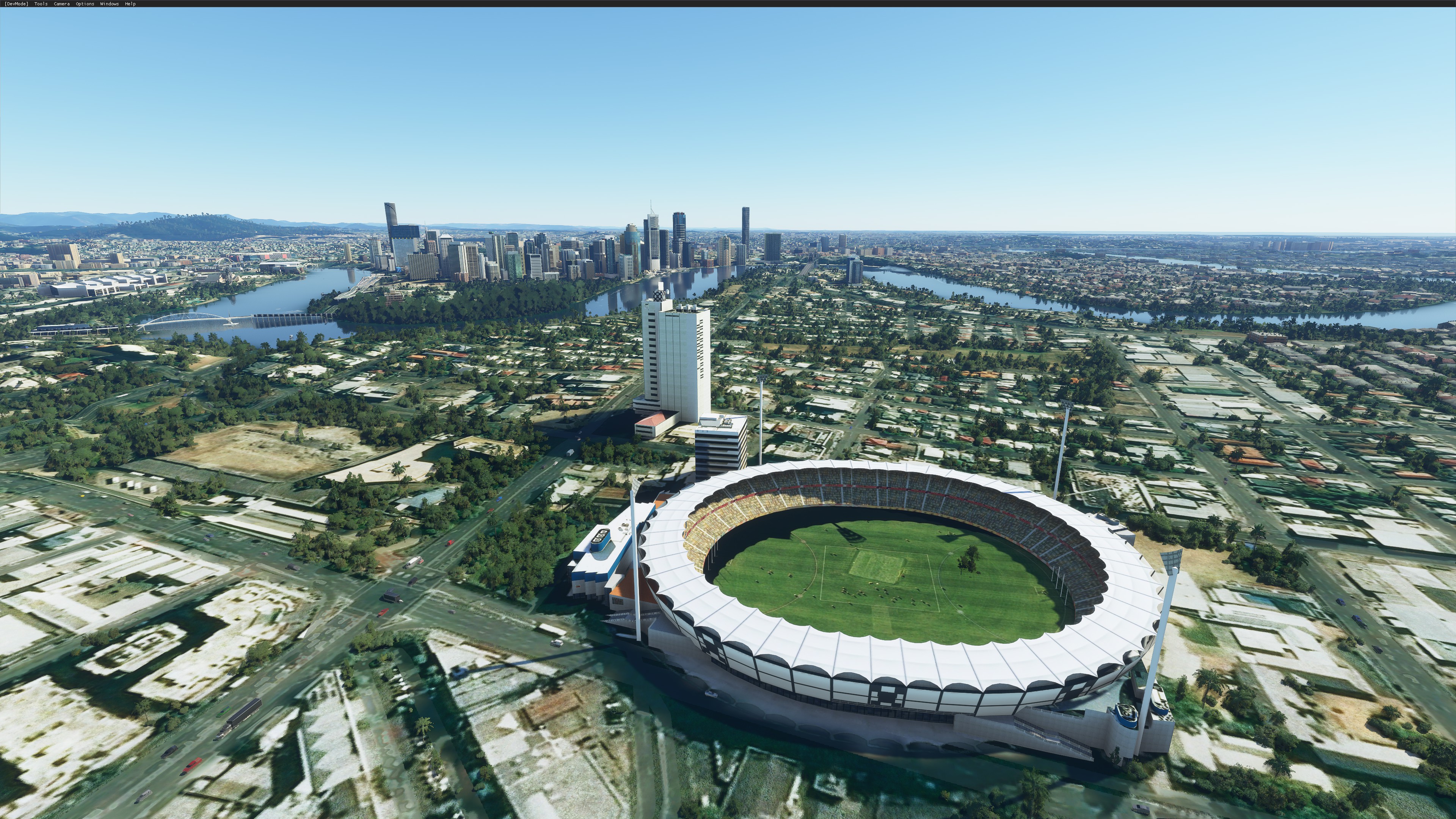


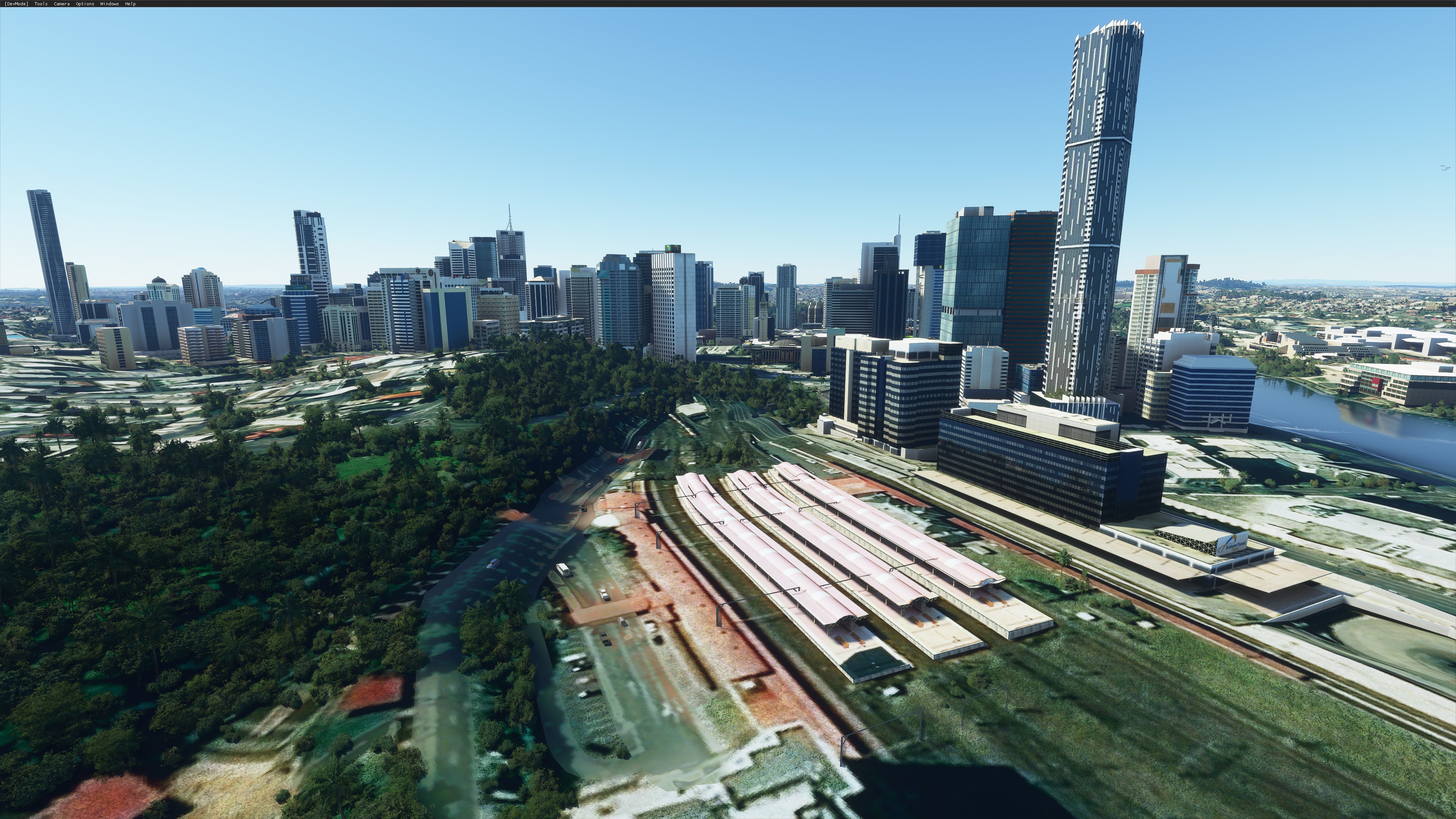

This is a project I started for FSX but because the default elevation data was pixel is point rather than corner all of Australia's DEM was 15-30m off which made the city a pain to work with and looked terrible with the default scenery base... Not so with MSFS 2020, for some reason the photogrammetry for Brisbane isn't currently in Bing maps so I decided to port the models over. This took all of 2 days from never having seen the SDK's.
- Transparency Textures - I need to see if I convert them to PNG first if that will help with transparent textures
- Missing Textures - I need to manually re-work some models that seem to be missing their textures
- Materials - I've learned that if you attach a concrete/road material this is how you get vehicles to travel along bridges (according to someone who showed how to do it in blender, I need to see if I can do that in MCX)
- Missing Models - Some models are missing, I need to go see if I can get them into the sim or what's wrong
- I need to remove the master exclude and build individual excludes to re-introduce the generic scenery for the missing buildings


