

- Messages
- 1,025
- Country

I posted in the working on scenery thread but with developing it I figured it would be best to start a thread.
I've dabbled in Blender a bit as well as previous 3D design software going back to Flight Simulator Flight Studio and Lightwave 3D but it's only now I'm starting to get seriously into 3D development, especially as I move more towards Virtual Production in Unreal Engine for Film, but the FS work crosses over into that now. Just had a meeting with a guy who worked on Avatar 2, Godzilla vs Kong and other major productions.
Anyway, since version 1.0 of Flight Sim I've longed to have my local airport that I eventually learned to fly at (one of the 3), in the simulator, but due to it being quite a complicated airport with 2 x grass/gravel strips and a gazillon cone and gable markers, it's just never been done right in any flight simulator.
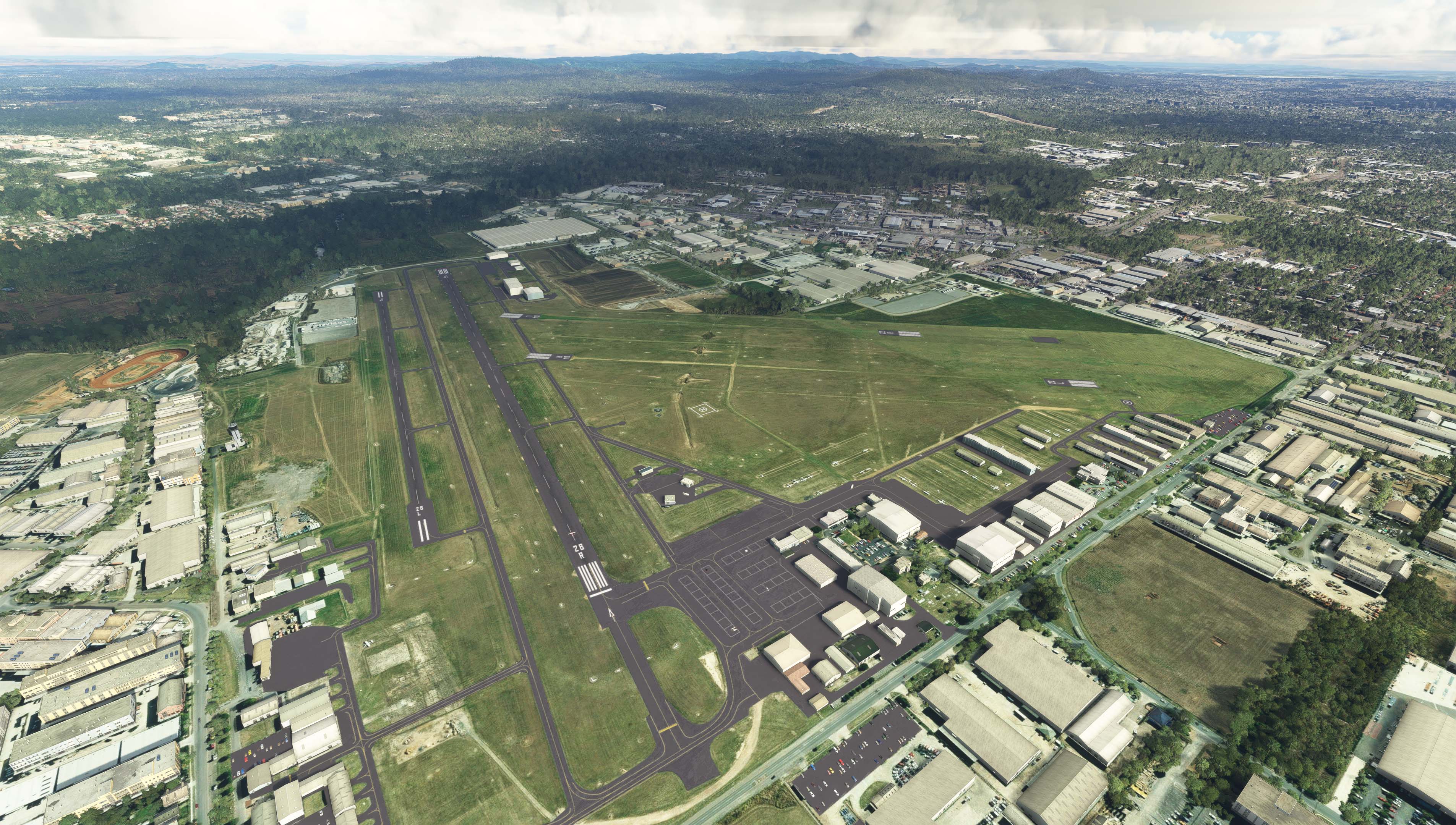
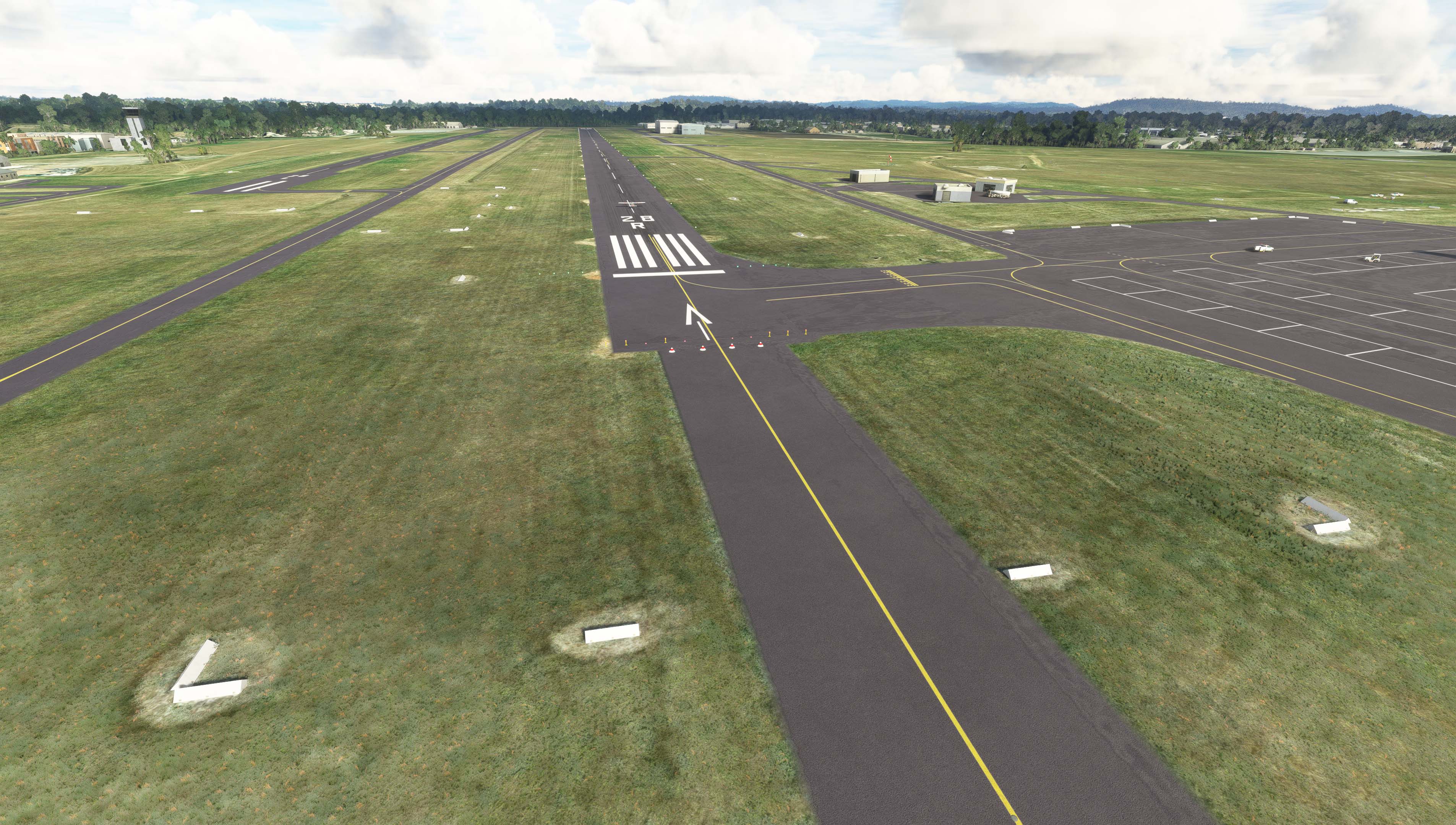
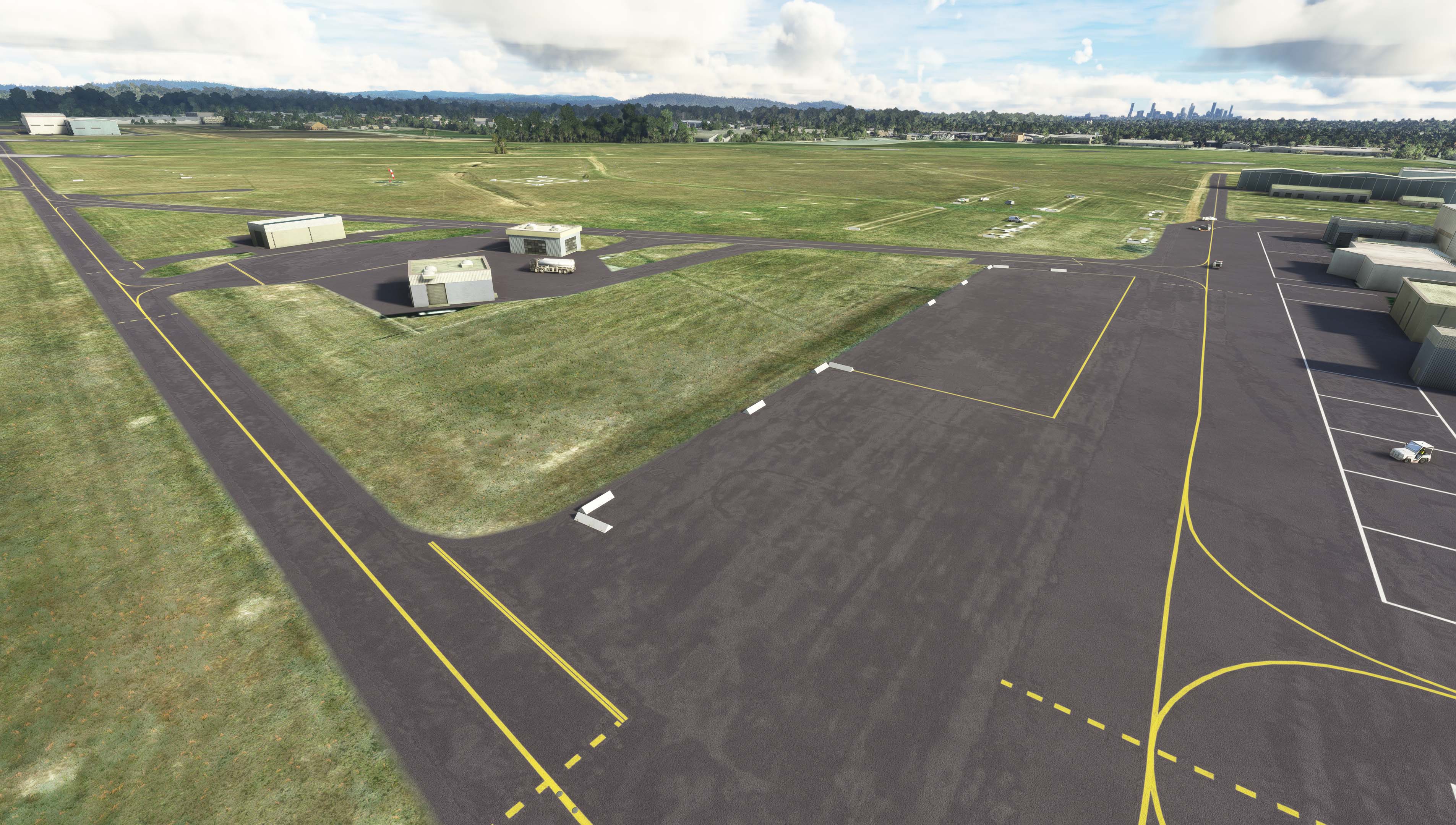
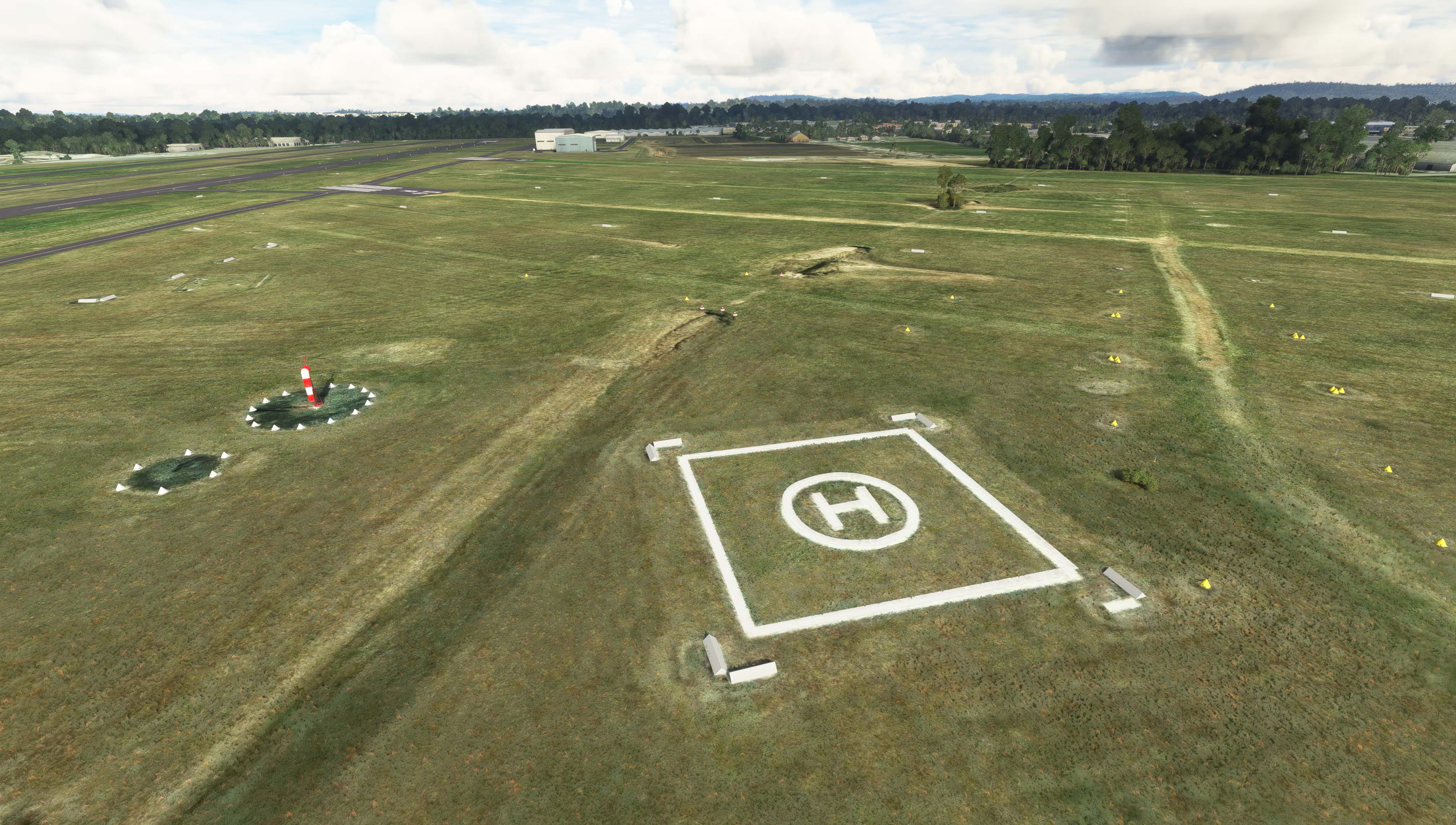
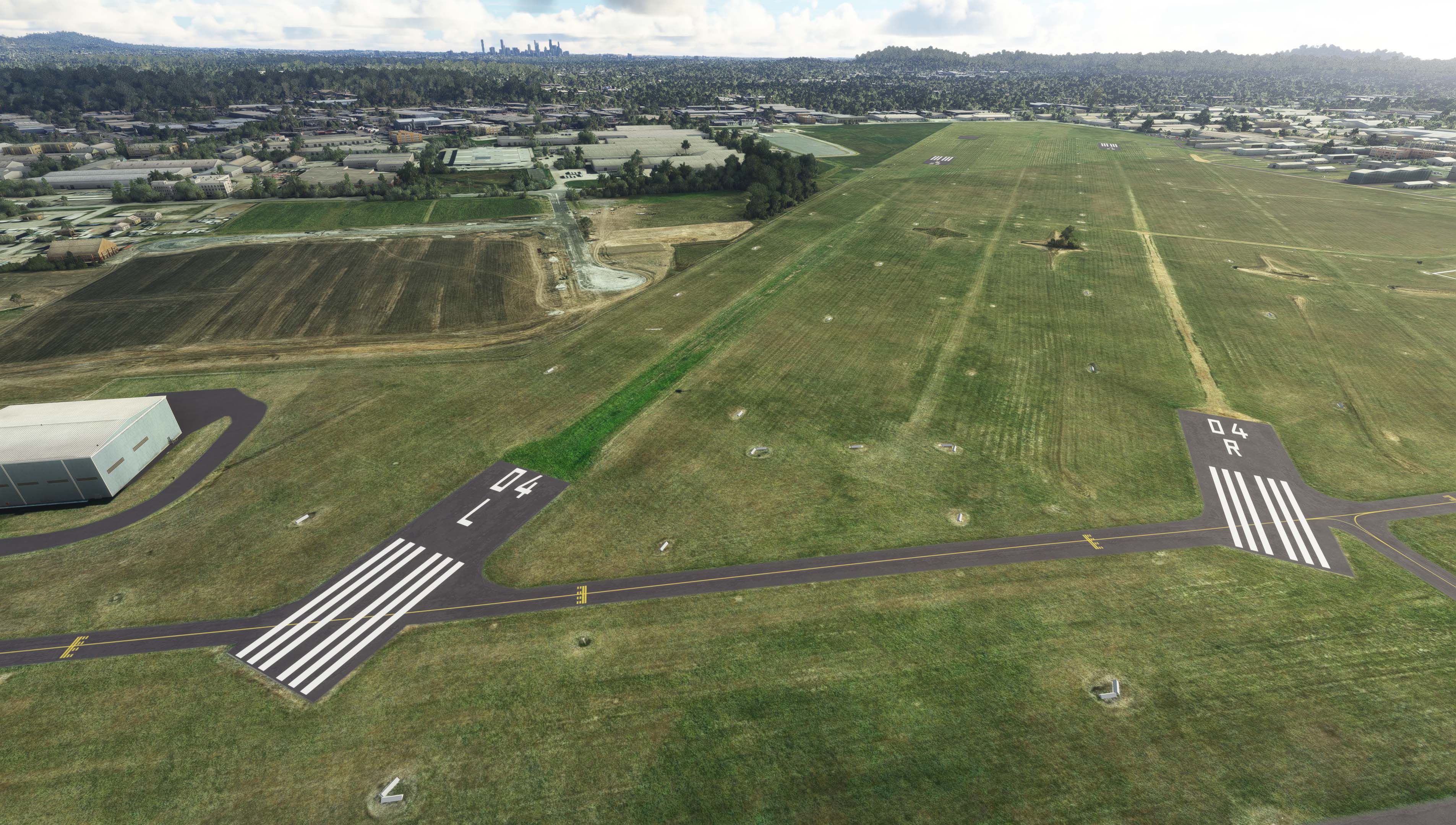
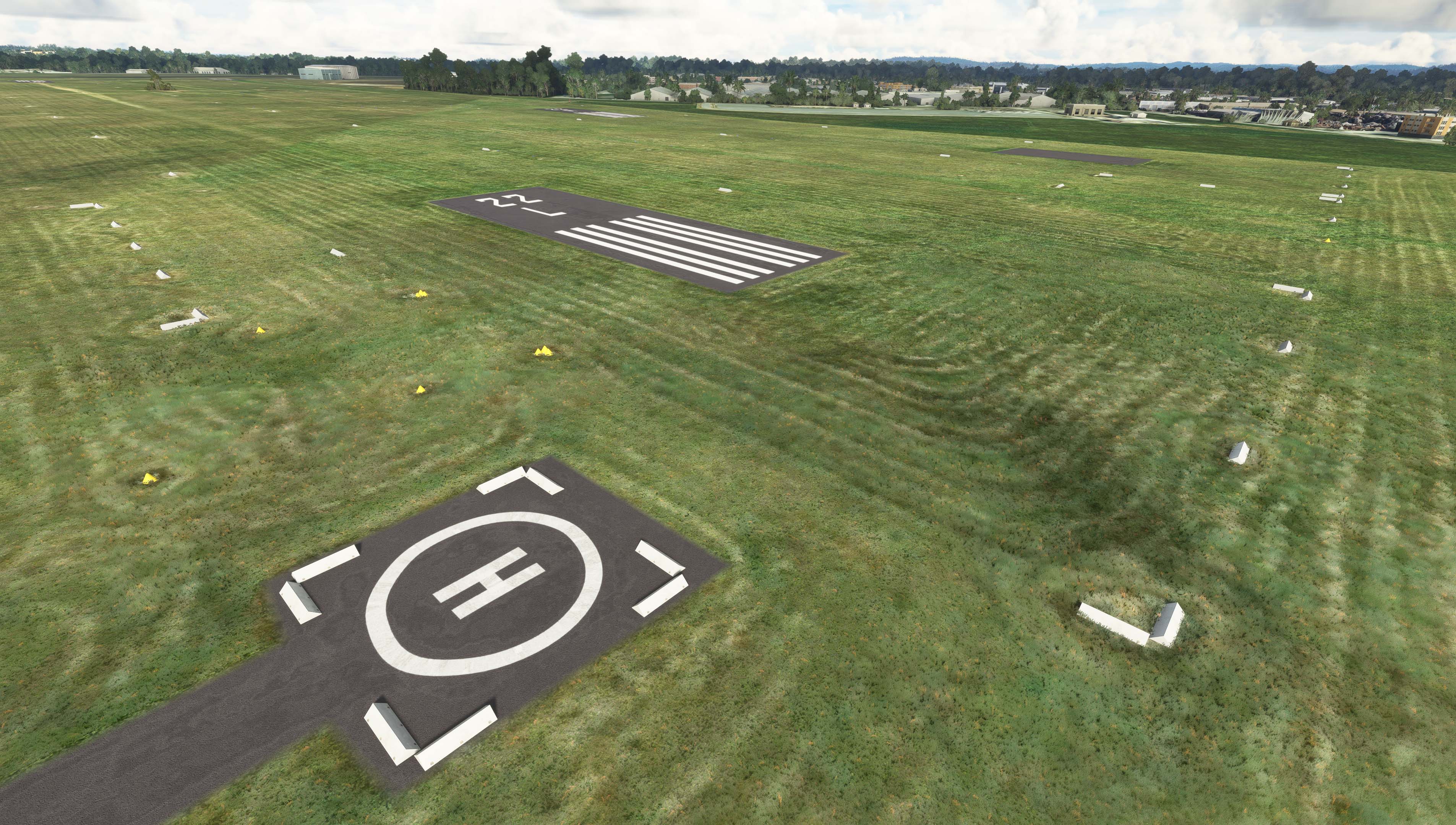
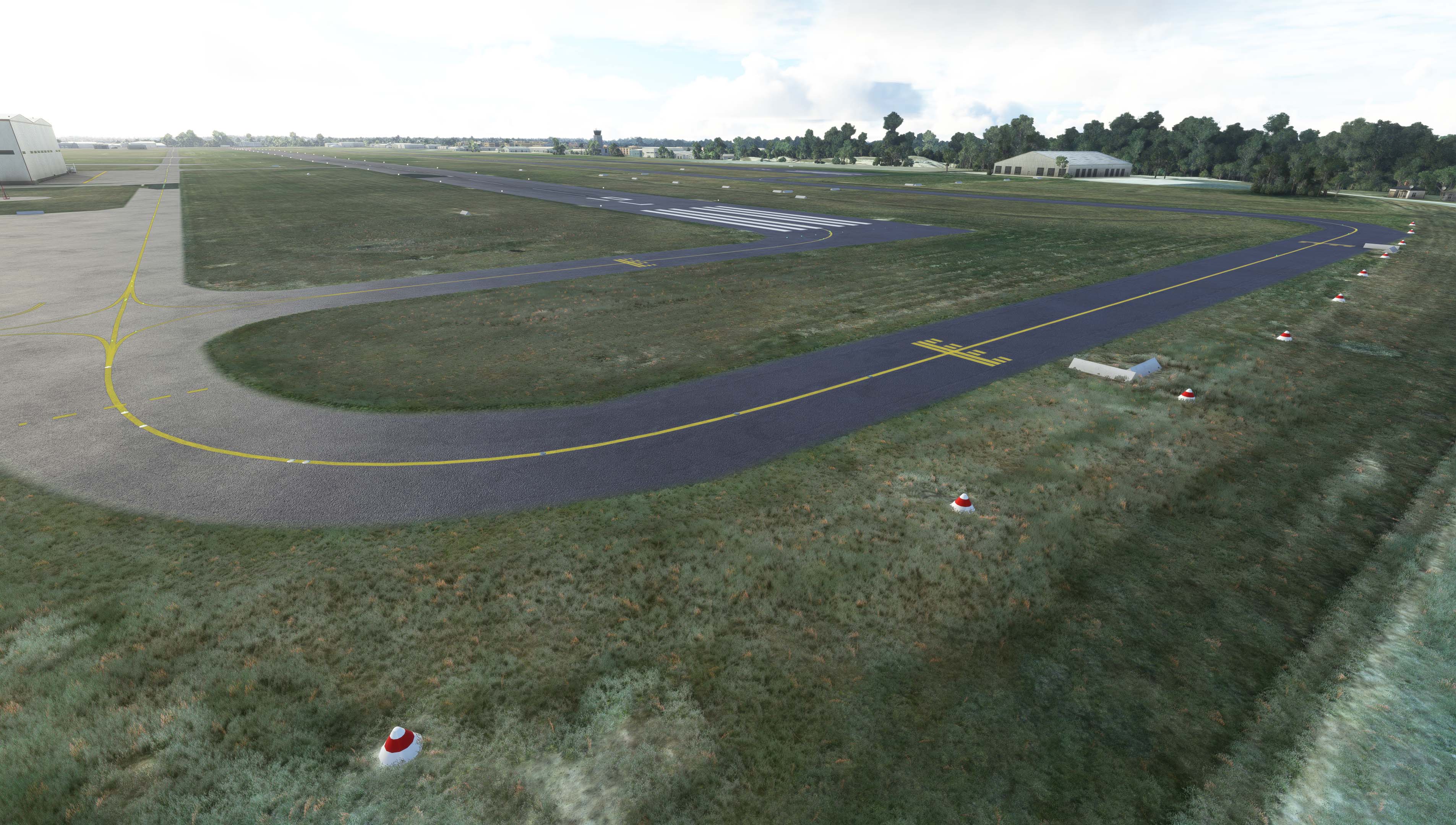
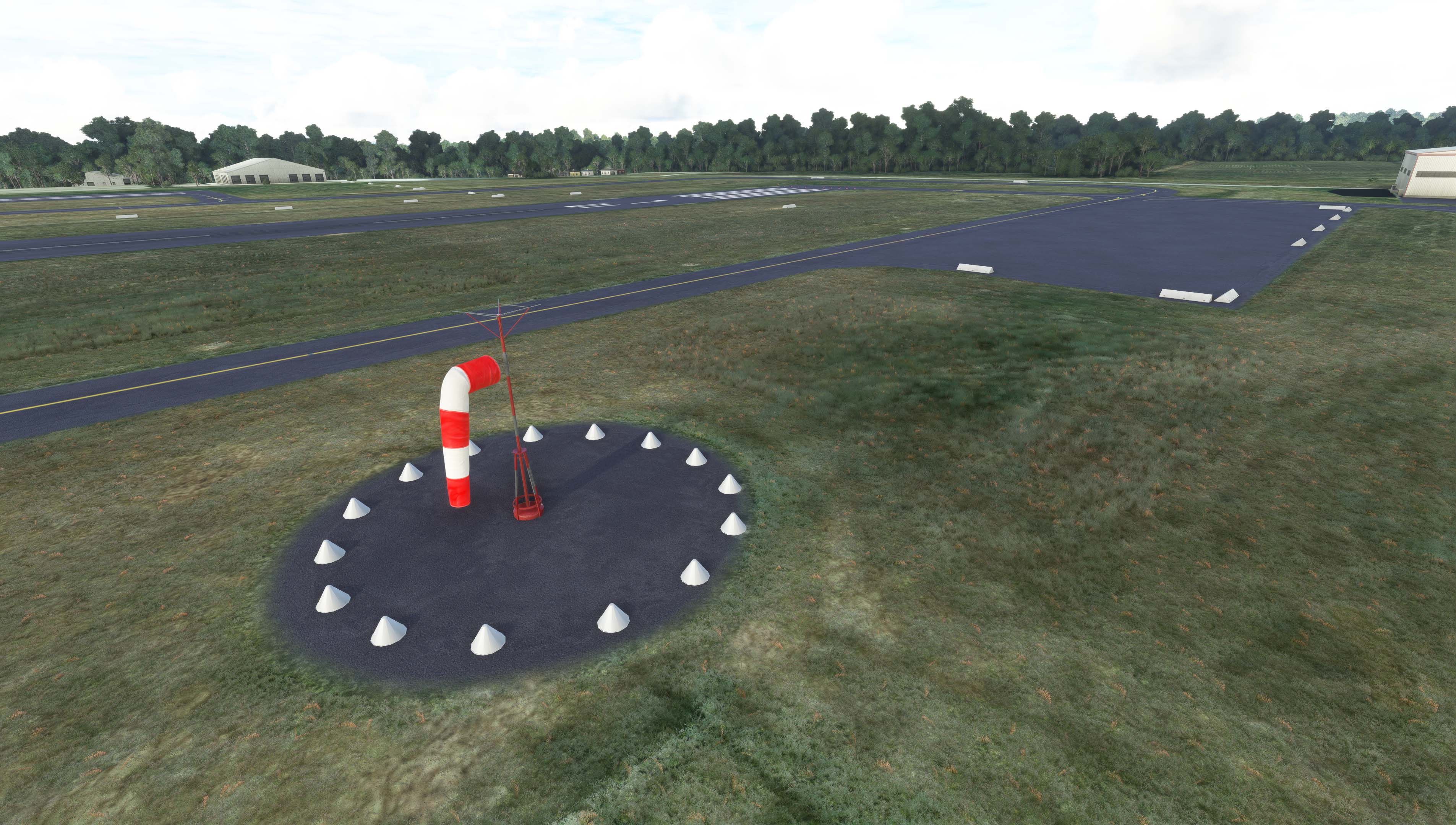
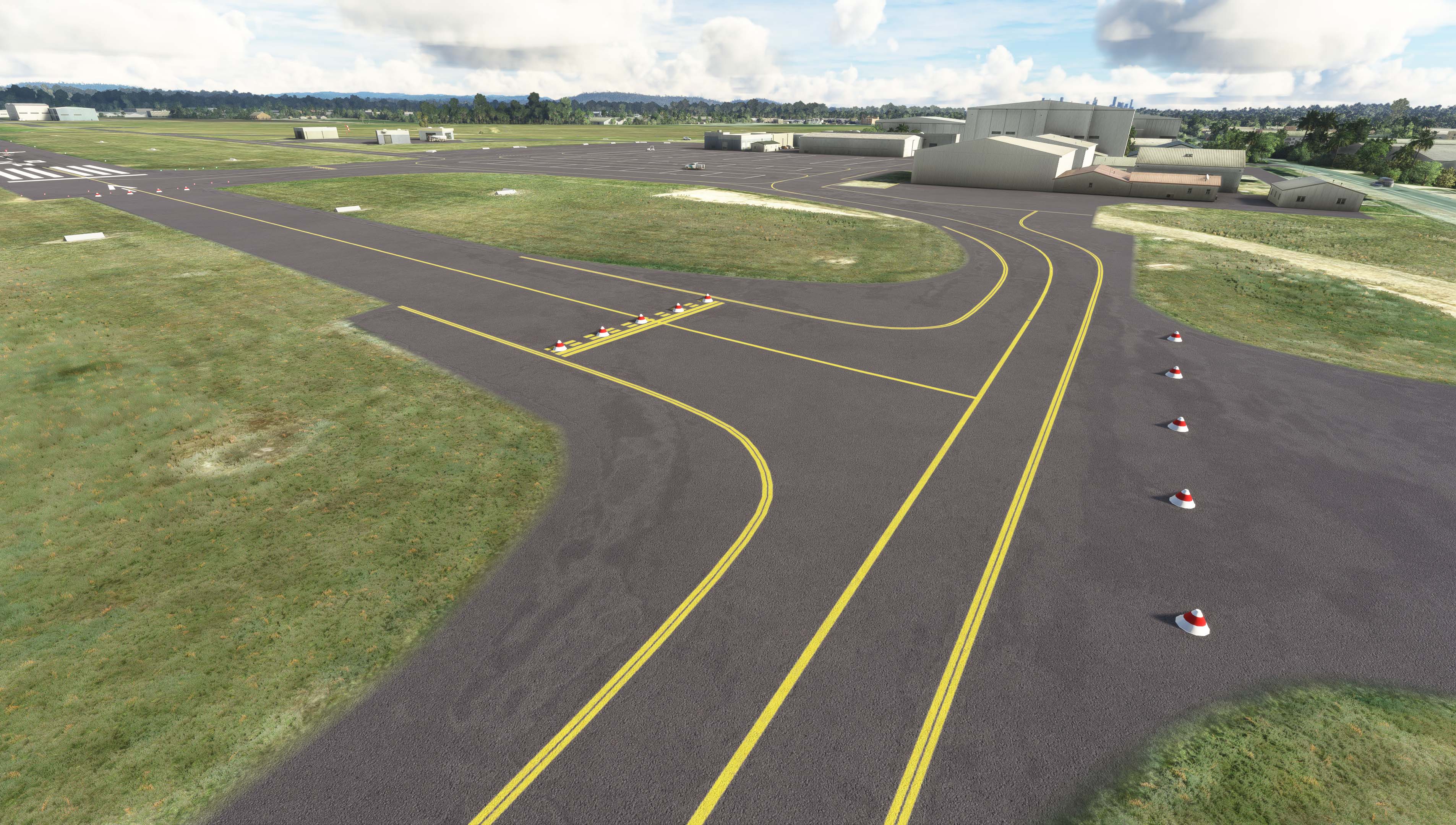
Yesterday I placed all the cones and gable markers around the airport, I swear there's like 1000 across the airport. I still have a lot of work ahead of me and definitely would like to collaborate with a 3D designer for the custom hangars and airport buildings.
Today I figured out how to make the tires (tyres for Aussies) that are used at tie down points and create bump maps, specular highlights and paint the tires white. Am about to go export the final result to MSFS and start placing them.
Here's the screenshots from yesterday...

I've dabbled in Blender a bit as well as previous 3D design software going back to Flight Simulator Flight Studio and Lightwave 3D but it's only now I'm starting to get seriously into 3D development, especially as I move more towards Virtual Production in Unreal Engine for Film, but the FS work crosses over into that now. Just had a meeting with a guy who worked on Avatar 2, Godzilla vs Kong and other major productions.
Anyway, since version 1.0 of Flight Sim I've longed to have my local airport that I eventually learned to fly at (one of the 3), in the simulator, but due to it being quite a complicated airport with 2 x grass/gravel strips and a gazillon cone and gable markers, it's just never been done right in any flight simulator.
Yesterday I placed all the cones and gable markers around the airport, I swear there's like 1000 across the airport. I still have a lot of work ahead of me and definitely would like to collaborate with a 3D designer for the custom hangars and airport buildings.
Today I figured out how to make the tires (tyres for Aussies) that are used at tie down points and create bump maps, specular highlights and paint the tires white. Am about to go export the final result to MSFS and start placing them.
Here's the screenshots from yesterday...