- Messages
- 20
- Country

Hello,
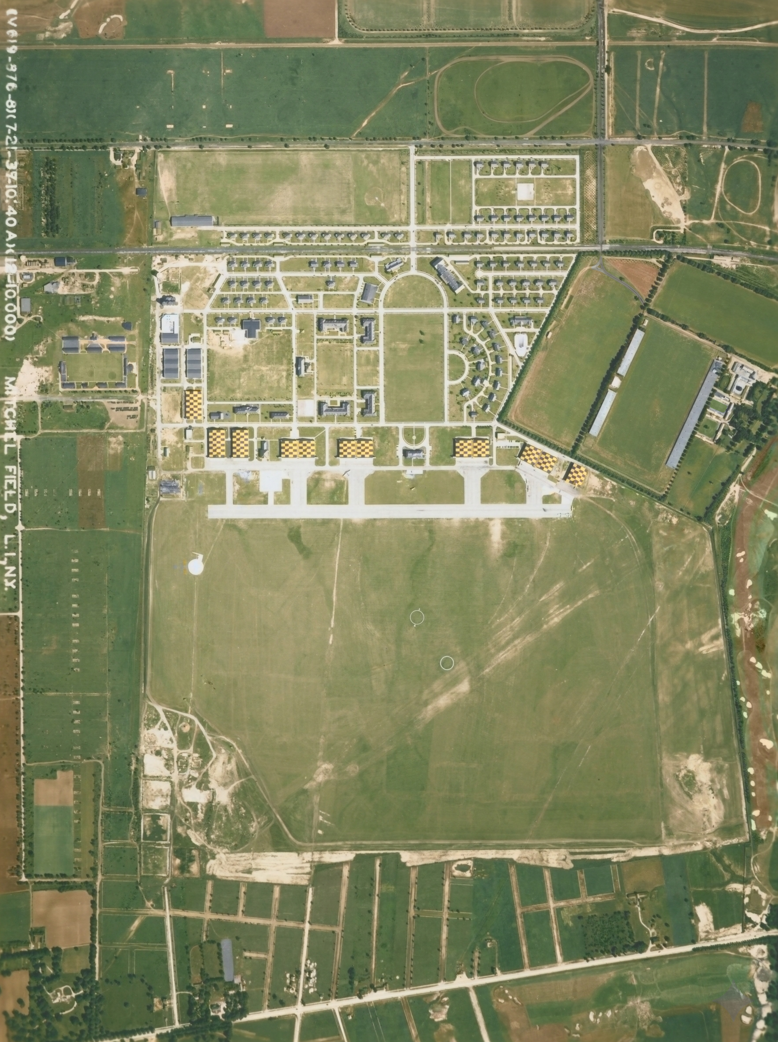
I am developing an army airfield from 1935 to fit with Redwing's line of airfields, and I scanned and colorized an aerial photo to use as a background. I managed to import a custom aerial photo into MSFS 2024, but for some reason, the overlay is much different from the input.
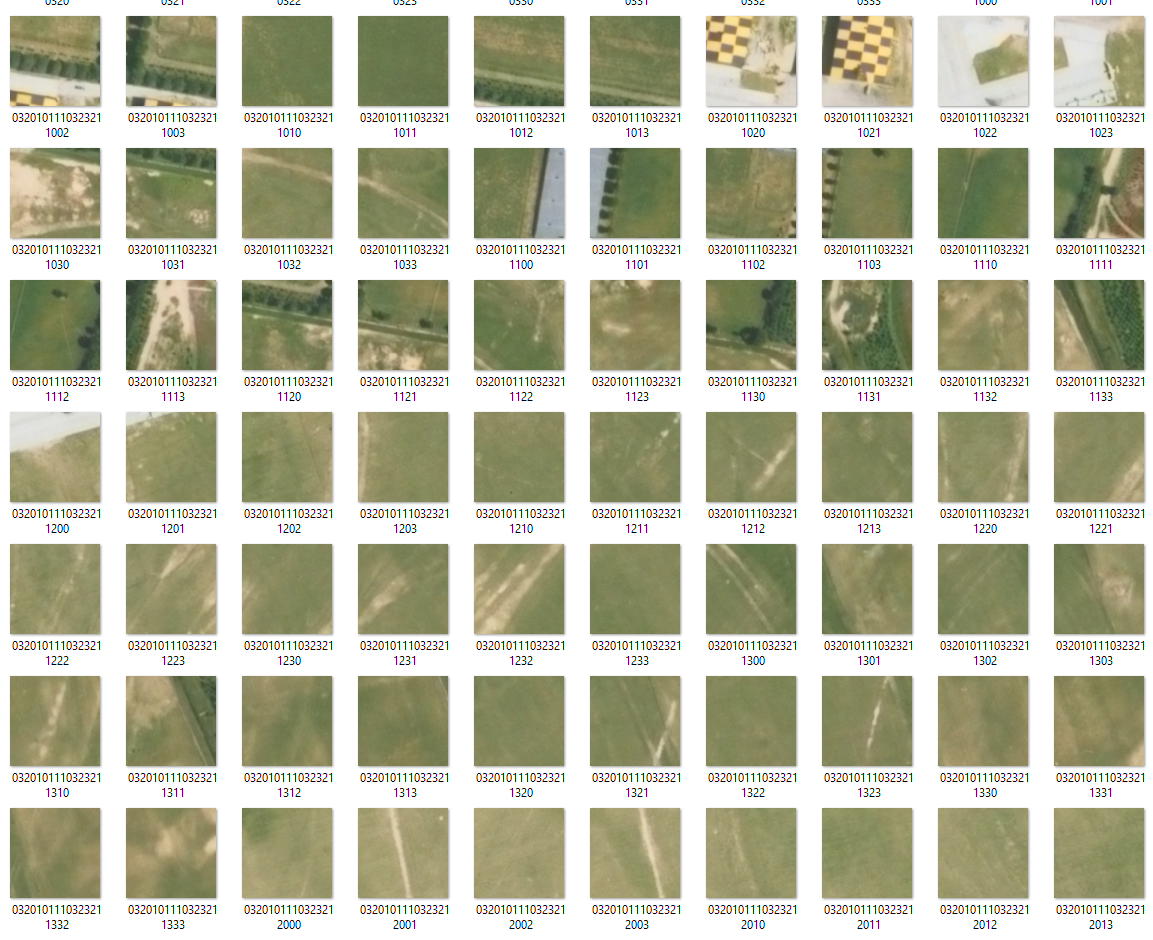
I georeferenced and divided them into tiles via QGIS, and converted them via Tiles2Bing. You can see the result here:
The issue is that once I load it into MSFS 2024, I get a much different result:
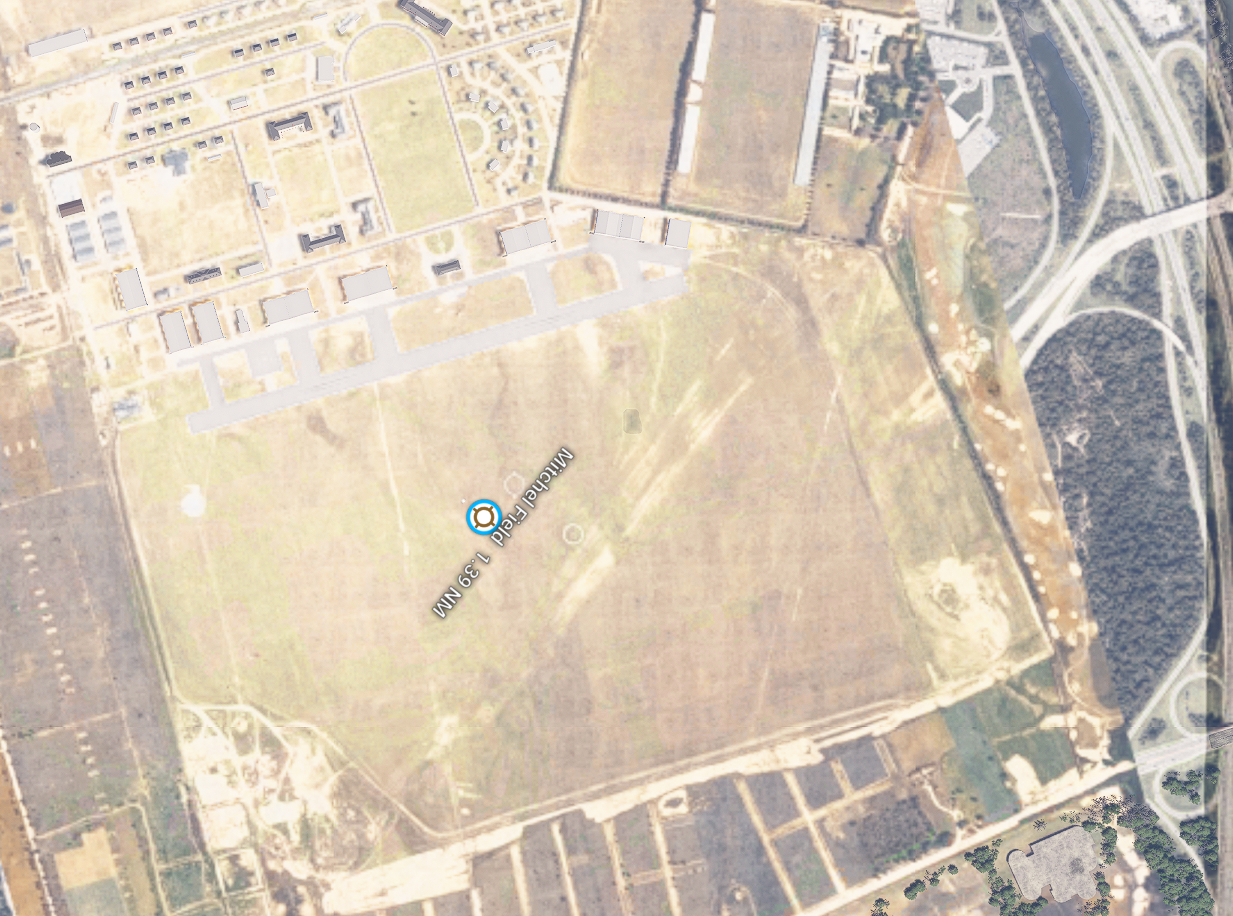
And not to mention, there are random patches of grass and dirt where it shouldn't be.
Does anybody have any ideas on how to correct this?
I am developing an army airfield from 1935 to fit with Redwing's line of airfields, and I scanned and colorized an aerial photo to use as a background. I managed to import a custom aerial photo into MSFS 2024, but for some reason, the overlay is much different from the input.
I georeferenced and divided them into tiles via QGIS, and converted them via Tiles2Bing. You can see the result here:
The issue is that once I load it into MSFS 2024, I get a much different result:
And not to mention, there are random patches of grass and dirt where it shouldn't be.
Does anybody have any ideas on how to correct this?