• Which the release of FS2020 we see an explosition of activity on the forun and of course we are very happy to see this. But having all questions about FS2020 in one forum becomes a bit messy. So therefore we would like to ask you all to use the following guidelines when posting your questions:

    • Tag FS2020 specific questions with the MSFS2020 tag.
    • Questions about making 3D assets can be posted in the 3D asset design forum. Either post them in the subforum of the modelling tool you use or in the general forum if they are general.
    • Questions about aircraft design can be posted in the Aircraft design forum
    • Questions about airport design can be posted in the FS2020 airport design forum. Once airport development tools have been updated for FS2020 you can post tool speciifc questions in the subforums of those tools as well of course.
    • Questions about terrain design can be posted in the FS2020 terrain design forum.
    • Questions about SimConnect can be posted in the SimConnect forum.

    Any other question that is not specific to an aspect of development or tool can be posted in the General chat forum.

    By following these guidelines we make sure that the forums remain easy to read for everybody and also that the right people can find your post to answer it.

P3D v5 Germany Photoreal

Thank you Mathias.

Not knowing the extent of Berlin and Brandenburg , could it caue prooblems near EDAZ?
 
Hi !
Sorry to post again about another project than yours but since we were talking about this autogen method, there you go for OSM datas + Scenproc in south of France, just a little scenery to fit my Fayence LFMF Payware airfield,

190327065912168470.jpg


(Avalaible here fyi https://www.vario-design.com/local-fayence?lang=en freeware)

There is obviously something to do since files are really light (Like 10mo for the whole Luxembourg which is insane compared to the size and wealth added to the landscapes), the only thing there is that photoscenery in 1m/pixel are conversely really heavy. Again Luxembourg weight 3gigs for a 2m/px ground, it would have been more than 6 in 1m...!
 
Simply because I didn’t wanted to show my own scenery but the amount of possibilities available by using thoses autogen creation tools
 
H Mathias,

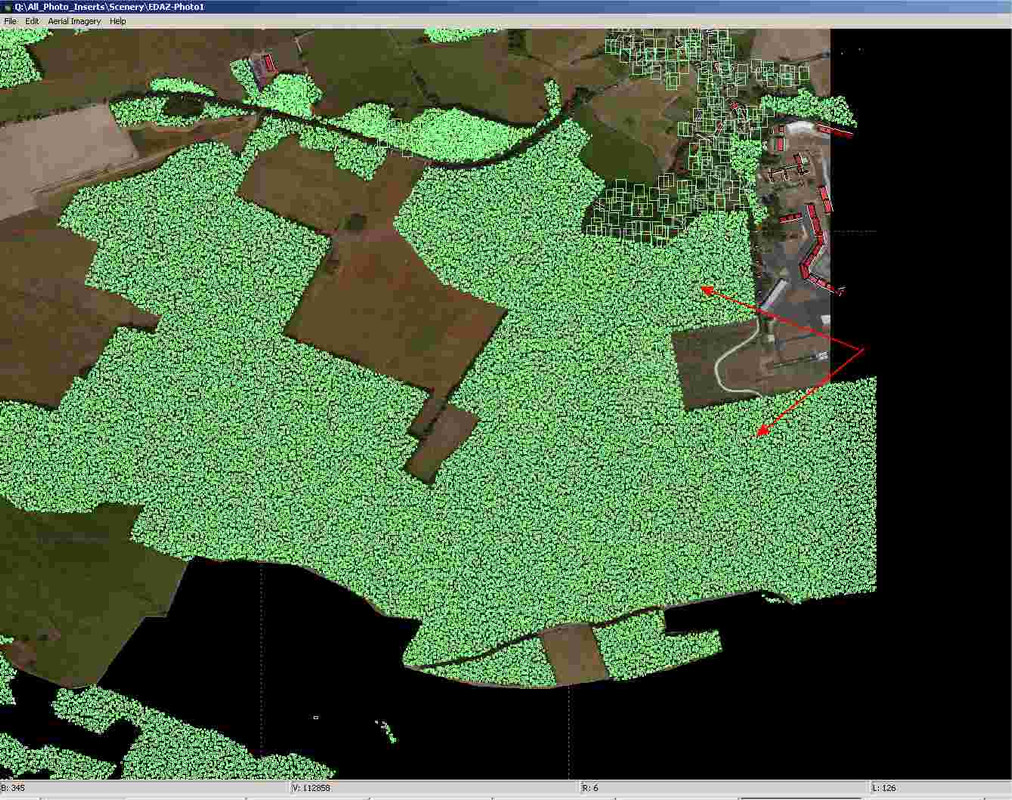
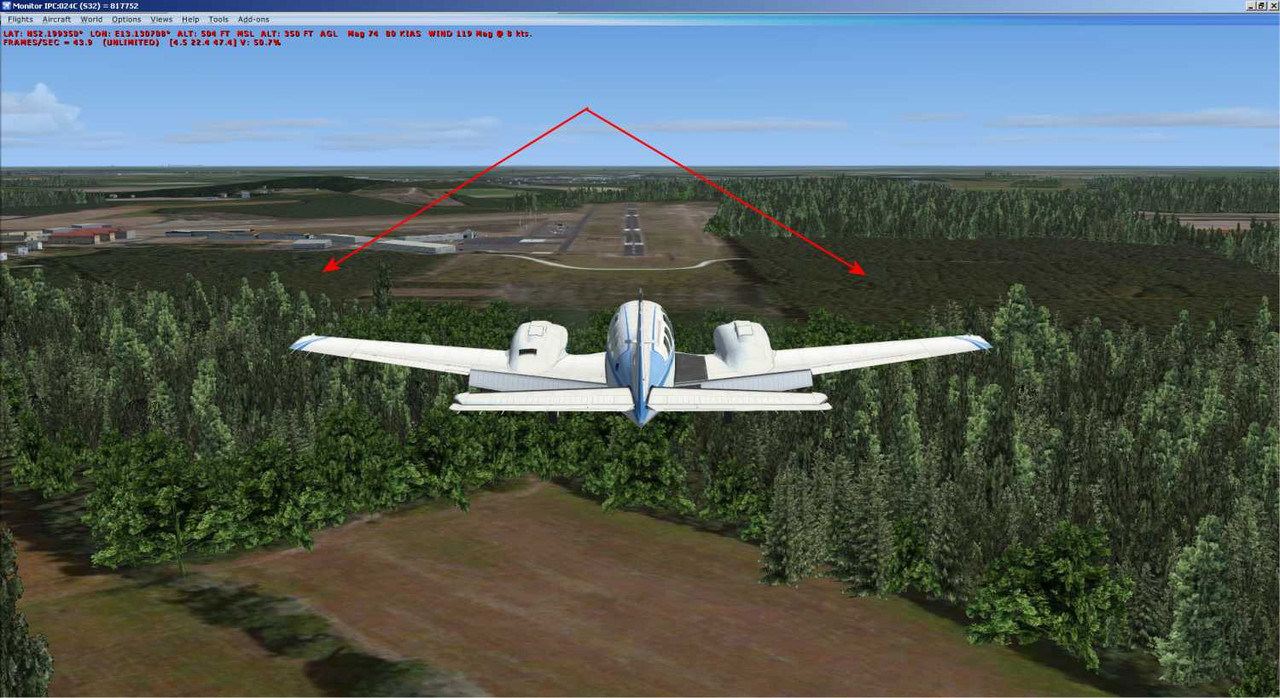
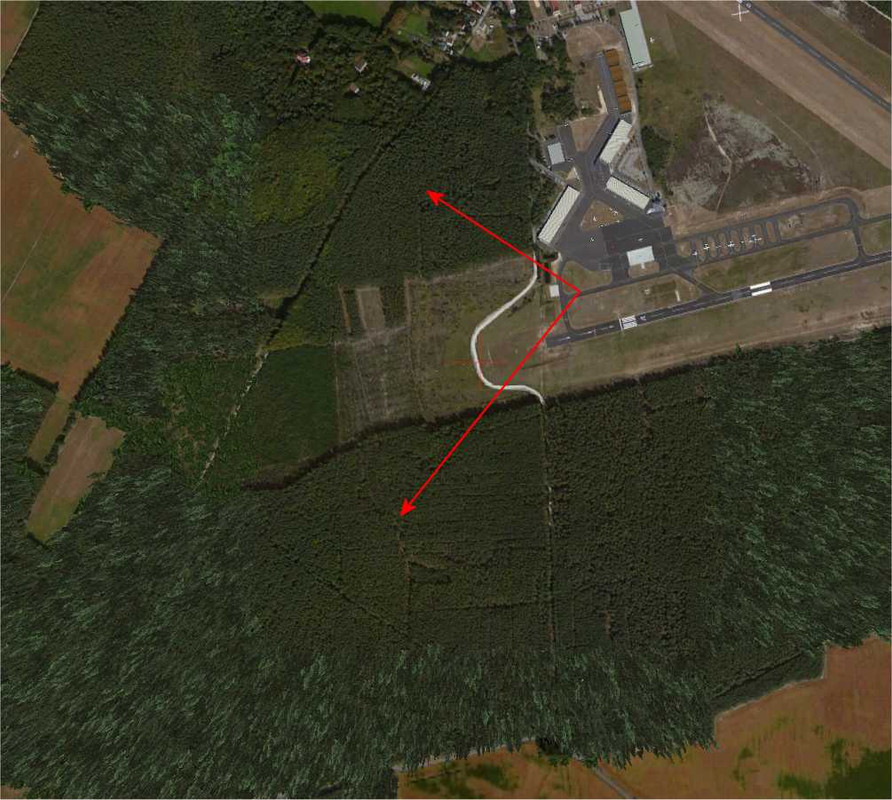
Could you plese post a shot of the approach to runway 07 at Schonhagen (EDAZ).

I don't know which region it is in, but I have a few bare patches around the airfield:

shell station map


The agn file is:

011221312220001An.agn

But there are other bare patches surrounding the airfield.

(It is the same in FSXA and P3D-V4)
 
Everything works for EDAZ too.
The problems you describe are usually caused by incorrect merging of agn files or by excludes from airports...
2019-3-28_19-13-57-142ykrk.jpg

2019-3-28_19-14-4-4035hjk7.jpg

PS: Sorry for the very bad satellite imagery...
 
H Mathias,

Could you plese post a shot of the approach to runway 07 at Schonhagen (EDAZ).

I don't know which region it is in, but I have a few bare patches around the airfield:

shell station map


The agn file is:

011221312220001An.agn

But there are other bare patches surrounding the airfield.

(It is the same in FSXA and P3D-V4)

Yeah this is obviously coming from your Schonhagen scenery, try to disactive it and I'll work.
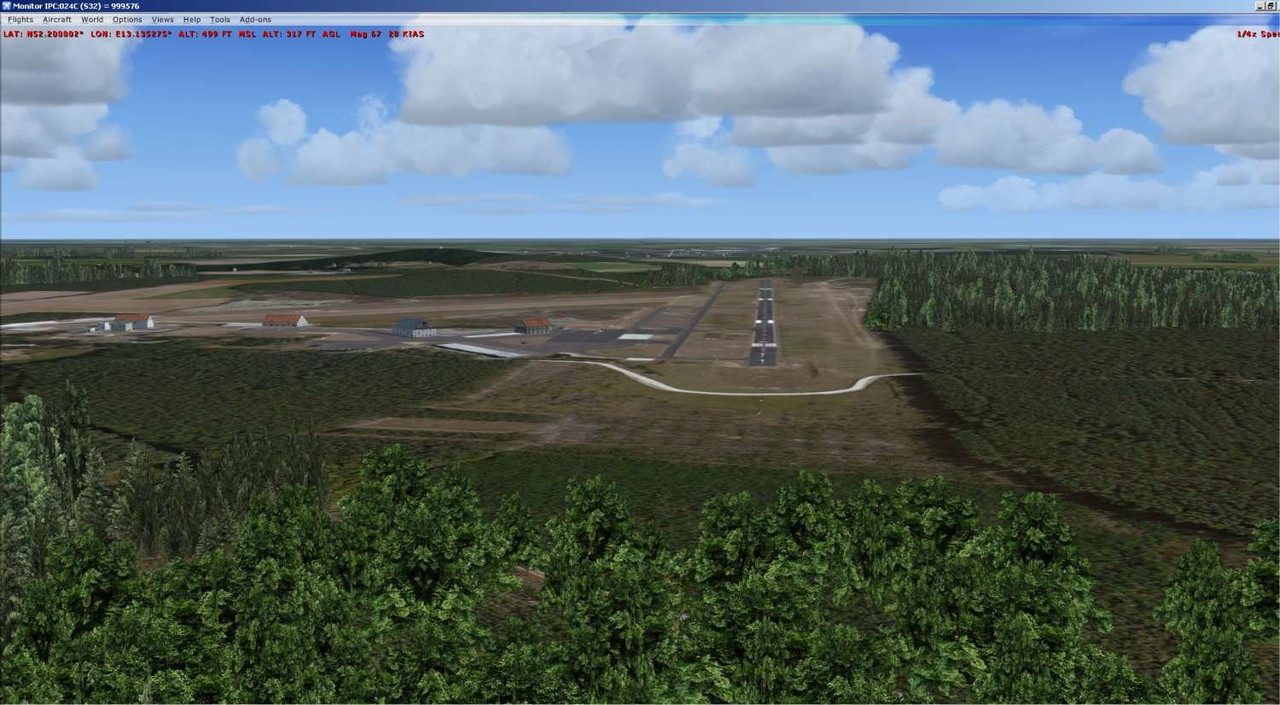
 
Yeah this is obviously coming from your Schonhagen scenery, try to disactive it and I'll work.
I am afraid not. This is with my airfield scenery and base 0601 disabled:

find exxon mobil gas station

My feeling is that the agn file references an entry in autodesctriptions which I don't have.

Mathias' screenshot shows a different tree type in the areas which are missing in my screenshotshot.
 
No, the tree types are default, the same than yours. I am just using different tree textures. There is also no "special" reference in the agn files, everything are default objects and should be displayed correctly.
Maybe you have another AFCAD active, which prevents the autogen to show up in certain areas?
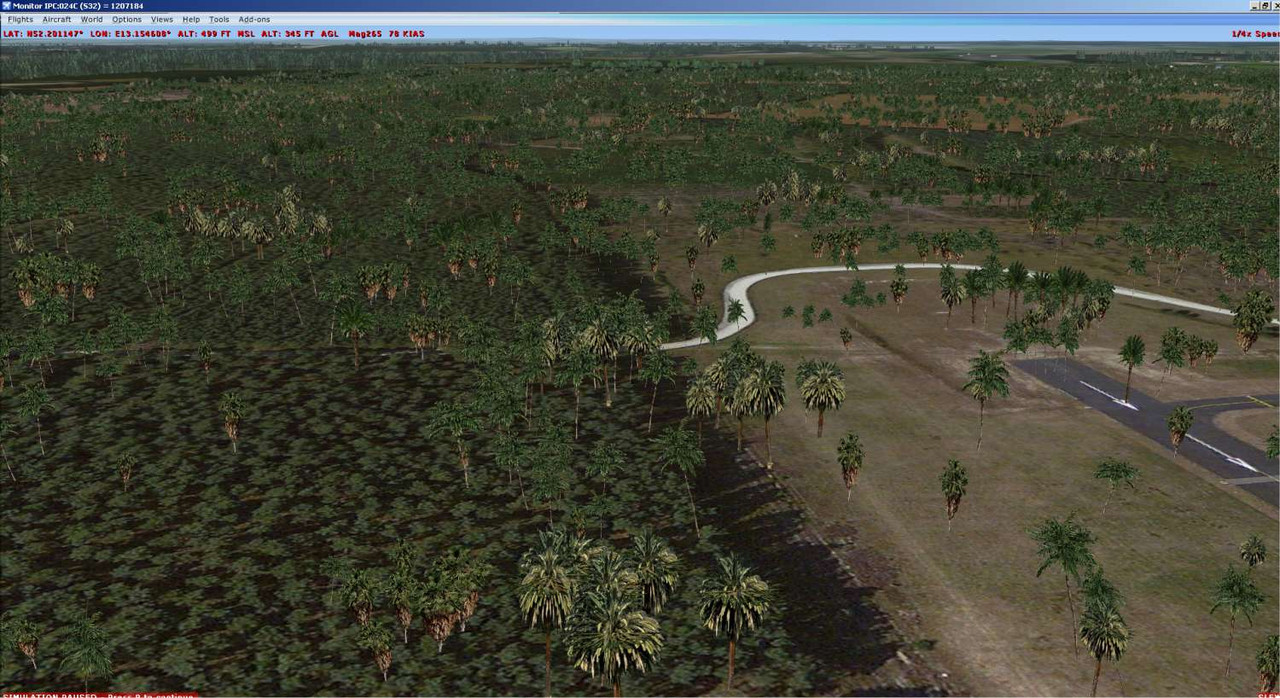
 
I think there must be a problem with the agn files surroundng the airfield.

I deleted all elements and added a polygon region of palms around the whole area and there were no gaps: (With all of my scenery areas active).

nearest open petrol station

I would be grateful if someone other than Mathias could verify this.
 
I just looked at your problem carefully again, the objects I used, the agn GUIDs I used...
And I can't find anything at all that could cause these problems for you.
I also see on your screenshot that it can not be due to the agn GUIDs, because they are displayed correctly on the left side.
Why then of all things palm trees are correctly displayed.... To be honest: Unfortunately I have no idea!

The only thing I can tell you almost for sure is that it's not because of buggy agn files, and it's definitely not because I used objects that you have not installed.

Oh, and just one question: What are those strange spam links under your screenshots?
zwischenablage01nskba.jpg


EDIT:
Do you have the Autogen Config Merger active? A old version of the ACM could also cause such problems.
 
Last edited:
I agree that I do have the GUIDs used in my AutogenDescriptions.spb.

What I may do is edit your agn file by copying an area then deleting everything and pasting that area.

Regarding the link beneath my screenshot, I have no idea, I do not see it. The shot should be a link to Postimage.org.

ps. I do not use Autogen Config Merger.
 
Hm, ok. If you don't have the ACM, try installing it. It looks like there's something fundamentally wrong with your autogen.
Do you have openLC EU installed? If so, try reinstalling it.
 
Back
Top