

- Messages
- 4
- Country

Hi to everyone and sorry form my english!
I´m having this issue when i import a groung poly throught MCX to FS2004. The original format is .DAE (COLLADA) and the texture are already in DTX3 converted with DXTBMP. When the process is finished and go to the simulator, i get this from top view:

And this from Spot Plane view:
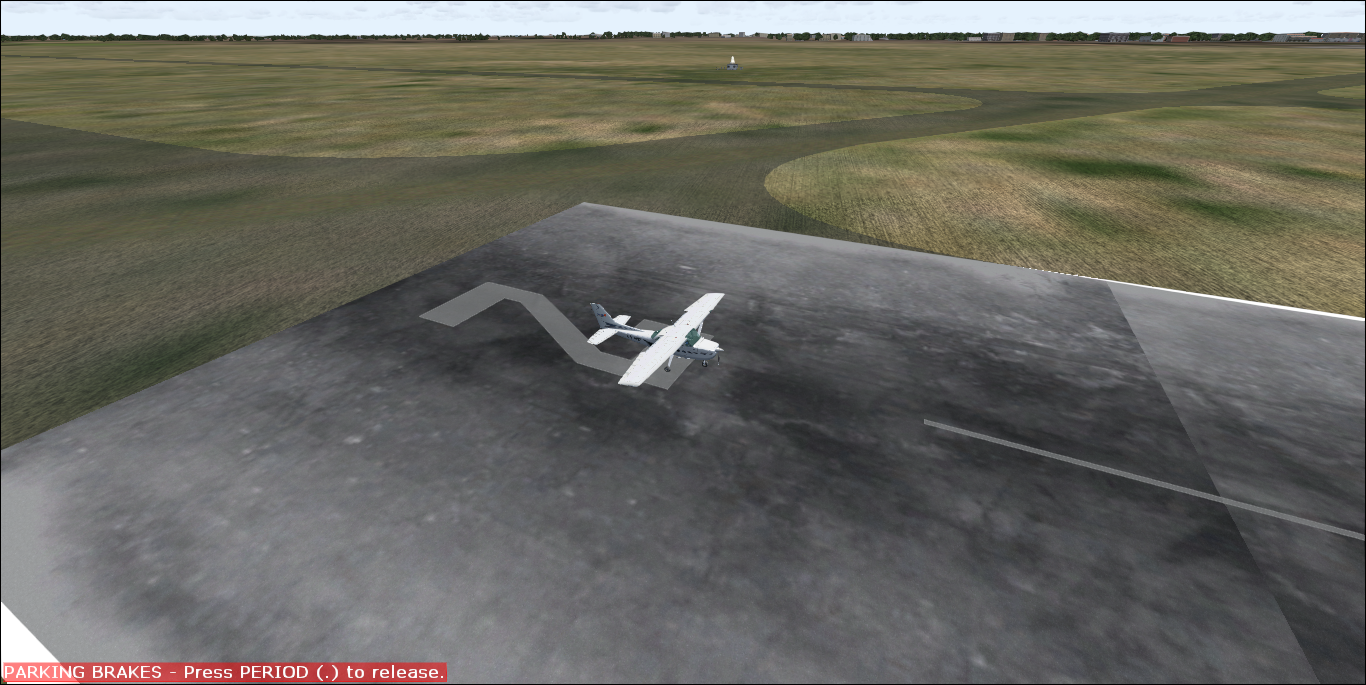
But from the virtual cockpit i can see the texture fine, like it should be.
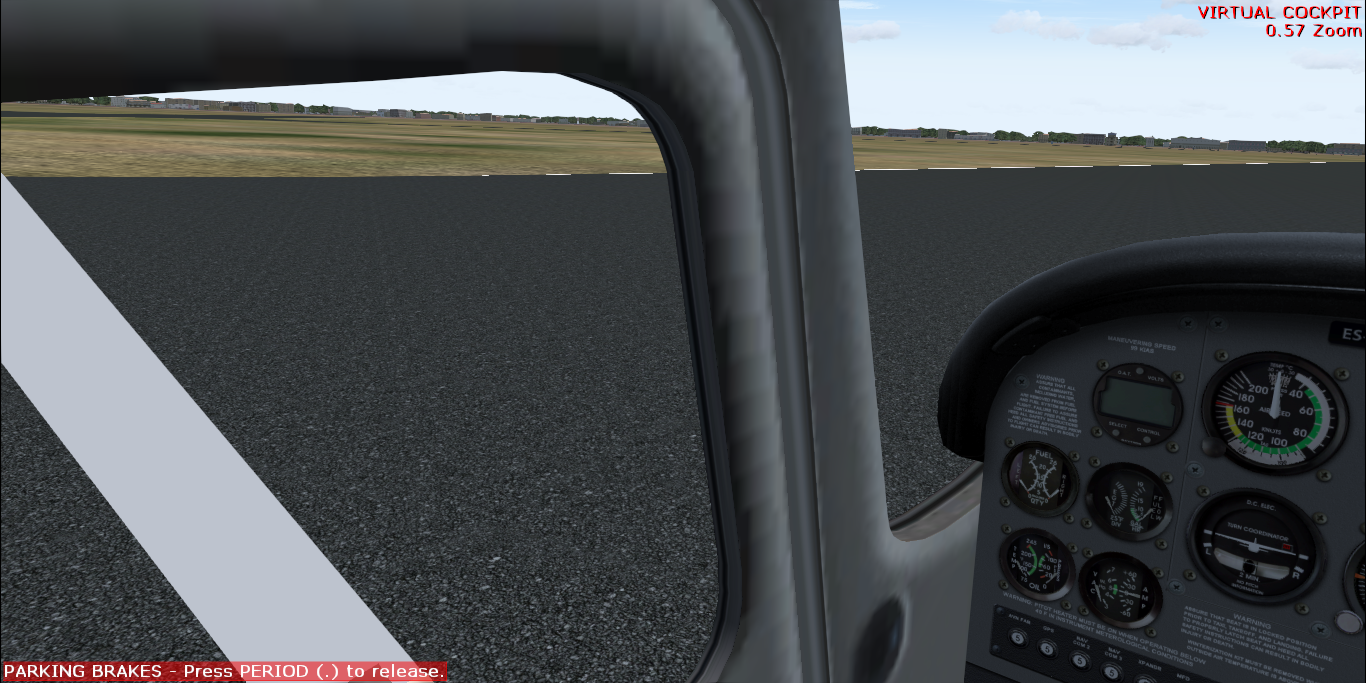
So i don´t really know, and understand, where is the problem.
This is how i convert the poly in MCX:
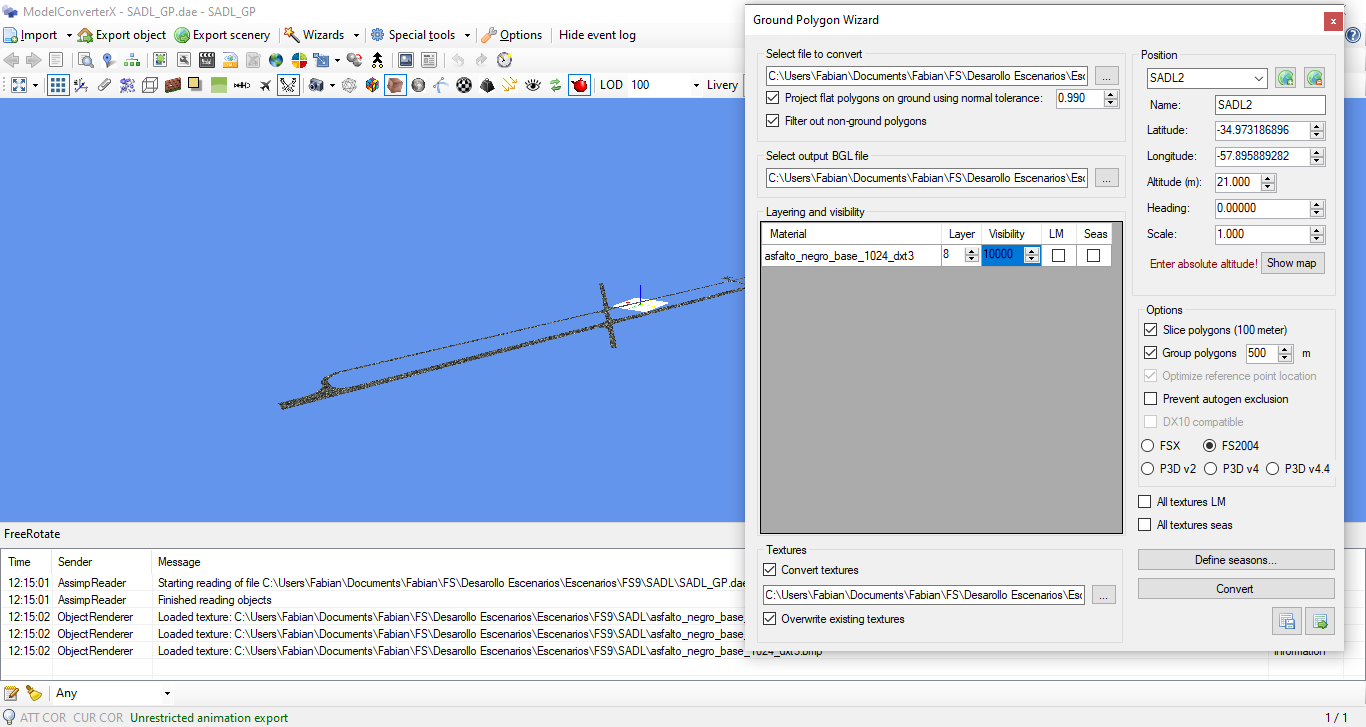
I try to change the layer but the result is the same with no changes.
Any help or tip, pointing me to the right direction is apreciated.
Update: I tried to make a new poly with Blender 2.79 and Blender2FSX toolset, exported the "X" file and do the same process with the Ground Poly Wizard with no luck...
I´m having this issue when i import a groung poly throught MCX to FS2004. The original format is .DAE (COLLADA) and the texture are already in DTX3 converted with DXTBMP. When the process is finished and go to the simulator, i get this from top view:
And this from Spot Plane view:
But from the virtual cockpit i can see the texture fine, like it should be.
So i don´t really know, and understand, where is the problem.
This is how i convert the poly in MCX:
I try to change the layer but the result is the same with no changes.
Any help or tip, pointing me to the right direction is apreciated.
Update: I tried to make a new poly with Blender 2.79 and Blender2FSX toolset, exported the "X" file and do the same process with the Ground Poly Wizard with no luck...
Last edited: