• Which the release of FS2020 we see an explosition of activity on the forun and of course we are very happy to see this. But having all questions about FS2020 in one forum becomes a bit messy. So therefore we would like to ask you all to use the following guidelines when posting your questions:

    • Tag FS2020 specific questions with the MSFS2020 tag.
    • Questions about making 3D assets can be posted in the 3D asset design forum. Either post them in the subforum of the modelling tool you use or in the general forum if they are general.
    • Questions about aircraft design can be posted in the Aircraft design forum
    • Questions about airport design can be posted in the FS2020 airport design forum. Once airport development tools have been updated for FS2020 you can post tool speciifc questions in the subforums of those tools as well of course.
    • Questions about terrain design can be posted in the FS2020 terrain design forum.
    • Questions about SimConnect can be posted in the SimConnect forum.

    Any other question that is not specific to an aspect of development or tool can be posted in the General chat forum.

    By following these guidelines we make sure that the forums remain easy to read for everybody and also that the right people can find your post to answer it.

MSFS24 Remove vegetation from 3rd party scenery

Messages
65
Country
bahrain
So I am building a custom scenery update over a third-party freeware scenery.

All the runways and aprons are working perfectly fine, and the only issue I am facing is with the vegetation trees which are not being removed.
I have tried using exclude polygons and normal polygons with scale, density set to 0 and the exclude all option too.

Can anyone of you provide a tip, if you had experienced this?

Attaching a picture which shows the trees on taxiway
1762513934457.png
 
Last edited:
Additional Info:

I removed the third-party scenery, and these trees are gone on the taxiway. But now I won't be able to have the 3d model buildings in the scenery.

Need your advice here if possible.
 
Sorting out layers of scenery in MSFS are complex than FS2Kx; so, what is the ICAO of the third-party scenery in question ? :scratchch

Then, we need to know what version of MSFS your scenery targets: 2020 or 2024.


BTW: A search shows no FS version prefix in your prior threads, this quote seems appropriate to post for future reference by the OP:


"To help FSDev index, and forum participants to follow- and perhaps contribute posts to- your thread(s), it is important for you to:

* Please state which version of FS this thread pertains to; edit your first post (aka "Opening Post" aka "OP") to insert this info.

Choose a FS version as the subject of a thread by clicking the 'down arrow' next to "(No prefix)" ...when starting a new thread. :pushpin:"

GaryGB
 
Last edited:
What is the ICAO of the third-party scenery in question ?

BTW: A search shows no FS version prefix in your prior threads, this quote seems appropriate to post for future reference by the OP:


"To help FSDev index, and forum participants to follow- and perhaps contribute posts to- your thread(s), it is important for you to:


* Please state which version of FS this thread pertains to; edit your first post (aka "Opening Post" aka "OP") to insert this info.


Choose a FS version as the subject of a thread by clicking the 'down arrow' next to "(No prefix)" ...when starting a new thread. :pushpin:"

GaryGB

Thanks for it. Just fixed that now

The ICAO for the airport is OKKK - Kuwait
 
Are you referring to this specific OKKK - Kuwait scenery package at flightsim.to as the third-party scenery in question?

https://flightsim.to/by-country/KW/


If so, are you planning to update that historic version from its declared period of prior years ?

GaryGB
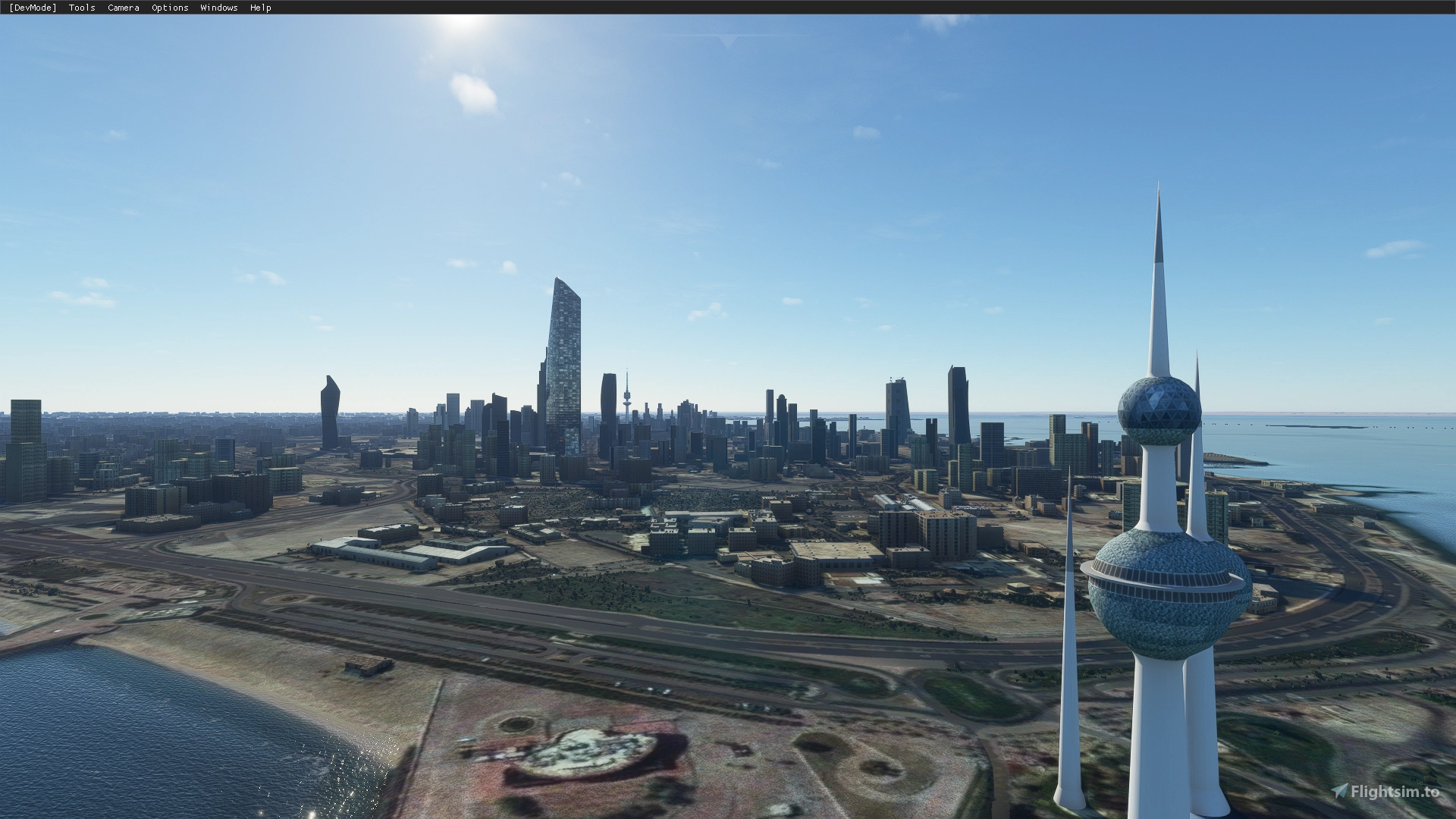
Thats correct, https://flightsim.to/file/3279/okbk-kuwait-intl-airport-and-city

I have done the new update on it, but now the flightsim version has trees over the side of new apron and taxi ways which I am trying to remove.

Attaching a picture: Exclude Rectangles were also used and it shows where I have fixed all the stands on the previous aprons too. But the trees are just not being removed

1762520392505.png
 
Last edited:
Removing the third party scenery and opening my project, I dont have those mini trees on taxiway any more
1762792593764.png


This is getting abit annoying now after trying it so much. The developer of flightsim.to had some great models and I just don't want to spend more time redoing the buildings.

If anyone of legends can advise, would be thankful
 
Removing the third party scenery and opening my project, I don't have those mini trees on taxiway any more.

This is getting a bit annoying now after trying it so much. The developer of flightsim.to had some great models and I just don't want to spend more time redoing the buildings.

If anyone of legends can advise, would be thankful

Please read posts on the add-on package page; the developer has updated the project and also has an "experimental' version since April 2026.

https://flightsim.to/addon/3279/okbk-kuwait-intl-airport-and-city


Note my MSFS 2024 screenshot below uses settings for "Debug" menu display of LODs with a short name, and Terrain > Shapes as well as Vector parameters:

fsdev_evilrash_remove_vegetation_okkk_rwy-33l_msfs24_debug_terrain_shapes_vector_params_lod_sh-jpg.100469


No names are shown specifically for the trees, or the 'vector' in Green that defines the area of their placement. :scratchch

https://docs.flightsimulator.com/html/Developer_Mode/Menus/Debug/Terrain.htm


But IIUC, these may be placed "vector autogen", created as long Polygons of vegetation (by 'vector placement' ?).

https://docs.flightsimulator.com/ms...Objects/VectorPlacement_Objects.htm?agt=index


Importing into MCX:

https://flightsim.to/addon/3279/okbk-kuwait-intl-airport-and-city

OKKK - Kuwait Intl. Airport and City​


...from:

[Download_path]\kuwait_14_mNxq3\kuwait_14\aaa-kuwait\scenery\world\scenery\kuwaitdone.bgl

...and examining the placement Pin locations in MCX Object Placement dialog with Google satellite as a map background ...does not correlate with the trees.


IIUC, a trees Polygon at RWY-16 may be auto-detected MSFS 2024 'default' objects that require a special exclude ? (see aerial imagery in Google Earth / Maps).


Perhaps the trees Polygon at RWY-33L is a MSFS 2024 'default' object that requires a special exclude ? ;)

https://docs.flightsimulator.com/ms...ditor/Objects/Polygon_Objects.htm#enable-mask

IIUC, one may learn more about such object types via this query string used at Google:

Code:
MSFS 2024 SDK Debug Shapes Vegetation Green line Vector Shape "Vegetations"

GaryGB
 

Attachments

  • FSDEV_Evilrash_remove_vegetation_OKKK_RWY-33L_MSFS24_Debug_Terrain_Shapes_Vector_Params_LOD_Sh...jpg
    FSDEV_Evilrash_remove_vegetation_OKKK_RWY-33L_MSFS24_Debug_Terrain_Shapes_Vector_Params_LOD_Sh...jpg
    329 KB · Views: 53
Last edited:

OKKK - Kuwait Intl. Airport and City​


I have excluded the problematic trees from this scenery.
Please include the following code in your XML:
<ExclusionRectangle groupIndex="1" latitudeMinimum="29.21671065680565" latitudeMaximum="29.21756550741279" longitudeMinimum="47.96977311455969" longitudeMaximum="47.97075091410013" excludePolygons="TRUE"/>
<ExclusionRectangle groupIndex="2" latitudeMinimum="29.22930853134846" latitudeMaximum="29.23017912885656" longitudeMinimum="47.94530577241256" longitudeMaximum="47.94630170622342" excludePolygons="TRUE"/>
<ExclusionRectangle latitudeMinimum="29.23747913737379" latitudeMaximum="29.23824400379682" longitudeMinimum="47.95901821933333" longitudeMaximum="47.95989326977688" excludePolygons="TRUE"/>

To exclude trees generated via polygons, you must exclude the polygon's center point rather than the visible trees themselves.
Additionally, since the scenery in question is currently set to `CUSTOM_AIRPORT_LIFE` (which has a very high priority), I recommend changing this to `CUSTOM_AIRPORT` and specifying `CUSTOM_AIRPORT_PATCH` for the file that modifies this scenery.
 
Back
Top